
Diagnostic center software makes order to report traceable
In a center that runs imaging or a laboratory, software is not a file store but a chain: an order is placed, the patient identity and the sample or scan are matched, the device runs, the result is verified, the report is signed, the physician sees it and the patient receives it from the portal. Every link in the chain is recorded with status, time, user and device information. HekimBis builds this chain for outpatient facilities and small and medium-sized diagnostic businesses.
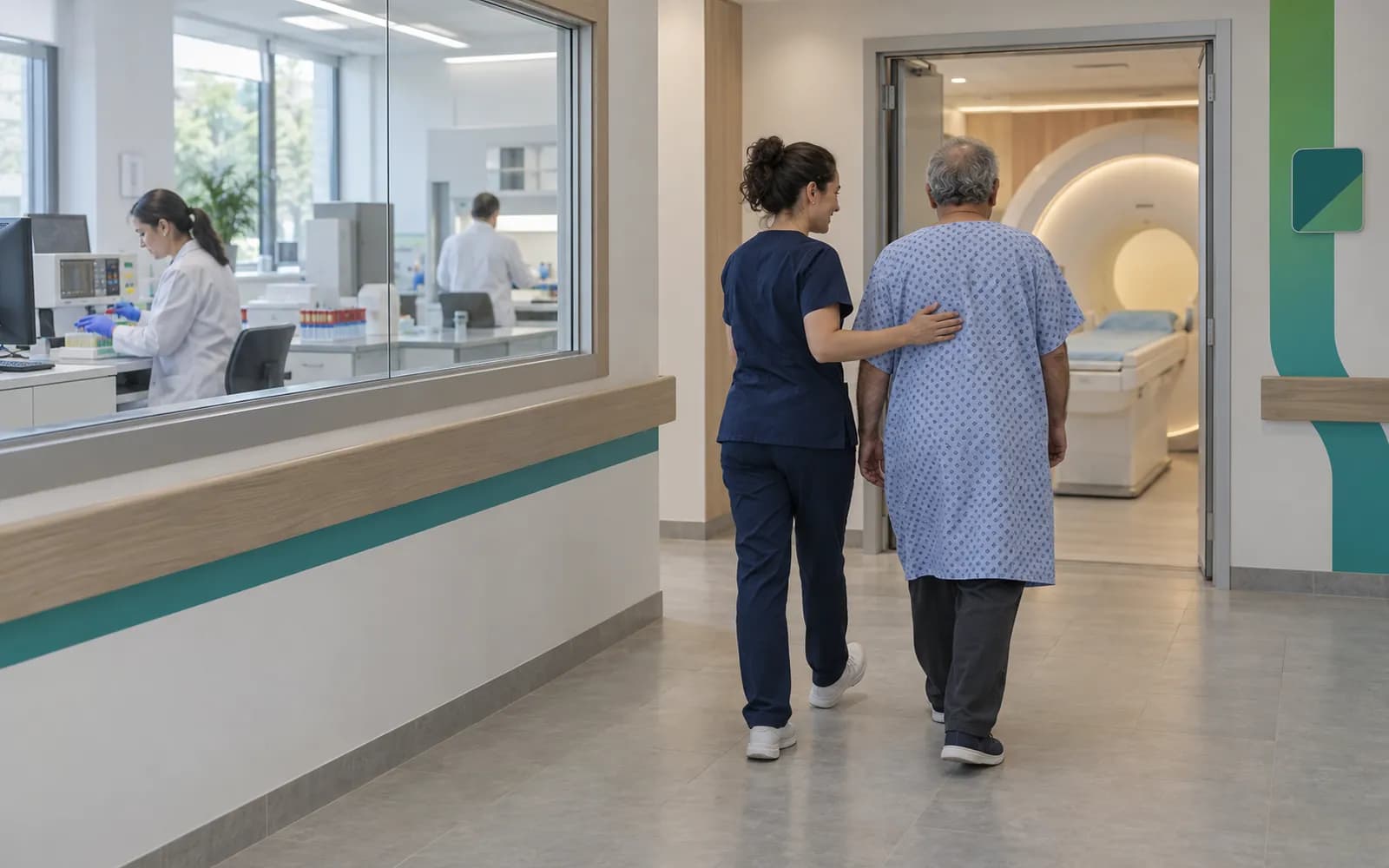
Order, worklist, result and report
Imaging and the laboratory share the same backbone. The flow below joins the two in one diagram.
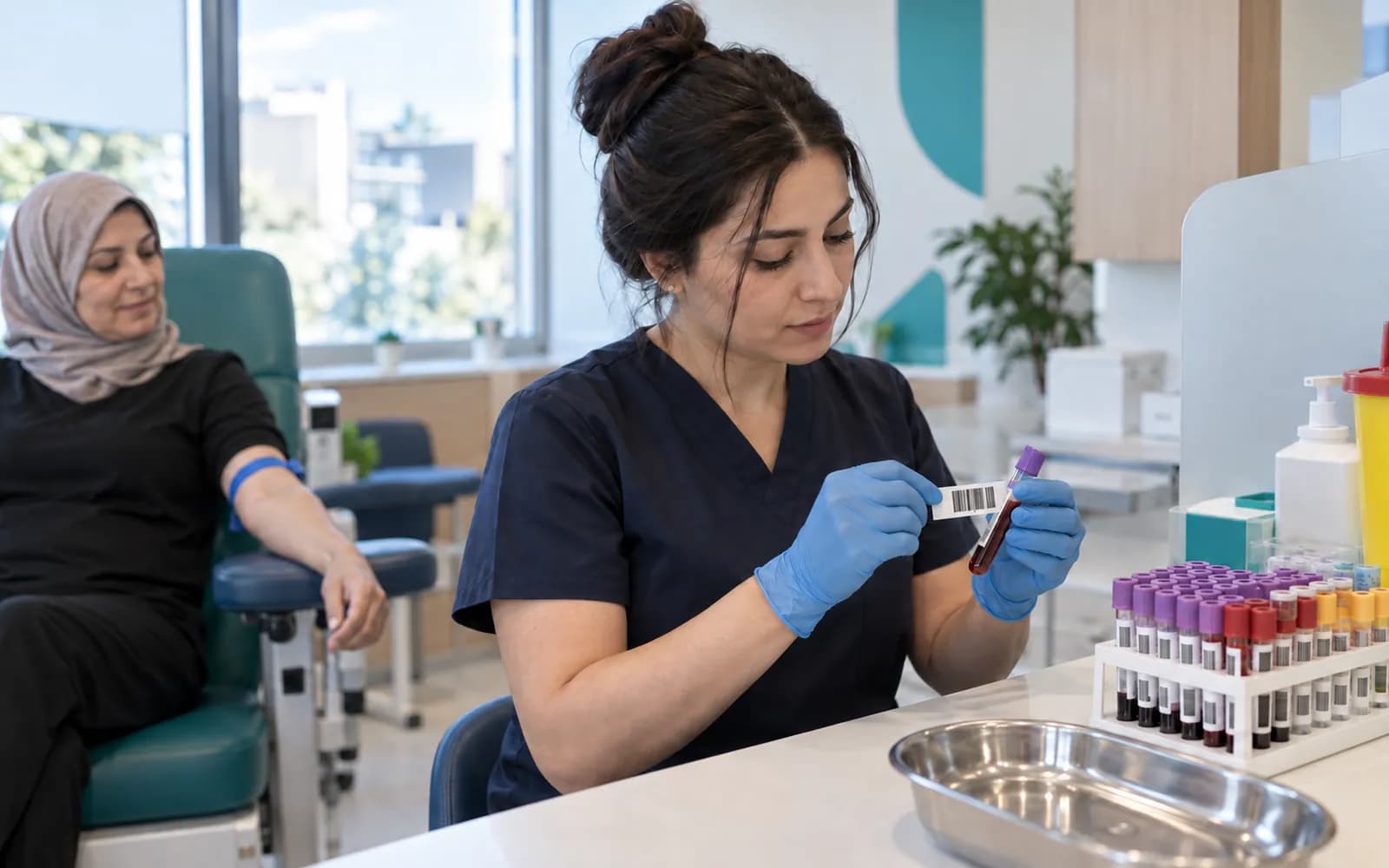
The clinician places an order with the reason, the priority and, for imaging, contrast, allergy and preparation information; in the laboratory the test or panel, the sample type and special conditions are stated. The order gets a unique accession number. In imaging the device takes patient details from the modality worklist without having them retyped; in the laboratory the sample is barcoded, the collector and time are recorded, and the analyzer pulls its worklist.
The scan starts and finishes and a technical quality check is done; in the laboratory the sample is accepted and processed. The reason for a rejection or a repeat scan is recorded and creates a new task. Data is taken in securely through the bridge on the clinic network, and the patient, order and accession details are matched. No automatic matching is done by looking only at name and surname; a patient, order or sample that does not match is quarantined and checked by a person.
In imaging a reading queue, a draft and a signed report follow; in the laboratory, technical and clinical verification. If there is a correction or withdrawal, the earlier version is kept; no result is overwritten silently. A critical result stays in the queue until the physician leaves a record that they have seen and acknowledged it. The result is published to the patient portal with the physician's approval and appears on the patient timeline together with the order.
Detailed pages for each link: Imaging and PACS workflow, Laboratory and LIS, Patient portal and, by specialty, Radiology, Laboratory and Pathology.
Portal publication with doctor approval and timeline
- The process is complete here.
All steps
- 01 Order: reason, priority, imaging or laboratory (Clinic)
- 02 Accession and worklist; barcoded specimen in the laboratory (Planning / specimen)
- 03 The device receives its worklist; acquisition or analysis (Modality / analyser)
- 04 Secure transfer and technical check (Modality / analyser)
- 05 Patient / order reconciliation (Planning / specimen)
- 06 Preliminary result / reading queue (Verification and report)
- 07 Final: clinical validation or signed report (Verification and report)
- 08 Doctor acknowledgement for critical findings (Clinic)
- 09 Portal publication with doctor approval and timeline (Portal)
Alternative path from 03 The device receives its worklist; acquisition or analysis; it returns to the main flow at 02 Accession and worklist; barcoded specimen in the laboratory.
- 03a Rejection or retake: re-collection or re-acquisition task (Modality / analyser)
Alternative path from 05 Patient / order reconciliation; it returns to the main flow at 06 Preliminary result / reading queue.
- 05a Mismatch: quarantine, human review (Planning / specimen)
Alternative path from 07 Final: clinical validation or signed report; it returns to the main flow at 07 Final: clinical validation or signed report.
- 07a Correction or withdrawal: the earlier version is kept (Verification and report)
09 Portal publication with doctor approval and timeline
Device families and connection
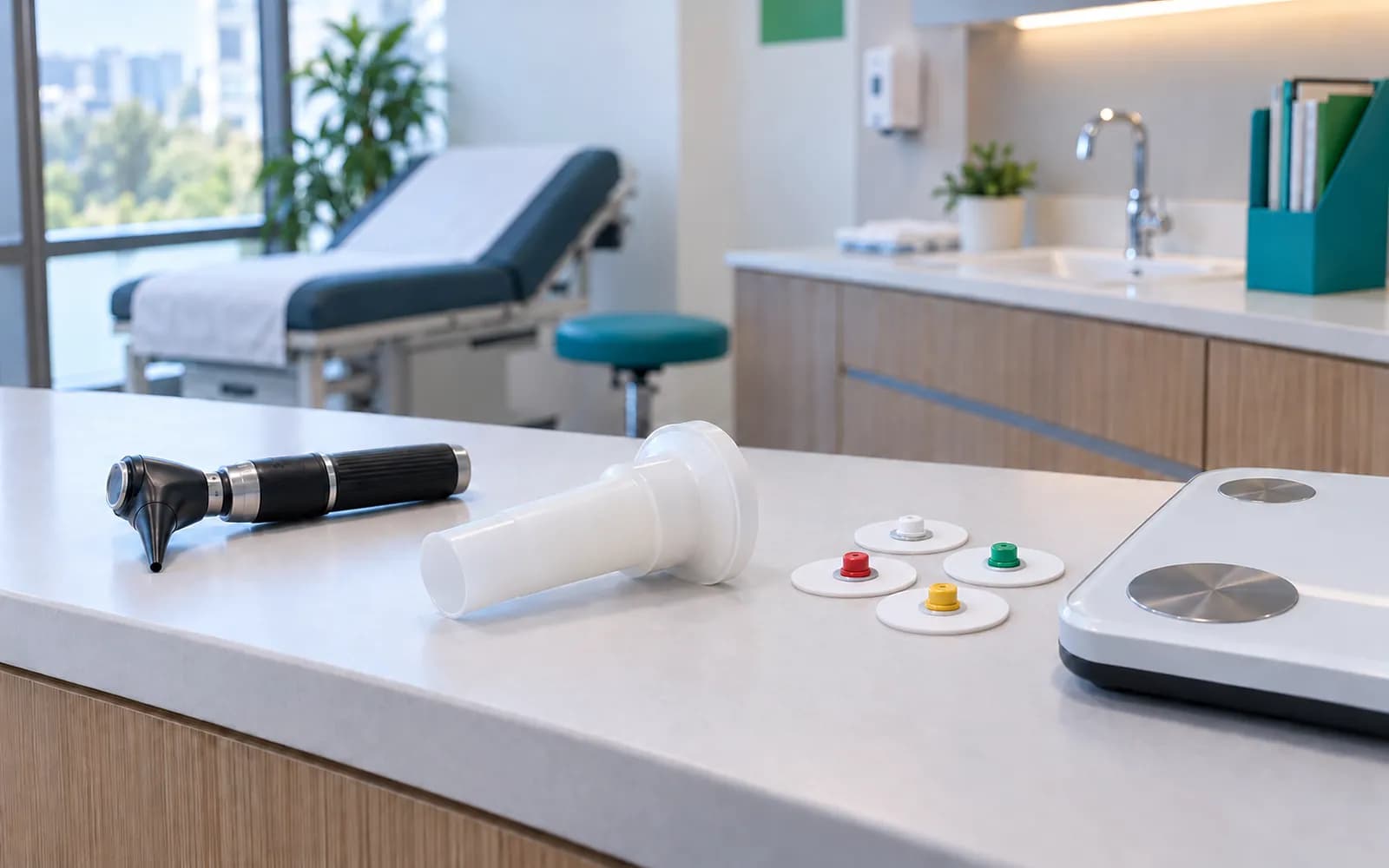
In a diagnostic center connection quality comes before report quality. Connections are made with the Edge Connector bridge that runs on the clinic's local network: a message from the device is written to an encrypted local queue, only outbound connections are opened, data is stored if the internet drops, and it is sent in order without copies when the connection returns.
Radiology
X-ray, dental RVG, panoramic and CBCT, ultrasound and modalities that support DICOM. The connection is made with DICOM and DICOMweb and the modality worklist.
Laboratory
Biochemistry, hemogram and other analyzers. The connection is made with HL7 and device-specific adapters.
Pathology
The chain of sample, block and slide. It is followed with accession and traceability records.
Archive and PACS
The facility's existing PACS or RIS, or HekimBis's managed archive. Order, status, report and viewer hand-off are connected.
The phrase supported is used only for devices verified at manufacturer, model, protocol and software version level, and this list is published from settings. A file taken from an unverified device is labeled as manual import on every screen. Device connection is not locked to a package; diagnostic centers take it as added capacity. See Edge Connector, DICOM and PACS, Laboratory device and LIS and Device connections.
Connection health is monitored centrally: the bridge's status, the number of messages in the queue and the certificate expiry appear on screen, and a warning arrives when a device goes quiet. The technician then starts work with a screen where the cause is already visible instead of starting to search for why a device is not sending results.
Ways of working with existing systems
HekimBis works in diagnostic centers in two ways. In the first, the facility has an existing enterprise PACS or RIS; HekimBis manages the order, status, report and viewer hand-off and does not duplicate pixel data unnecessarily. In the second, for outpatient facilities and small and medium-sized diagnostic businesses, HekimBis's managed archive and reference viewer are used; there is an encrypted archive isolated per institution, retention management, integrity checks and a sharing record.
The viewer is for clinical and reference use. Primary diagnostic interpretation is done in the facility's approved diagnostic viewer and PACS system; HekimBis works with those systems at the level of order, status and report.
The connection to existing hospital-scale RIS, LIS and PACS systems rests on HL7 messages and, in systems that support it, FHIR mapping; the source test code and the HekimBis canonical code are kept together.
Three workflows
Radiology
From order to report: appointment, arrival record, room and technician assignment, modality worklist, start and end of the scan, technical quality check, repeat scan and rejection reason, reading queue, specialist assignment, draft, final, addendum and correction report, critical finding notice. Comparison with the earlier study and the report and key image appearing together on the patient timeline.
Laboratory and pathology
Test and panel order, sample type and collection time, barcode and label, acceptance and rejection, run, preliminary and final result, unit and reference range, critical value, correction and withdrawal. In pathology, a trail from accession to the chain of sample, block and slide, from the technical process to structured (synoptic) reporting and consultation.
Connection to existing systems
If the facility has its own PACS, RIS or LIS, HekimBis is the bridge for order, metadata, report and viewer hand-off. Message families rest on HL7 and, in systems that support it, FHIR mapping.
On top of these is the clinical, finance and operations layer: a diagnostic center is also a business. Appointments, payments, earnings, stock (reagents and supplies, lot and expiry), staff and device maintenance, and mandatory national submission for results received (where the data set requires it) are in the same system. See e-Nabız and USS submission, Reporting and Roles and permissions.
How things look on the patient and physician side is part of the flow too. Preparation instructions, such as coming fasting, information before contrast or the medicines in use, are sent to the patient at booking; when the result is ready, it is published on the portal with the physician's approval and the patient gets a notification that contains no health information. The ordering physician sees the result together with earlier studies and the report on the patient timeline; a critical value stays in the queue until acknowledged. Sending the result to a referring facility or physician is done through an authorized and recorded sharing link. That is the difference between a diagnostic center sending a result as a file and delivering it in a traceable way. See Patient portal.
Frequently asked questions
Are diagnostic center software, radiology RIS software and laboratory LIS software the same?
Diagnostic center software covers the whole business, meaning order, device, report, appointments, finance and stock; RIS and LIS are its imaging and laboratory parts. See Radiology and Laboratory for the clinical workflow and DICOM and PACS for the connection method.
Does it work with our hospital RIS or LIS?
Yes. It works integrated with existing hospital-scale systems at the level of order, status, report and viewer hand-off.
Can we make a diagnosis with the viewer?
The HekimBis viewer is for clinical and reference use. Primary diagnostic interpretation is done in the facility's approved diagnostic viewer and PACS system.
Which devices are supported?
Devices verified at manufacturer, model, protocol and version level are on the list published from settings. A file from an unverified device is labeled as manual import.
Are images and results lost if the internet drops?
The bridge stores data in an encrypted local queue, sends it in order when the connection returns and creates no copies when resending. See Cloud patient tracking.
How is a critical value followed?
A critical result stays in the queue until the physician sees and acknowledges it, and the acknowledgment is recorded.
Are device maintenance and calibration tracked?
Yes. Device maintenance, calibration and fault status appear as blocks in the calendar, and no appointment is given to a device under maintenance.
Related pages
Features
- Imaging and PACSDICOM workflow from order to report: worklist, matching, and a reference viewer.
- Laboratory and LISOrders, specimen barcodes, analyzer results, verification, and critical values.
- Device connectivitySecure, outage-tolerant data from clinic devices through the Edge Connector.
- Patient portalA clinic portal where patients follow appointments, forms, consent, results and payments.
Specialties
Solutions and process
Software guides