
Specialty-specific workspaces
A dentist, an eye doctor and an audiologist cannot use the same screen. In HekimBis, a specialty experience is a clinically validated, versioned specialty pack running on the shared platform core. The menu, forms, scales, widgets, follow-up protocol and report come with the specialty, while the patient record, appointments, security and audit trail are common to all of them.


The core, the pack and the extension are separate layers
A specialty workspace is made of three layers, and each layer has a defined job and owner.
- Platform core
- Carries the shared work every specialty needs: patients, appointments, resources, visits, orders, results, consent, inventory, finance, permissions and audit.
- Specialty pack
- It configures the core engines with clinically validated, versioned specialty content: which appointment type, form, scale, widget, device family and supply kit.
- Organization extension
- Adds your clinic's own optional fields and templates without weakening the central content.
The result is simple for the physician: one user can work with several specialty packs, each pack brings its own screens, and the patient remains one record. It also protects the organization: even when specialty content changes, the meaning of a signed record does not.
Four screen components in each specialty's own language
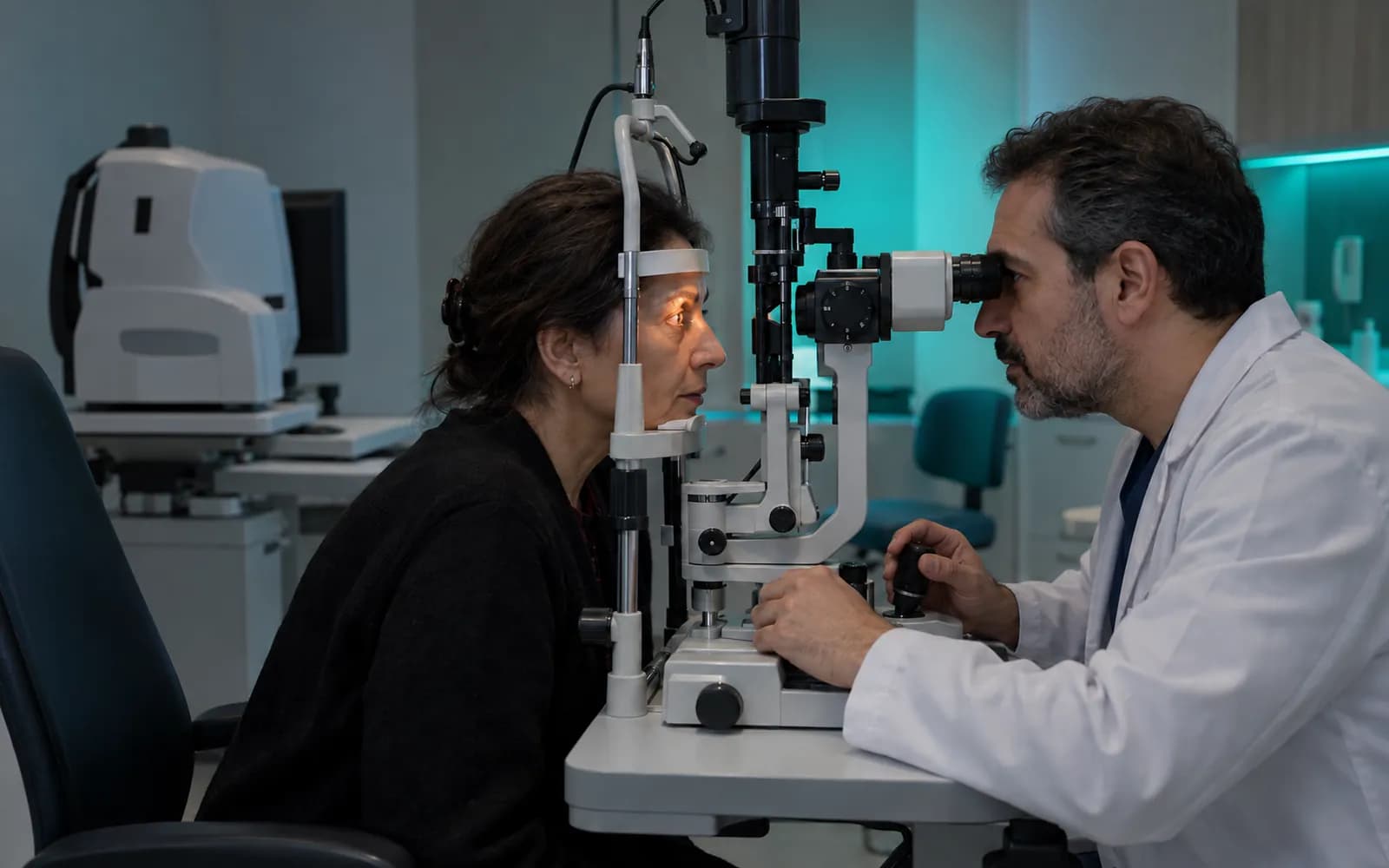
In an eye examination, the OD and OS (right and left eye) fields, visual acuity and refraction work on the same principle. The four components below are examples of specialty-specific screens.

Odontogram
Procedures by tooth and surface, a periodontal chart and the treatment and session plan. The dentist sees the patient's mouth on a clickable chart and ties each procedure to a tooth and surface.
Dental
Lesion and body map
In dermatology, lesion location, morphology and serial follow-up photographs, compared with earlier images. In aesthetics, the area and procedure plan.
Dermatology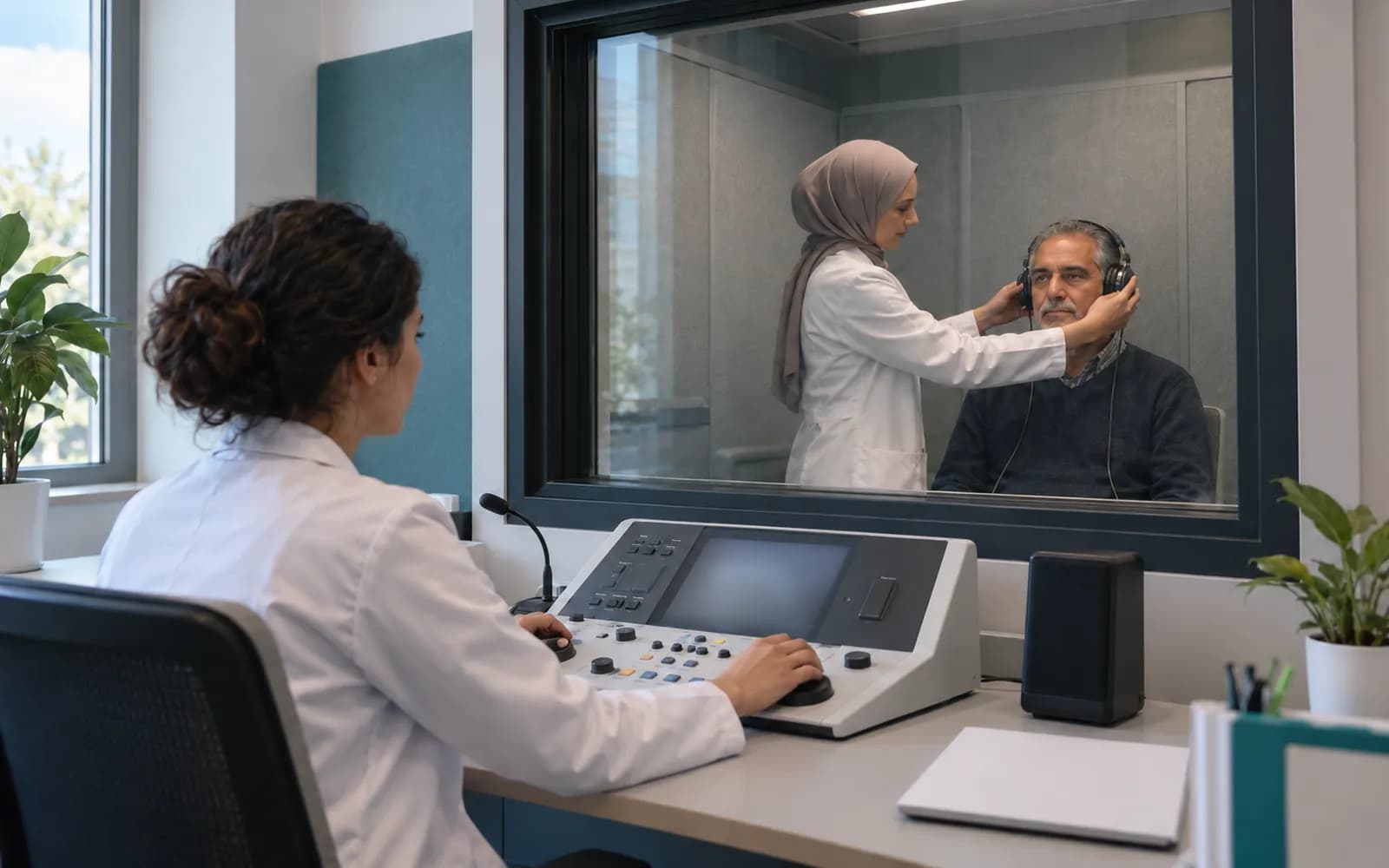
Audiogram
A graphic view of the audiometer result, vestibular and hearing follow-up, with measurements compared over time.
Audiology
Growth chart
In pediatrics, percentile curves for height, weight and head circumference, plus the vaccination and follow-up plan. Vital signs are read against the range suited to the child's age.
Pediatrics

What lives in the core and what lives in the pack
A specialty pack does not rebuild the core business capabilities. Each shared capability has a clear owner: the core provides the infrastructure and the pack brings the specialty content.
- Patients, appointments, visits
- The core provides the lifecycle of patients, appointments, resources, visits and care plans, and the pack brings the appointment and visit types, durations, section order and the room, device, staff and preparation rules.
- Forms and schemas
- The core provides a type-safe form, schema and version engine, and the pack brings fields, sections, terminology, value sets and units approved by the clinical owner.
- Scales and scores
- The core provides scale calculation and trend infrastructure, and the pack brings validated scales, score formulas, thresholds, interpretation limits and follow-up frequency.
- Orders and results
- The core provides the central order, result and critical value model, and the pack brings order sets, panels, body sites, result views and a specialty review queue.
- Devices and imaging
- The core provides the Edge Connector, DICOM and DICOMweb, HL7 and FHIR and the device adapter layer, and the pack brings the specialty's device families and the manufacturer, model, protocol and version compatibility reference.
- Documents, consent and signature
- The core provides documents, media, signatures, privacy notices, explicit consent and clinical consent, and the pack brings procedure-specific templates, the photo protocol and patient preparation and aftercare instructions.
- Inventory and supplies
- The core provides stock, lot and serial and supply traceability, and the pack brings the procedure and supply kit and the specialty's consumption rules.
- Automation
- The core provides the automation, task, recall and escalation engine, and the pack brings specialty rules and task templates.
- Reporting
- The core provides reporting, authorized export and quality indicator infrastructure, and the pack brings the specialty KPI definition, its clinical meaning and the accepted calculation rule.
- National data submission
- The core runs submission, receipts, retries and reconciliation, and the pack defines the relevant mandatory fields and the versioned mapping requirement.
- Patient portal
- The core provides the patient portal and its release rule, and the pack brings specialty portal content such as preparation and aftercare.
- Security and audit
- The core provides organization and branch isolation, permissions, the audit trail, retention and resilience, and the pack defines the sensitivity class of specialty data, special access rules and retention requirements.
Every pack is released with two independent clinical sign-offs
Every specialty definition has a named lead clinical owner, an independent clinical reviewer and a product owner. The owner and the reviewer sign separately, and the product owner completes the test, version and release evidence. If the reviewer rejects the pack it returns to the schema. A new version never changes the meaning of a record that was signed earlier.
Monitoring and re-evaluation
Use is monitored; the pack is re-evaluated periodically and the retirement date is recorded.
- The process is complete here.
All steps
- 01 Need and clinical source (Clinical owner) The most frequent daily workflows and the high-risk workflows are defined from clinical sources with recorded licences.
- 02 Product schema (Product) Typed forms, scales, terminology, widgets and supply-kit schema are drafted.
- 03 Primary clinical owner review (Clinical owner) A named primary clinical owner with verified competence reviews the content and workflows.
- 04 Security and data classification (Security) Sensitivity class, special access rule and retention requirement are defined.
- 05 Sample patient and edge-case tests (Product) Empty, normal, critical, corrected and history-laden patient scenarios are run, with permission and sensitive-note negative tests.
- 06 Pilot (Clinical owner) Tried end to end in a limited pilot with the real workflow.
- 07 Independent clinical reviewer (Independent reviewer) A specialist other than the primary owner, with verified competence, reviews the pack.
- 08 Dual clinical signature (Independent reviewer) The primary owner and the independent reviewer sign separately; the product owner cannot stand in for the signature.
- 09 Versioned release (Product) The pack is released as an immutable, identified version; rollout and rollback are recorded.
- 10 Monitoring and re-evaluation (Product) Use is monitored; the pack is re-evaluated periodically and the retirement date is recorded.
Alternative path from 07 Independent clinical reviewer; it returns to the main flow at 03 Primary clinical owner review.
- 07a Reviewer rejection (Independent reviewer) The independent reviewer rejects the content. The pack is not released; the reasons are attached to the relevant fields.
- 07b Back to the schema (Product) The product schema is corrected and the primary owner review starts again.
Alternative path from 09 Versioned release; it returns to the main flow at 10 Monitoring and re-evaluation.
- 09a Old records pinned (Product) When a new version is released, previously signed clinical records, forms and consents stay in the version they were created in; their meaning does not change.
10 Monitoring and re-evaluation
Add your own fields
Your clinic can add an optional field, a local form section, a template, a task, an information text or a display preference to the central pack.
- Validation and authorized approval
- An extension goes live with an authorized release approval after it passes schema validation, permission and data classification checks and testing.
- Central rules stay intact
- The central definition's security fields, clinical rules, calculation logic, consent separation, national data mapping and audit behavior stay the same whatever an extension adds.
- Separate version trail
- The central pack version and your extension version are tracked separately, with a record of release, rollback and retirement for each.
- Version pinning
- A signed clinical record, form or consent is pinned to the central definition and extension version it was created with, and later releases never change the meaning of an older record.
Frequently asked questions
Which specialties are supported?
The scope covers twenty core commercial lines, their breakdown into twenty-six clinical profiles and eight approved extensions, 34 versioned definitions in all: for example general practice, family medicine, internal medicine, pediatrics, obstetrics and gynecology, dentistry, dermatology, medical aesthetics, plastic surgery, psychiatry, psychology, dietetics, physiotherapy, orthopedics, cardiology, ENT, audiology, ophthalmology, urology, neurology, chest medicine, gastroenterology, general surgery, radiology, laboratory and pathology, with hair transplantation, orthodontics, IVF, GETAT, check-up and corporate health, endocrinology and diabetes, algology and rheumatology as extensions. The full list is on the specialties page.
Can one physician use more than one specialty pack?
Yes. One user can work with several specialties and packs. The patient remains one record, and each pack brings its own screens and forms. The number of active profiles included depends on the plan: 1 for Lite, 3 for Pro and 8 for Clinic, with more available as extra capacity.
Who prepares and approves the packs?
Every definition has a named lead clinical owner and an independent clinical reviewer, who sign separately. The product owner completes the test, version and release evidence.
Do my old records change when a pack is updated?
The meaning of your old records stays the same. A signed record, form and consent are pinned to the pack version they were created with, and the older form version can still be viewed when a new version is released.
Can I add my own form?
Yes. Optional fields, local form sections, templates and tasks can be added. The central pack's security, clinical rules, consent separation and national mapping stay intact, and an extension goes live after validation and authorized approval.
Does a pack include device integration?
A pack defines which device families a specialty needs and which combinations of manufacturer, model, protocol and version have been verified. The device connection layer is shared, and "supported" is used only for verified combinations. See the device connectivity page for details.
Is health tourism tied to a specialty pack?
Health tourism is a shared platform capability and is not built into any one specialty pack. Packs such as hair transplantation or aesthetics only add their own clinical journeys.
Where do ready-made specialty texts and protocols come from?
Ready-made texts, order sets, protocols and document templates come with the specialty pack, and your clinic can add its own local templates and fields on top of them.
Keep reading
Related pages
Features
Specialties
- AudiologyAudiograms, tympanometry, hearing aid fitting, and follow-up schedules.
- DermatologyLesion and body maps, dermoscopy photo series, and separate photo consent.
- PediatricsPercentile and growth charts, vaccine schedules, and a guardian-enabled portal.
- ENT (ear, nose, and throat)ENT exam charts, an endoscopy image archive, and linked audiology results.