
Patient communication and appointment reminders
HekimBis sends appointment confirmations, form reminders and aftercare follow-ups by SMS, email, WhatsApp and app notification. The patient's reply lands in the same conversation, so the front desk can see which message went out, when, and whether it arrived.

Whichever channel a patient replies on, the answer lands in one conversation
The channel is chosen for the purpose of the message. Delivery, read and error status of every send is written to the record.
SMS
Used for appointment confirmations, reminders and form instructions. A message that is not delivered is retried; the text comes from a template, and the patient's name and diagnosis are never written into plain text.
Email
Suits longer content such as aftercare instructions and form links. Delivery and read results are tracked; instead of attachments, a secure link that asks the patient to verify identity is sent.
WhatsApp
Two-way operational messaging with approved templates. The patient's reply is added to the conversation history, and an opt-out request is applied immediately.
App notification
Notifications appear in the patient portal and the mobile app. They stay generic; details open only after the patient signs in.
Every exchange with a patient stays in one conversation history
Outgoing messages, patient replies and staff internal notes appear in time order in the same file. An incoming reply is assigned to a staff member; when the task is handed over, the history and notes go to the new owner with it.
When a message does not reach the patient, the record says why: the number is invalid, the patient opted out of the channel, or quiet hours applied. The front desk uses that to call the patient on another channel.
Patient management- 09:12System · SMSAppointment confirmation sentDelivered
- 09:41Patient · WhatsAppConfirmedRead
- 10:05Staff · Internal noteFront desk handed the patient over to the nurseHanded over
- 16:02System · SMSCampaign message not sent; marketing consent could not be verifiedBlocked
- 16:20System · SMSCheck-up reminder postponed because of quiet hoursMoved to 08:00
Names, times and records on screen are examples prepared for illustration.
Every message is checked before it is sent
Each message is classified first: an operational message the service needs, or a marketing message? Then channel consent, the patient's preference and quiet hours are checked. Confirmations, changes, forms and preparation instructions are operational; if consent for a marketing message cannot be verified, it is not sent and the reason is written where the front desk can see it.
Delivered / read
Delivery and read status are written to the conversation timeline; the patient's reply lands in the same record.
- The process is complete here.
- If the patient opts out of the channel06a Opt-out
All steps
- 01 Trigger (Trigger) An appointment confirmation, a form reminder or a campaign message starts the flow. A synthetic name pattern is shown instead of a patient name.
- 02 Classification (Classification) Is the message an operational service message or a commercial one? The decision is recorded with the rule that applied.
- 03 Channel consent and quiet hours (Consent) The patient's preferred channel, opt-out status and quiet-hours window are checked.
- 04 IYS check (commercial only) (Consent) For commercial messages the consent record is verified before sending. Operational messages skip this step.
- 05 Send (Channel) Generic content and, where needed, an identity-verified secure link are sent. No health information appears in plain text.
- 06 Delivered / read (Patient) Delivery and read status are written to the conversation timeline; the patient's reply lands in the same record.
Alternative path from 03 Channel consent and quiet hours; it returns to the main flow at 05 Send.
- 03a Quiet hours: deferred (Consent) The message is not rejected; it is sent when the patient's quiet hours end.
Alternative path from 04 IYS check (commercial only); the process ends on this path.
- 04a Blocked: no commercial-message consent (Consent) Fail-closed: when consent cannot be verified, nothing is sent. The reason is recorded and visible to the front desk.
Alternative path from 05 Send; it returns to the main flow at 06 Delivered / read.
- 05a Delivery failure (Channel) The channel returned an error or the number/address is invalid.
- 05b Retry (Channel) The message is retried under the same identity, so the patient does not get duplicates. If it still fails, the reason is shown.
Alternative path from 06 Delivered / read; the process ends on this path.
- 06a Opt-out (Patient) The patient asks to leave a channel; the preference updates and later messages do not use it.
06 Delivered / read

Quiet hours and message preferences follow each patient
A communication preference is kept for every patient: which channel, which type of message, and which time window. A message due during quiet hours is not rejected; it is postponed to the next suitable time. When a patient opts out of a channel, the preference updates immediately and later messages no longer go through it.
For marketing messages, channel consent and, where required, the İYS record are checked before sending. Pre-visit form and consent instructions, aftercare instructions and clinic-only quality feedback all run on the same line.
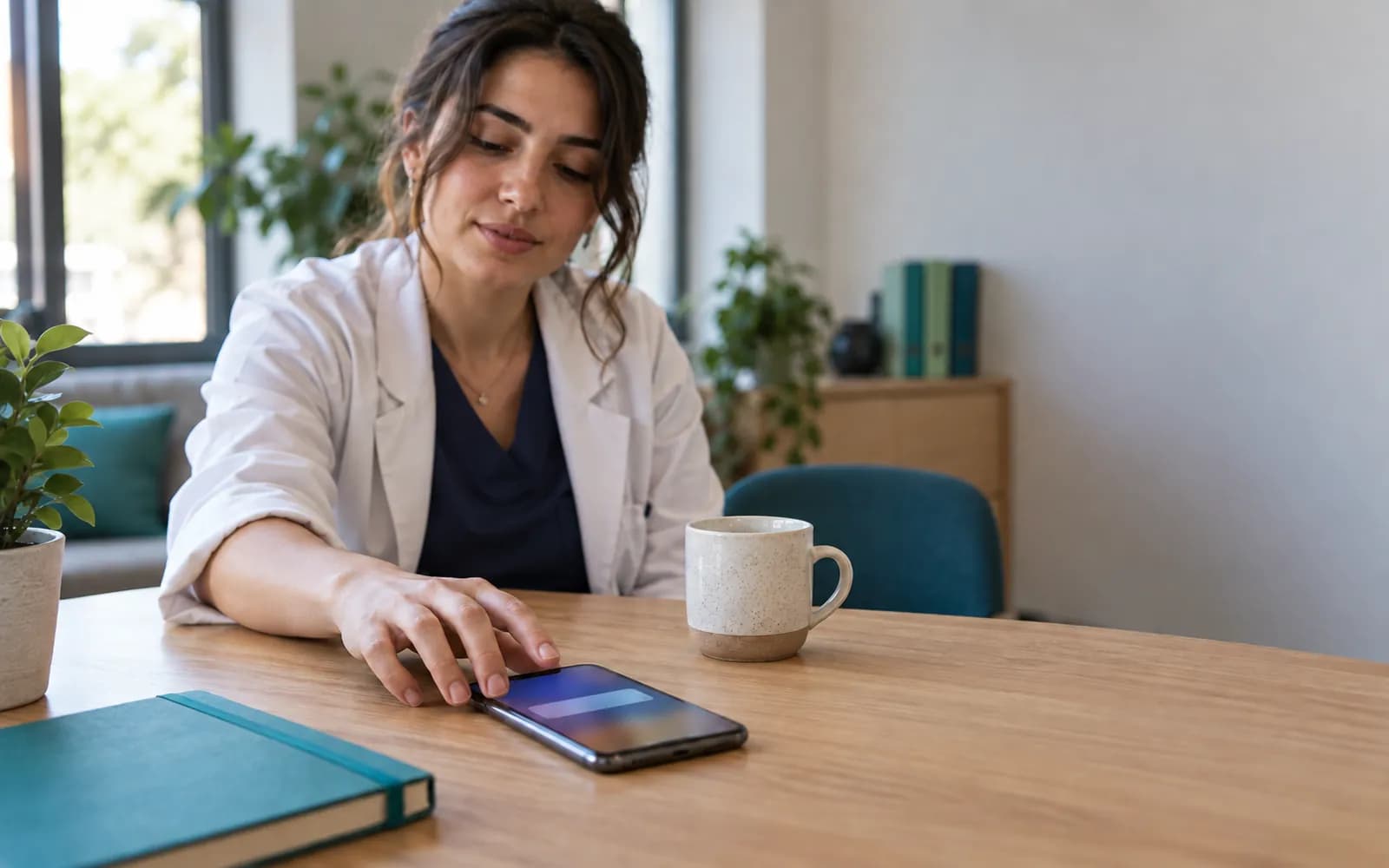
Open messages carry no health information
A message on a phone's lock screen can show a patient's health information to the person next to them. HekimBis therefore writes only a general sentence and an identity-verified link into open-text channels.
- A general sentence
- “You have a new notification; sign in to view it.” Results, diagnoses, drug names and appointment reasons are not part of message templates.
- Opens after sign-in
- Details appear on the secure link once the patient has verified their identity.
- Notifications follow release
- No notification is sent for a result the physician has not released; the rule is the same as the release rule in the patient portal.
- Clinical and operational topics apart
- Secure messaging classifies the two separately, the response-time target is set per clinic, and the screen carries an emergency notice.
Frequently asked questions
Are reminder messages sent automatically?
Appointment confirmations and reminders are scheduled with automation rules. The Lite plan includes ready-made safe automations and the Pro plan adds a rule builder. Every send is checked against the patient's preference and quiet hours.
What is İYS and how does HekimBis use it?
İYS is the national system where recipient consent for commercial electronic messages is kept. Before sending a message classified as commercial, HekimBis checks the consent record; if it cannot be verified, the message is not sent. Operational messages such as appointment confirmations are not commercial messages, but channel preference and opt-out still apply. This is not legal advice; ask your legal counsel about your commercial messaging obligations.
Can I write to a patient about anything on WhatsApp?
WhatsApp uses approved templates. The message carries no health information; details open through a secure link. The patient's reply is added to the conversation history and opt-out requests are applied.
How do I know a patient received a message?
The status of every message is recorded: sent, delivered, read or failed. A failed delivery is retried; if it still fails, the reason is shown and the front desk can call the patient on another channel.
Is messaging usage charged?
SMS, WhatsApp and similar channel usage is metered and priced as an add-on. Unit prices are listed on the pricing page.
Can I write to a patient with a clinical question?
Secure messaging separates clinical and operational topics and carries an emergency notice. Messaging is not designed for emergencies; a patient in an emergency should call 112.
Related pages
Features
- Appointments and calendarPhysician, room, and device calendars with a waitlist and double-booking checks.
- Patient portalA clinic portal where patients follow appointments, forms, consent, results and payments.
- TelehealthRemote visits with a waiting room, physician admission, and a linked visit record.
Specialties
- DietitianAnthropometric charts, nutrition plans, follow-up schedules, and packages.
- OrthodonticsBracket and aligner sessions, cephalometric comparison, and long treatment plans.
- Corporate health and check-upCorporate agreements, bulk work orders, panel completion, and periodic reports.
- Family medicineLinked family records, preventive care schedules, and chronic disease follow-up.
Software guides
Integrations
Guides
- How Small Moments in the Patient Experience Shape Clinic SuccessPatient experience is not a survey question; it is an operational chain from booking to follow-up. A practical framework for managing waiting, communication and trust.
- A Practical KVKK and Health Data Compliance Guide for ClinicsHealth data is special-category personal data. The difference between the privacy notice, explicit consent and clinical consent, access control, data subject requests and breach notification.