
Appointment and calendar management
The availability of the physician, the room and the device shows on the same calendar. When an appointment is booked, its duration, preparation time, required room and staff are checked, and a second appointment cannot be given to the same resource at the same time. A freed slot goes to the waitlist as a time-limited offer.
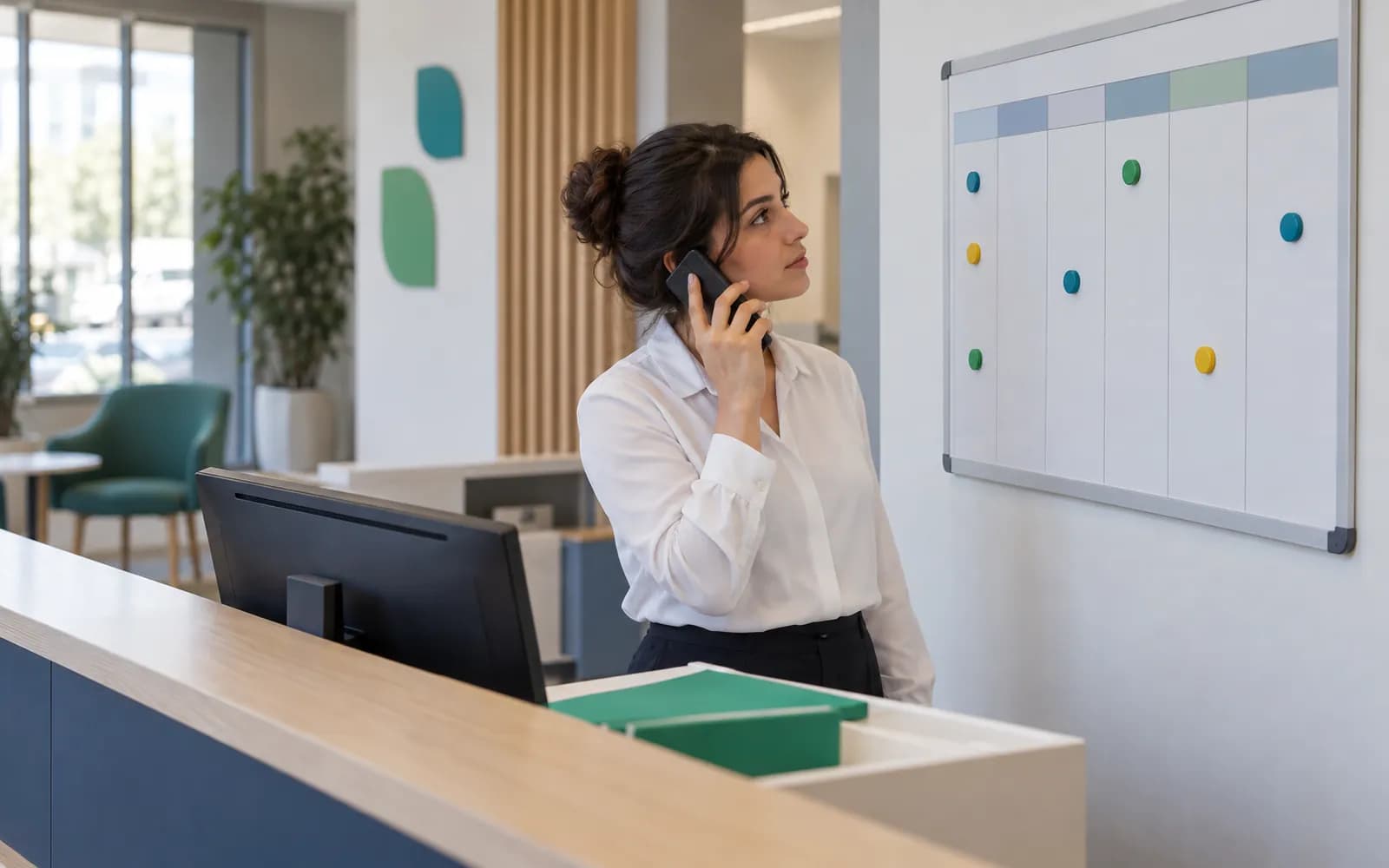
The calendar is the clinic's capacity
In a clinic the bottleneck is often not the physician but an empty room, a device under maintenance or an appointment given the wrong length. In HekimBis the calendar is not just the physicians' agenda; it is the shared plan of every resource: physicians, rooms, chairs, devices and shared equipment.
The branch's opening hours, shifts, leave, breaks, public holidays and temporary blocks are entered in the same plan. The length of a service is defined with the service, so a root canal and a check-up are not booked for the same time, and cleaning or preparation time can be added. A gap that shows on the calendar is a gap you can actually use.
Six appointment types are planned on the same calendar.
- Single appointment
- A one-time booking with a service, physician, room and duration.
- Recurring appointment
- A weekly or monthly series.
- Multi-session appointment
- Sessions that belong to a treatment plan are scheduled together.
- Group appointment
- A session or class with several participants.
- Walk-in patient
- Placed straight into the queue and directed according to the resources on the calendar.
- Online consultation
- A separate appointment type for remote consultations.

Double booking is blocked by the system itself
The same physician, room or device cannot receive two appointments at once. Even if two front desk staff pick the same slot in the same second, only one gets the appointment and the other sees the updated availability.
Preparation and cleaning time is kept as a buffer for the resource. An appointment opens when the room, device and staff the service needs are available, so a booking that looks possible on the calendar but could not be carried out never appears.
Rules are defined per branch: which service is performed in which room, which physician can offer which service, special durations for new patients and eligibility conditions. Every change to the rules is written to the audit trail.
From booking an appointment until the patient arrives
When an appointment is booked a confirmation message goes out, the patient confirms and then checks in by QR code or kiosk on arrival. If the patient cancels or does not come, the slot does not stay empty: a time-limited offer goes to someone on the waitlist.
Waiting
The front desk sees the patient in the waiting-room view; the rest is on the front desk and clinical record pages.
- The process is complete here.
- Queue 05In room
- Queue 06WaitingWaiting
The names, times and records on the screen are examples.
All steps
- 01 Appointment booked (Front desk) Service, doctor, room and duration are chosen and pass the conflict and rule check.
- 02 Confirmation message (System) A confirmation without health information goes out on the channel the patient has allowed.
- 03 Patient confirms (Patient) The patient confirms via the link in the message.
- 04 Arrival (QR or kiosk) (Patient) The patient reports arrival by QR or kiosk; the status becomes waiting.
- 05 Waiting (Front desk) The front desk sees the patient in the waiting-room view; the rest is on the front desk and clinical record pages.
Alternative path from 02 Confirmation message; it returns to the main flow at 01 Appointment booked.
- 02a Patient cancels (Patient) The patient cancels; the reason is recorded and the slot is freed.
- 02b Time-limited offer to the waiting list (System) A time-limited offer goes to a patient waiting for the same service; if accepted a new appointment is created and the flow returns to confirmation.
Alternative path from 04 Arrival (QR or kiosk); the process ends on this path.
- 04a No-show (Front desk) The patient does not arrive; the reason is recorded, the deposit policy is applied if one exists, the slot opens to the waiting list and a follow-up booking is offered.
Alternative path from 01 Appointment booked; it returns to the main flow at 04 Arrival (QR or kiosk).
- 01a Walk-in (Front desk) A patient without a booking joins the queue directly if a suitable resource is free and moves to the arrival step.
05 Waiting
A freed slot goes to the patient who is waiting
When an appointment is cancelled or a patient does not show, the empty slot usually stays empty. The waitlist carries it to the right person.
A patient waiting for the same service receives a time-limited offer. If the patient accepts within the set time the appointment is created, and if not the offer passes to the next patient. While an offer is open the slot is held, so two patients can never take the same slot at once.
Suitable alternative times can also be suggested to the waiting patient. The reason for every cancellation and no-show is recorded, and any deposit policy is defined by your organization and applied by the system.
Patient communication
Google and Microsoft calendars can be connected
A secure connection can be set up between a physician's Google or Microsoft calendar and the HekimBis calendar. The authoritative record of an appointment stays in HekimBis.
- Coming in from the personal calendar
- Events from the personal calendar arrive in HekimBis only as busy blocks, without their title, attendees or content.
- Going out to the personal calendar
- HekimBis appointments go to the personal calendar as a generic busy entry, with no patient name or health information.
- Reconciliation
- The connection token is stored encrypted on the server. Conflicting and unmatched entries appear on a reconciliation screen, and nothing is overwritten silently.
Frequently asked questions
Can two appointments be booked at the same time?
Not for the same physician, room or device. Conflicts are blocked by the system, and even if two users pick the same slot at once, only one of them gets the appointment.
Can patients book appointments on their own?
Yes. Patients can book, change, cancel and confirm appointments in the patient portal. The portal uses the real calendar and applies the same rules and eligibility conditions.
How are reminder messages sent?
Confirmations and reminders go out by SMS, email or WhatsApp according to the patient's channel consent and quiet-hours preference. A plain message carries no health information; a secure link is used for details. See the patient communication page for more.
How do I reduce no-shows?
Confirmations and reminders, giving a cancelled slot to the waitlist, your own deposit policy and recording the reason for each no-show work together. No-show and cancellation rates are tracked in the reports.
How does the calendar work across several branches?
Each branch works with its own opening hours and resources. A call center role can book across the branches it is authorized for, from a secure calendar and availability view. Multi-branch support is part of the Clinic plan.
What is needed for an online consultation appointment?
An online consultation is its own appointment type, and the call link and the identity and consent steps are prepared together with the appointment. See the telehealth page for details.
How are sessions planned for multi-session treatments?
The sessions of a treatment plan are entered in the calendar together, and each session's duration, physician, room and, where needed, device are checked individually. When the plan changes, the sessions follow it. See the treatment plan page for details.
How do a physician's leave or a device's maintenance show on the calendar?
Leave, breaks, public holidays and temporary blocks are entered in the calendar. When a device goes into maintenance or is taken out of use, no new appointments open for that resource.
How do room and device calendars work with the physician's calendar?
A room, chair or device is a resource just like a physician. An appointment opens when the room, device and staff a service needs are available together, and if one resource is taken the same slot is not given to another service.
How does a deposit policy connect to an appointment?
Your organization defines the deposit policy and the system applies it when the appointment is booked. The amount collected appears on the patient's account, and refunds and offsets follow the rules of the finance module.
Does patient information go to a personal calendar?
HekimBis sends appointments to a personal calendar as a generic busy entry, with no patient name or health information, and events coming from a personal calendar are taken in only as busy blocks.
Keep reading
Related pages
Features
- Front desk and check-inArrival logging, QR or kiosk check-in, waiting room status, and delay estimates.
- Patient communicationSMS, email, and WhatsApp reminders with consent, İYS, and quiet-hour checks.
- Patient portalA clinic portal where patients follow appointments, forms, consent, results and payments.
Specialties
- DentalTooth and surface odontogram, treatment plans, prosthetics, and outside lab work.
- PsychologySession plans, goal cards, therapy packages, and privacy-focused notes.
- Physiotherapy and rehabilitationPain, range of motion, and function scores, exercise programs, and sessions.
- General practiceFast visit notes, vital sign trends, and recall plans for general practice.
Software guides
Integrations
Guides
- Digital Clinic Management Guide for Moving from Paper to an Orderly FlowGoing digital in a clinic is not buying software; it is rebuilding the workflow. The flow from appointment to payment, and the steps that get skipped during the move.
- How Small Moments in the Patient Experience Shape Clinic SuccessPatient experience is not a survey question; it is an operational chain from booking to follow-up. A practical framework for managing waiting, communication and trust.