
Oral and Dental Health
Dental clinic software
In dentistry the record starts on a tooth and ends on an invoice. HekimBis keeps the diagnosis in the odontogram, the plan session by session, the prosthesis with the outside lab, and the payment and the dentist's earnings in the same flow; when you touch a tooth, its history, imaging and price are beside it.
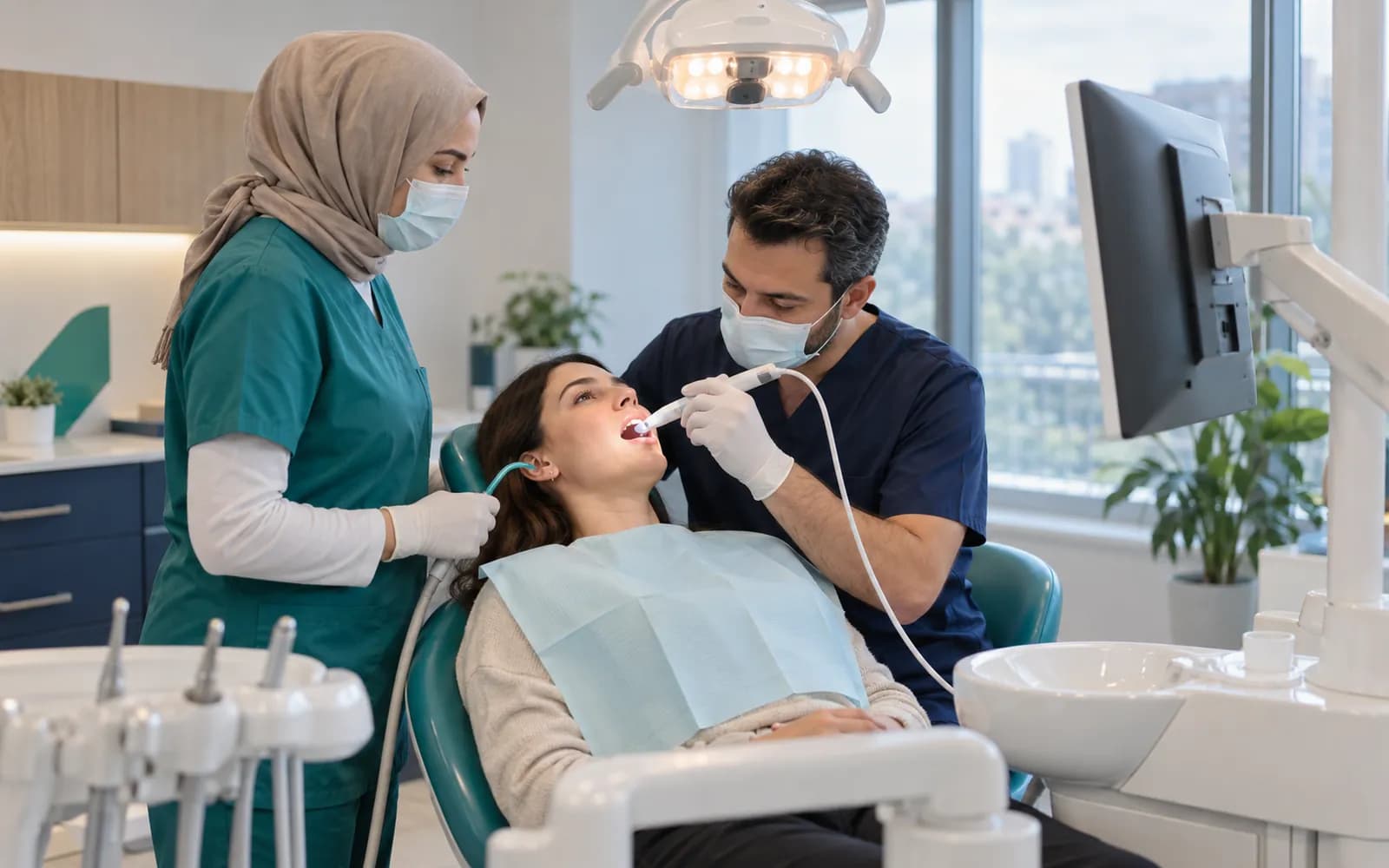
The screen at the chair leaves your hands free
During the exam you select a tooth, mark a surface, define the procedure and material, and the consumable is deducted from stock. The same record becomes the plan and the quote, and the plan is split across sessions. The assistant and front desk see the procedure in progress, the pending consent and the remaining balance from the same record.
When a new patient arrives with a panoramic image, you attach it to the file, mark three teeth in the odontogram and prepare a treatment plan. The plan is divided into four sessions, the quote is explained to the patient and consent is obtained.
Every tooth and surface is recorded separately in the odontogram
The upper and lower jaws are drawn in two rows with FDI-numbered teeth. The five surfaces of each tooth are selected separately; status (healthy, decayed, filled, root canal, crowned, implant, missing, planned) and procedure history are shown with color and pattern. Planned and completed procedures are separate layers. The periodontal chart tab presents gum pocket measurements in the same jaw view.
16 · Sound · Occlusal: Caries, Buccal: Sound, Lingual: Sound, Mesial: Caries, Distal: Sound
Table view
| Status | Count |
|---|---|
| Sound | 0 |
| Caries | 2 |
| Filled | 1 |
| Root canal | 1 |
| Crown | 1 |
| Implant | 1 |
| Missing | 1 |
| Planned | 3 |
| Completed | 0 |
Names, values and records on screen are examples prepared for illustration.
Four work areas of a dental clinic
- Periodontal chart
- Gum pocket, bleeding and mobility measurements are kept with dates and compared with the previous exam.
- Plan and quote
- Tooth and surface items, session order, discount approval and installment plan sit together; a plan change leaves a trace.
- Outside lab and prosthetics
- Work orders, try-ins and delivery dates are on the calendar, and the lab's job status is visible to the dentist.
- Earnings and consumables
- The dentist's earnings are calculated from completed procedures; consumables tied to the procedure kit are deducted from stock.
Dental treatment from diagnosis to earnings
The diagnosis is made in the odontogram, the plan becomes a quote and, with consent, is split into sessions. Session consumables are deducted from stock, and the outside lab job is tied to the calendar with try-in and delivery dates. If a try-in does not fit, the work order reopens, and if the plan changes, the patient's consent is requested again.
Earnings
The practitioner's earnings are calculated from completed work.
- The process is complete here.
All steps
- 01 Diagnosis (Dentist) Teeth and surfaces are charted on the odontogram; panoramic/RVG images are linked to the patient.
- 02 Treatment plan and quote (Dentist) Tooth- and surface-level items, session order and price are prepared as one plan.
- 03 Consent (Patient) Procedure-specific clinical consent is obtained; notice and explicit consent stay separate records.
- 04 Session (Dentist) The performed procedure is completed on the odontogram and supplies are deducted from stock.
- 05 Prosthesis / external lab order (External lab) A work order goes to the lab; status and due date are tracked.
- 06 Fitting and delivery (Dentist) The fitting result is recorded and the work is delivered to the patient.
- 07 Earnings (Finance) The practitioner's earnings are calculated from completed work.
Alternative path from 02 Treatment plan and quote; it returns to the main flow at 03 Consent.
- 02a Plan revision (Dentist) If the plan changes, patient approval is requested again.
Alternative path from 06 Fitting and delivery; it returns to the main flow at 05 Prosthesis / external lab order.
- 06a Remake (External lab) If the fitting does not fit, the work order is reopened.
- 06b Work order reopened (External lab) A new due date is given and the process continues from the lab stage.
07 Earnings
From the first exam to the first session
A new patient arrives with a panoramic image. You attach it to the patient's file, mark the teeth in the odontogram and divide the treatment plan into four sessions. At the first session the filling is completed and the material used is deducted from stock. A work order goes to the outside lab for a crown and the delivery date appears on the calendar; completed procedures flow into the dentist's earnings.
Imaging and intraoral devices
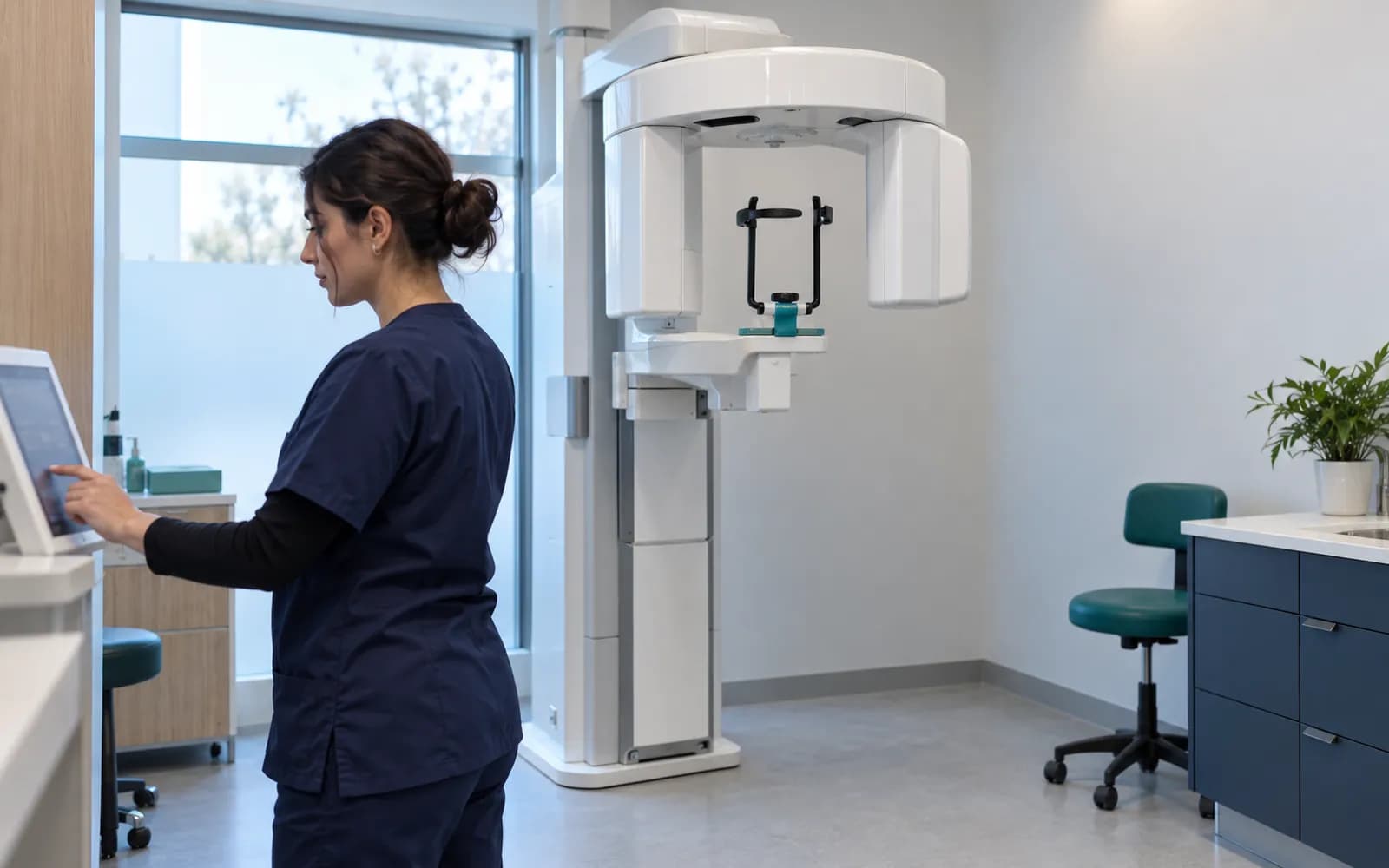
Dental imaging devices connect through DICOM or the manufacturer's adapter; the image and report can be linked to the patient file and to the tooth in the odontogram.
- RVG and intraoral sensors
- The image is linked to the tooth and the visit.
- Panoramic units
- The image and measurements stay in the patient file.
- Cephalometric units
- The image arrives; analysis comparison happens in the orthodontics profile.
- CBCT
- The DICOM study and report attach to the file.
- Intraoral camera
- Photos and video are added to the file.
Common questions about dental clinic software
Is there a separate profile for a dental clinic?
Yes. Oral and Dental Health is one of the defined clinical profiles: odontogram, tooth and surface, periodontal chart, diagnosis-plan-session, prosthetics and outside lab, and earnings. It is versioned and passes two separate clinical sign-offs before release.
Is orthodontics part of this profile?
Orthodontics is a separately defined sub-pack under this profile; bracket and aligner sessions, compliance tracking and cephalometric comparison live there. Both can be used together.
Is my RVG and panoramic unit supported?
Device connections are verified per manufacturer, exact model, protocol and version, and the verified ones are listed. DICOM media or an image file from a device that is not on the list can be imported with a note that it is not integrated.
How are dentist earnings calculated?
From completed procedures according to the rule your clinic defines; discount and cancellation records are reflected in the calculation. Authorized users see the earnings report.
Can it be used for international patients?
Health tourism is a shared capability independent of packages: multilingual communication, quotes in foreign currency and coordination. The dental treatment journey is built on this profile.
How are consumables and lot numbers tracked?
A procedure kit is defined; when a procedure is completed, the consumables in the kit are deducted from stock. Lot and expiry dates are tracked in the stock record, and in a recall the procedures tied to that lot can be found. A purchase request is suggested for an item that falls below minimum stock.
How are consent and documents managed?
Disclosure, explicit consent and procedure-specific clinical consent are separate records. The consent text is versioned; a signed consent does not change when a new version is published later. The patient reads documents in the portal once you approve them.
Keep reading
Related pages
Features
- Treatment plansQuotes, approval, multi-session plans, package balances, and revisions.
- Imaging and PACSDICOM workflow from order to report: worklist, matching, and a reference viewer.
- Finance and billingPatient accounts, payments, installments, deposits, cash desk, and refunds.
- Appointments and calendarPhysician, room, and device calendars with a waitlist and double-booking checks.
Specialties
Solutions and process
Software guides