
For private practices, clinics and polyclinics
Patient tracking and clinic management software
HekimBis runs appointments, clinical records, test results, patient messages and payments on the same patient file. The front desk, physicians and accounts always work from up-to-date information, and nothing is typed twice.
No card details are needed for the trial. When it ends, your account does not move to a paid plan on its own.


Patient information is entered once and stays current on every screen
When appointments live in a spreadsheet, exam notes in another program and payments in a ledger, the same information is typed several times. Every copy is another chance for a mistake.
In HekimBis the appointment, the examination, the test and the payment are linked to the patient's file. Every change to the file is recorded with who made it, when and why.
One patient's path from booking to the follow-up reminder
Follow a patient's day at your clinic together with the HekimBis screen that changes at each step. What happens when a patient misses the appointment or arrives without one is part of the flow as well.
Follow-up and reminder
A follow-up appointment is planned and a reminder is set for the patient.
- The process is complete here.
- 09:30 · M. KayaFollow-up · Tuesday 4 NovemberPlanned
- ReminderOne day before · SMSSet
- Result noticeWhen the lab result is readyPending
Names, times and records on the screen are examples.
All steps
- 01 Appointment booked (Front desk) The front desk books the appointment on the physician and room calendars, and a confirmation message is sent to the patient.
- 02 Patient arrives (Patient) The patient checks in with a QR code or at the front desk, and the arrival time is recorded.
- 03 Waiting room (Front desk) The patient joins the waiting list and the front desk sees the estimated waiting time.
- 04 Patient called (Front desk) When the room is ready the patient is called and the waiting time closes.
- 05 Clinical record (Physician) The physician writes the clinical record. The draft is saved automatically with every change.
- 06 Signed and locked (Physician) The physician signs and locks the record. Every later correction is kept as a separate version.
- 07 Test order (Physician) If needed, a laboratory or imaging order is opened from the patient file.
- 08 Charge (Accounts) The examination and the ordered test are charged to the patient account.
- 09 Payment (Accounts) Payment is taken, and deposits and installments are settled on the patient account.
- 10 Follow-up and reminder (Front desk) A follow-up appointment is planned and a reminder is set for the patient.
Alternative path from 01 Appointment booked; it returns to the main flow at 10 Follow-up and reminder.
- 01a Patient did not come (Front desk) The appointment closes as a no-show and the reason is recorded.
- 01b Open slot offered (Front desk) The open slot is sent to a waiting-list patient as a time-limited offer.
Alternative path from 02 Patient arrives; it returns to the main flow at 03 Waiting room.
- 02a Walk-in patient (Front desk) A record is opened for the patient without an appointment, who joins the waiting queue directly.
10 Follow-up and reminder
Each team works on its own screen and on the same patient file
The front desk sees the schedule, the physician sees the clinical record and accounts see the patient account. Screens change with the role; the patient file is the same for everyone.

Patients and appointments
The patient card filters out duplicate records and shows the patient's history on one timeline. Appointments are booked against the physician, room and device calendars together.

Clinical records and diagnostics
The clinical record is locked with the physician's signature, and every later correction is kept as a separate version. Laboratory and imaging results are matched to their order and linked to the file.

Finance and operations
Every service is charged to the patient account, where payments, deposits and installments are tracked together. Stock, tasks and reports make the clinic's daily work measurable.

Communication and patient portal
Appointment reminders go out by SMS, e-mail and WhatsApp. Patients follow their appointments, documents and payments in a portal that carries your clinic's name.
From a private practice to a multi-branch clinic
A private practice and a clinic with several branches use the same product. When you change plans your data is not moved; existing records keep working with the new capacity.

Single-physician practice
The schedule, patient file and payments are ready from day one. No installation or server is needed.

Clinic and polyclinic
In a branch with several physicians, the front desk, room calendar, till and physician earnings are managed together.

Multi-branch clinic
The call center books appointments for every branch. Permissions, stock and finance are separated by branch and combined at head office.

Diagnostic center
Imaging and laboratory orders, device results and reports come together in the patient file.
If you accept patients from abroad, you can also review the international patient process.Health tourism
Screens take the shape your specialty needs
A dentist works with an odontogram, an audiologist with an audiogram and an ophthalmologist with right and left eye measurements. In HekimBis the specialty you choose sets the examination forms, measurement fields and document templates. Your clinic can add its own fields, while the required clinical and security rules always stay in place.
See all 34 specialties
Results from diagnostic devices reach the patient file
X-ray units, laboratory analyzers and other diagnostic devices keep working on the clinic network. The HekimBis Edge Connector, installed on a computer at your branch, takes each result into an encrypted queue and forwards it over an outbound-only connection. You do not need to open a port that can be reached from outside your clinic network. A device is added to the supported device list once it has been verified by manufacturer, model, protocol and version.
Device connectivity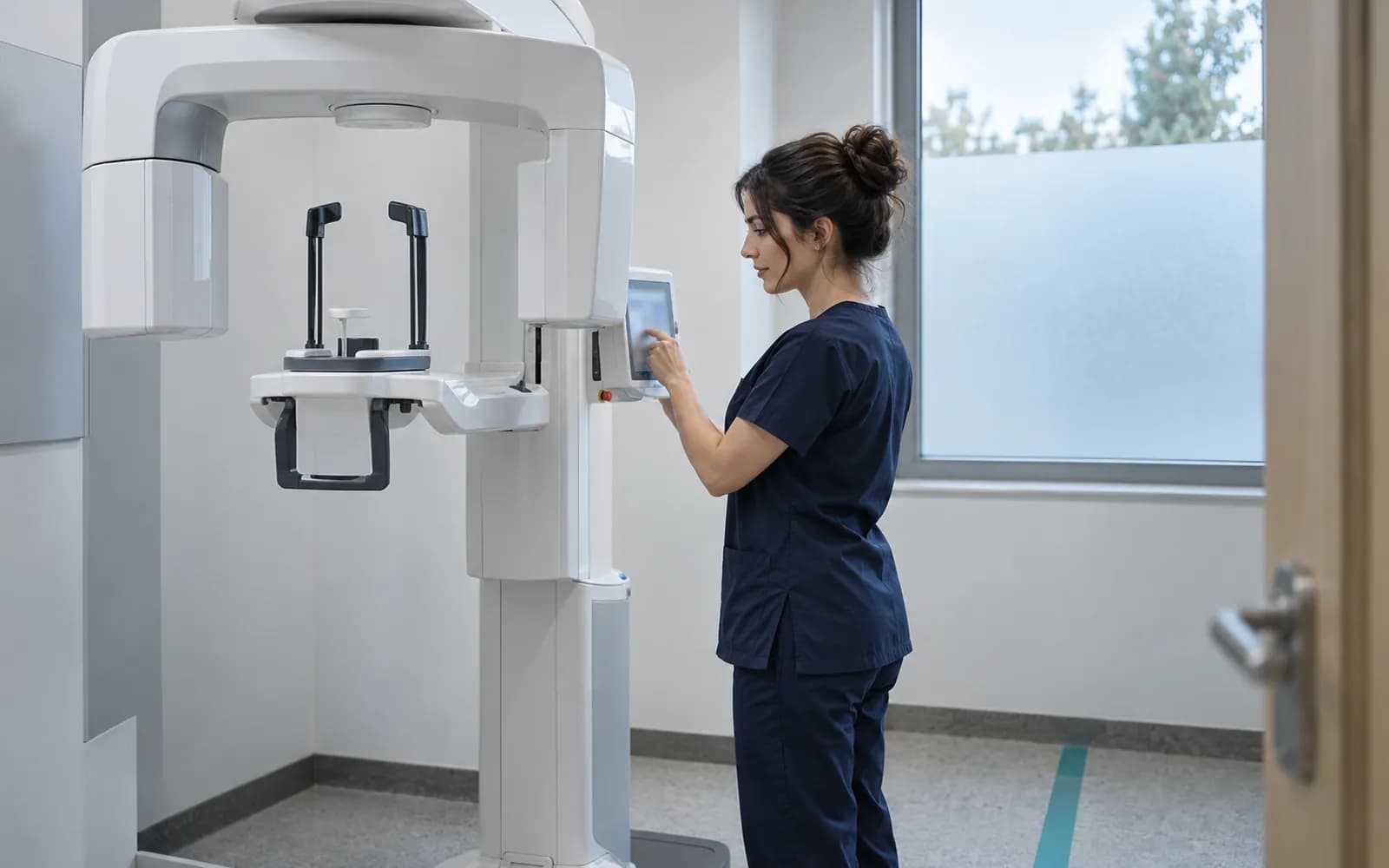
Linked to the patient file
The result is matched to its order and patient, and the physician sees it in the patient file.
- The process is complete here.
All steps
- 01 Device sends the result (Device) The device sends its measurement or image result to the Edge Connector on the clinic network.
- 02 Encrypted queue (Edge Connector) The result is written to an encrypted queue on the computer at the branch.
- 03 Outbound transfer (Edge Connector) The record is forwarded to HekimBis over an outbound-only connection.
- 04 Accepted and verified (HekimBis) HekimBis accepts the record, verifies its integrity and filters out repeated messages.
- 05 Linked to the patient file (Clinic screen) The result is matched to its order and patient, and the physician sees it in the patient file.
Alternative path from 03 Outbound transfer; it returns to the main flow at 04 Accepted and verified.
- 03a Internet goes down (Edge Connector) Without a connection, results wait in the queue. An alert is raised if the queue is close to full.
- 03b Connection returns (Edge Connector) Waiting results are sent in order and the same result is never processed twice.
05 Linked to the patient file
Data security
Only authorized people can reach patient data
Access is limited by the user's role, their branch and their care relationship with the patient. Production health data is kept in Türkiye.
- Role, branch and care relationship
- A user sees only the patients and screens their job requires.
- Audit trail
- Every view and change is stored with who made it, when and why.
- Separate consent records
- The privacy notice, explicit consent and clinical consent are kept apart and versioned.
- Data ownership
- Patient data belongs to the clinic. You can export all of it whenever you need to.

Your plan grows with your clinic
Lite, Pro and Clinic are different scopes of the same product. Security, the audit trail, backups and data export come with every plan.
- LiteThe core plan for single-physician practices.
- ProFor clinics and polyclinics with several physicians at one branch.
- ClinicFor organizations with several branches managed from a head office.
Frequently asked questions
Answers to the questions we hear most about the trial, plans, data security and moving from your current system.
Is there a free trial, and do I need a card?
Yes. Sign-up takes two steps; once your e-mail and phone are verified, the seven-day trial starts and no card details are requested. The trial account runs on sample data, so you do not need to enter real patient data. When the trial ends, your account does not move to a paid plan on its own; you decide when to start paid use.
Which plan suits my clinic?
Lite suits a single physician and small teams, Pro suits clinics with several physicians at one branch, and Clinic suits organizations with more than one branch. Pro covers five physicians and can be extended to ten with additional seats. Each plan includes the one below it; when you upgrade nothing is moved, and existing records continue with the new capacity.
Where is patient data stored, and how are KVKK obligations met?
Production health data is kept in Türkiye. The privacy notice, explicit consent and clinical consent are stored as separate records; access is limited by role, branch and care relationship, and every access is written to the audit trail. We recommend reviewing your own obligations together with your legal advisor.
Does HekimBis support e-Nabız data reporting?
Yes. Mandatory national data submissions are prepared with versioned mapping, sent and tracked with a receipt. A record that returns an error goes into a retry queue and is followed on the reconciliation screen.
Can I bring my existing devices and records?
We keep a list of devices verified by manufacturer, model, protocol and version. Results from listed devices reach the patient file on their own, and files from other devices can be imported manually. Records from your current program are imported from CSV, Excel and defined legacy formats through a preview, a trial import and a reconciliation.
Related pages
Features
Specialties
Solutions and process
- SolutionsHekimBis setups for every scale, from a solo practice to multiple branches.
- Health tourismThe international patient's journey from inquiry and quote to travel, treatment and follow-up.
- PricingWhat the Lite, Pro, and Clinic plans include, their capacity, and add-ons.
- How it worksSign-up, the seven-day trial, setup and data migration, step by step.
Software guides
Integrations
Company and support