
Device connectivity and the Edge Connector
The real question when connecting clinic devices to the cloud is how to do it without opening the clinic's network. The HekimBis Edge Connector runs inside the clinic's own network, receives the message from the device, queues it in encrypted form and sends it from the inside out. If the connection drops, no data is lost, and it is sent without repeats when the connection returns.
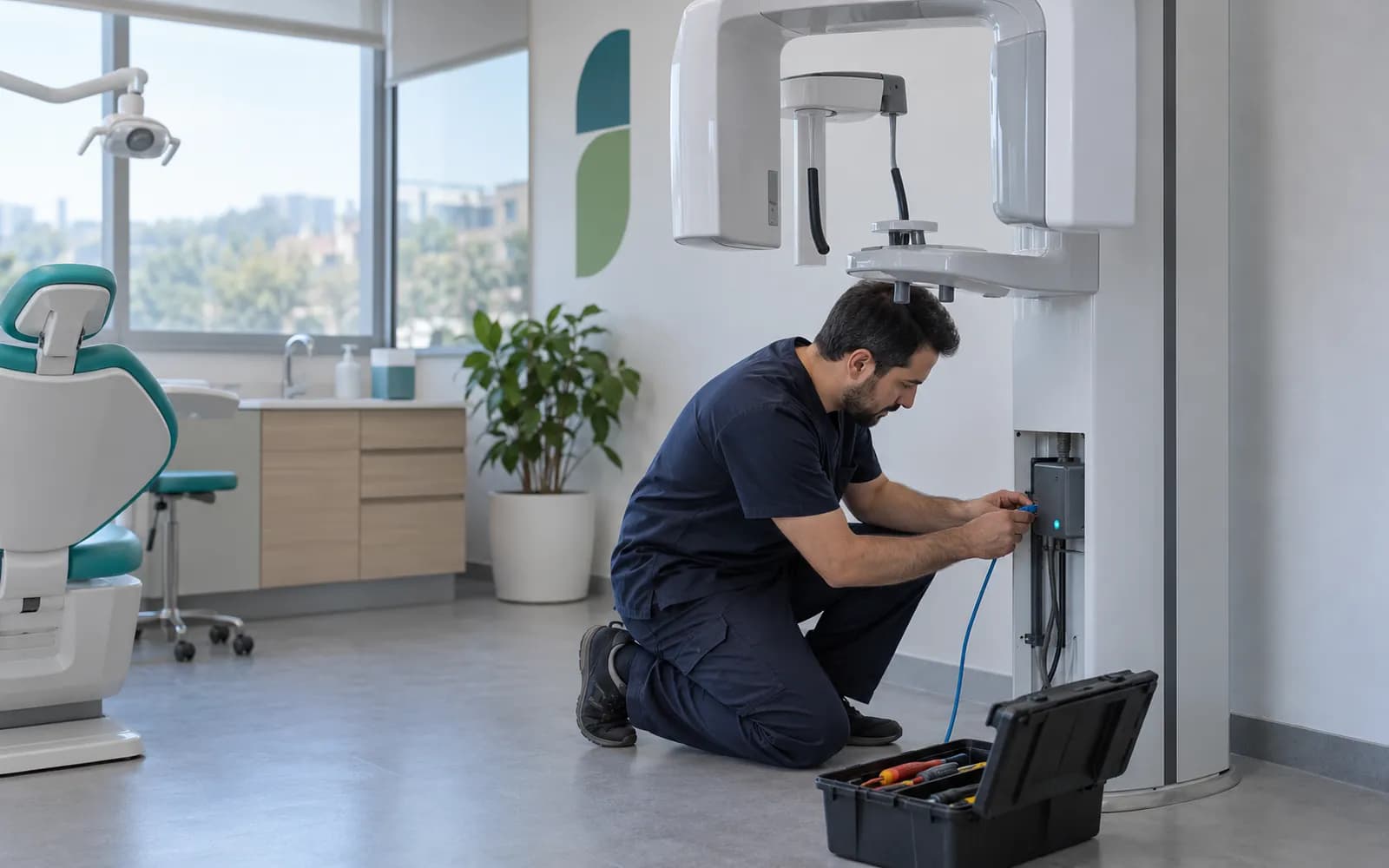
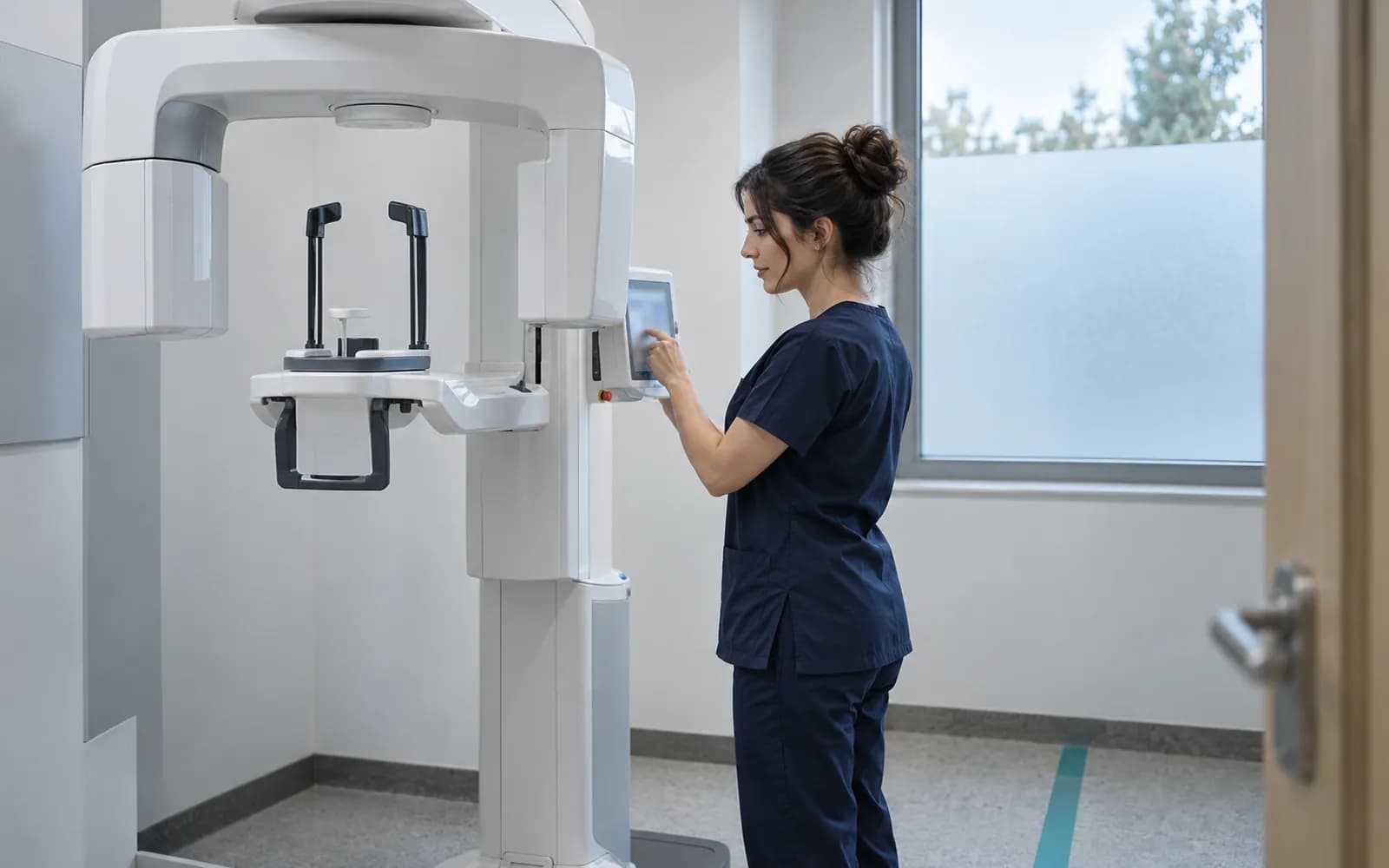
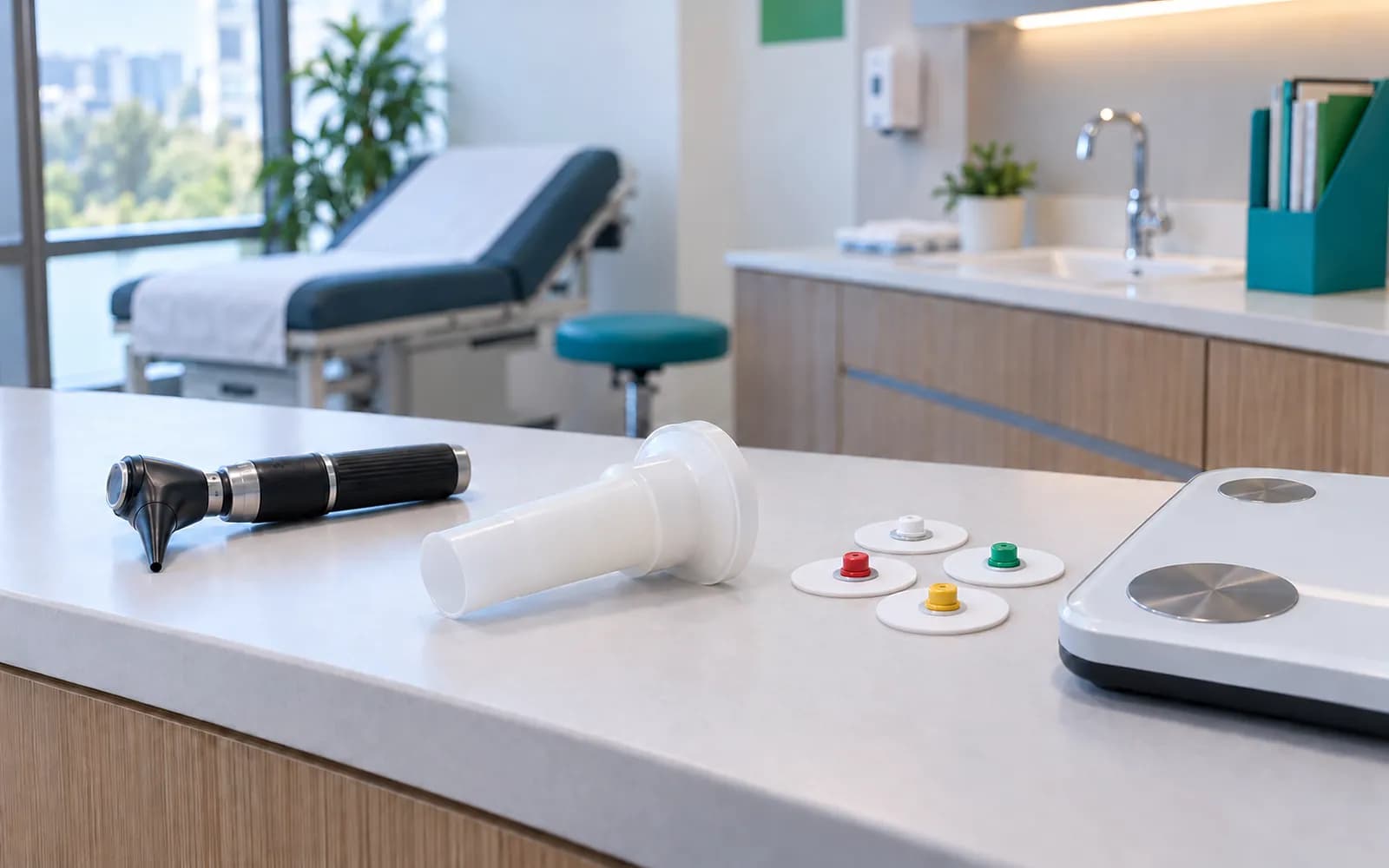
The Edge Connector runs inside the clinic's own network
The connector is installed on a computer at the branch and talks to devices inside the clinic network.
A PDF or CSV file from a device can be uploaded by hand, but in a real connection the device takes the patient from the system, its result is linked to the right order and the right patient, no data is lost in an outage and every step is tracked. The Edge Connector is the component that does this on the clinic side.
- Connection from the inside out
- The Edge Connector only connects from the inside out, so you do not need to open a new port in your firewall.
- Separate identity and certificate
- The branch, the connector and every device are recognized by their own identity and certificate, and certificates are renewed regularly. If a connector is copied to another branch, its data is rejected.
- Signed commands
- The commands the cloud can send to the connector are predefined and signed.
- Remote support with administrator approval
- Remote support opens with the organization administrator's time-limited approval and an additional verification.
- Raw data stays out of logs
- Raw messages and image data from devices are not copied into general application logs or support tools. The local queue is encrypted, limited by time and quota, and securely deleted.
If the connection drops, device data is queued and delivered in full
The setup wizard pairs the Edge Connector with the branch, and the connection with the device is tested. A message from the device goes into the encrypted local queue, and the connector forwards it to the cloud over a connection made from the inside out. If the internet drops, the data waits in the queue and an alarm is raised, and when the connection returns the queue is emptied without repeats. The cloud validates the message and links it to the right patient and order, and if the identity does not match the record is quarantined.
Orders, images and results
Accepted data is linked to the right patient and order and appears on the clinic screen.
- The process is complete here.
- Message 1With sequence and checksumQueued
- Message 2With sequence and checksumQueued
The names, times and records on the screen are examples.
All steps
- 01 Pairing (Edge Connector) The setup wizard pairs the Edge Connector with the branch; the branch, connector and device each receive their own identity.
- 02 Connection test (Edge Connector) The connection to the device is tested (such as C-ECHO); the device health turns green.
- 03 Device message (Device / PACS / LIS) The device sends a result or image; the Edge Connector receives it.
- 04 Local encrypted queue (Edge Connector) The message is written to the encrypted local queue with a sequence number and checksum.
- 05 One-way outbound connection (Edge Connector) The connector connects to the cloud from the inside out, encrypted, and sends from the queue. The connection is always opened from the clinic outward.
- 06 Cloud acceptance (HekimBis cloud) The cloud verifies the message by checksum and sequence, prevents duplicates (idempotent) and accepts it.
- 07 Orders, images and results (Clinic screen) Accepted data is linked to the right patient and order and appears on the clinic screen.
Alternative path from 05 One-way outbound connection; it returns to the main flow at 06 Cloud acceptance.
- 05a Internet down: store and forward (Edge Connector) There is no connection. Data stays in the local queue (within the disk quota); an alarm is raised and the clinic screen shows a clear warning.
- 05b Connection back: replay (Edge Connector) The queue is drained in order; the cloud blocks duplicate records. No data is lost.
Alternative path from 06 Cloud acceptance; the process ends on this path.
- 06a Mismatched identity: quarantine (HekimBis cloud) The patient, order or specimen identity does not match. The record goes to quarantine and an authorized user decides; no automatic matching.
Alternative path from 01 Pairing; it returns to the main flow at 02 Connection test.
- 01a Certificate expired (Edge Connector) The connector certificate nears or reaches expiry; a rotation warning is raised and the connection is tested again after renewal.
07 Orders, images and results
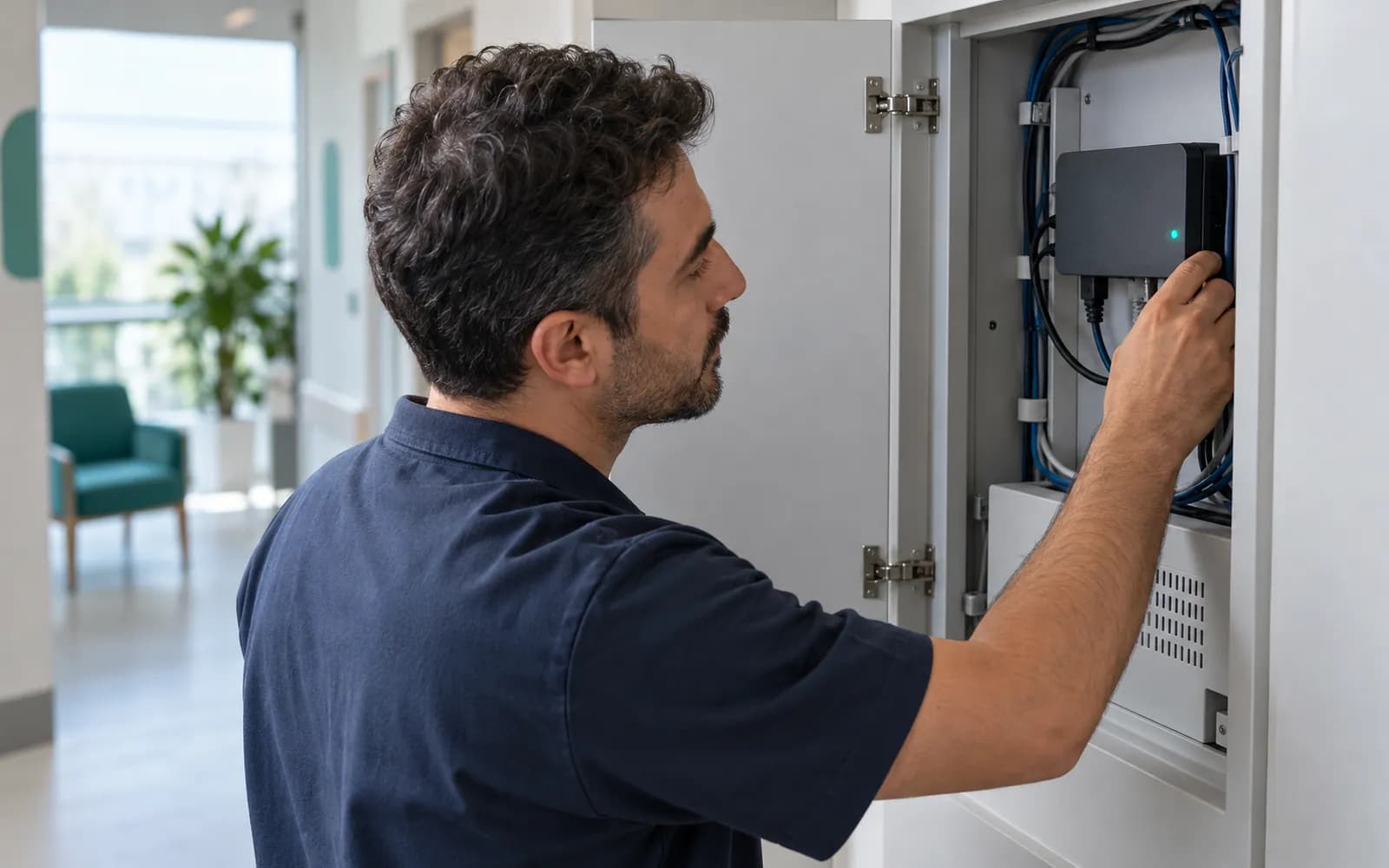
A device joins the supported list once it has been verified
A device is listed as supported only with evidence for the manufacturer, exact model, connection protocol and device software version. For each combination the following are on record:
- Manufacturer, exact model or model family
- Connection protocol or interface type
- Device software or interface version
- The manufacturer's conformance or interface document
- The mapping rule for patient, order and specimen identity
- Supported fields, measurements and statuses
- Outage, duplicate record, wrong match and correction scenarios
- A real test device or the manufacturer's reliable test environment
- Test date, evidence file and responsible person
Compatibility is tracked as planned, testing, passed, limited, failed or retired, and only a combination in the passed state is listed as supported.
If a file can be taken from a device that is not on the list, it is labeled "manual import, not integrated" on the user screen, in quotes and in support records, and its source is preserved.
The connection layer carries these device families
The infrastructure is designed to carry the device families below. A device joins the supported list once it has been verified for use.
- Dental
- RVG, panoramic, cephalometric, CBCT and intraoral cameras.
- Eye care
- Autorefractor, tonometer, OCT, fundus camera and perimetry.
- ENT and audiology
- Audiometer, tympanometer and endoscopy.
- Cardiology
- ECG, Holter, blood pressure Holter and echo.
- Chest medicine
- Spirometer and pulse oximeter.
- Obstetrics and gynecology
- Ultrasound with measurement and report outputs.
- Dermatology
- Dermatoscope and standardized clinical photography.
- Dietetics
- Body composition analyzer, scale and anthropometric measurement.
- Physiotherapy and orthopedics
- Range-of-motion and strength devices and rehabilitation session outputs.
- General
- Vital signs monitor, barcode printer and reader, and document scanner.
From installation to daily operation
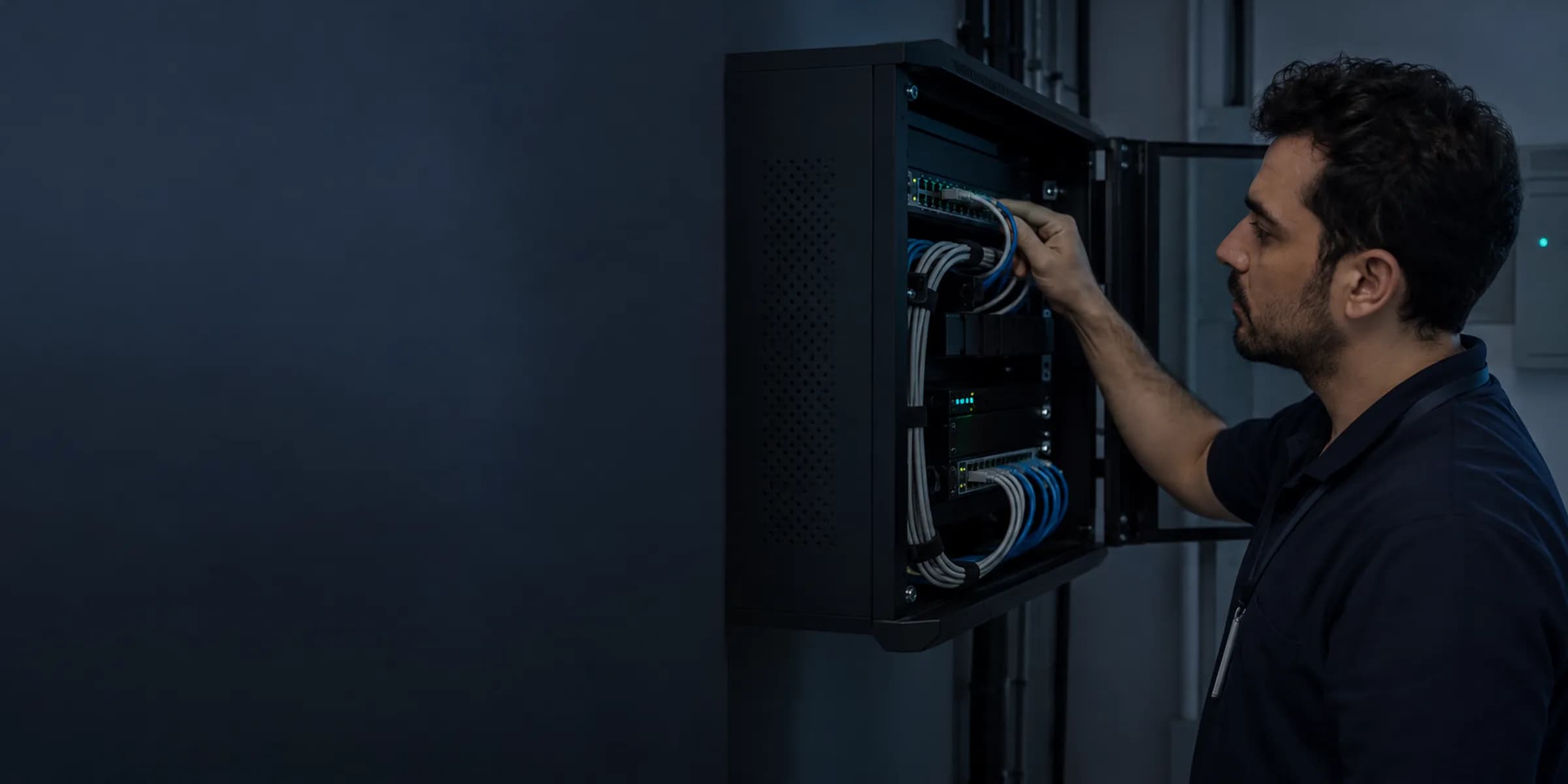
Pairing and connection test
The setup wizard pairs the Edge Connector with your branch, and the branch, the connector and each device are recognized by their own identity. A connection test (such as C-ECHO) confirms that the device and the system can reach each other.
Signed updates
The connector version updates automatically with a signed package and rolls back in a controlled way if something goes wrong. The version inventory across branches is visible together, and a message caught halfway during an update is not lost.
Health status and alarms
Each device's connection health is monitored. Clock drift, certificate expiry, a full disk and network outages raise alarms, and when the connector is off the clinic screen shows a clear warning about what to do.
Frequently asked questions
Is device data lost if the internet drops?
The Edge Connector keeps the data in an encrypted local queue (within the disk quota) and forwards it without repeats, with checksums and sequence information, when the connection returns. An alarm is raised as the disk fills, and the branch manager sets the quota and alarm settings.
Which devices do you work with?
The current list of verified devices is shared during the demo and appears on the integrations page. A device is listed as supported once it is verified by manufacturer, exact model, protocol and software version. If you send the list of devices you use, we will tell you clearly which are verified and which would be a manual import.
Do I need to open a port in the firewall?
The Edge Connector connects outward from the clinic's network, so you do not need to open a new port in your firewall.
Which plan includes device connectivity?
For Lite, a supported connector is offered as extra capacity; Pro includes the full connector and its management; Clinic manages the fleet of connectors for several branches centrally. The number of verified devices and the managed image archive are extra capacity items.
How is data kept from being written to the wrong patient?
A device message is checked together with the patient, order, accession number and specimen identifiers. A record that does not match is quarantined and an authorized user decides. A name alone is never grounds for matching.
What happens if the connector fails or shuts down?
A clear warning appears on the clinic screen saying what to do. Device connection health, clock drift, certificate expiry and disk usage raise alarms, and when the connector runs again the queued data is forwarded without repeats.
Does the support team see device data?
Raw messages and image data from devices are not copied into support and monitoring tools. Remote support opens only with the organization administrator's time-limited approval and an additional verification.
How is the installation done?
The setup wizard pairs the Edge Connector with your branch, and a connection test confirms that the device and the system can reach each other. Each device is recognized by its own identity, and version updates arrive automatically as signed packages.
Which protocols are used?
DICOM and DICOMweb, HL7 v2 messages, ASTM or manufacturer-specific adapters for devices that need them, and FHIR R4 mapping with systems that support it. Every combination is verified by manufacturer, model, protocol and version.
Keep reading
Related pages
Features
- Imaging and PACSDICOM workflow from order to report: worklist, matching, and a reference viewer.
- e-Nabız and USS reportingSending clinical events to USS with versioned mapping, tracking, and reconciliation.
- Clinical recordsSOAP visit notes with autosave, physician signature, and a permanent audit trail.
Specialties
- CardiologyECG, Holter, and echo report panel, risk scores, and device result tracking.
- PulmonologySpirometry curves, pulse oximetry, respiratory tests, and chronic care follow-up.
- OphthalmologyOD/OS exams, visual acuity, intraocular pressure, and an imaging archive.
- ENT (ear, nose, and throat)ENT exam charts, an endoscopy image archive, and linked audiology results.
Software guides
Integrations