
Orthopedics and Traumatology
Orthopedics and trauma clinic software
In orthopedics the patient arrives with a region and is followed with that same region after surgery. HekimBis records the injury and region, keeps range of motion and function score as a series, compares images with earlier captures, and ties the manufacturer, model, lot and serial of the implant used to the patient.
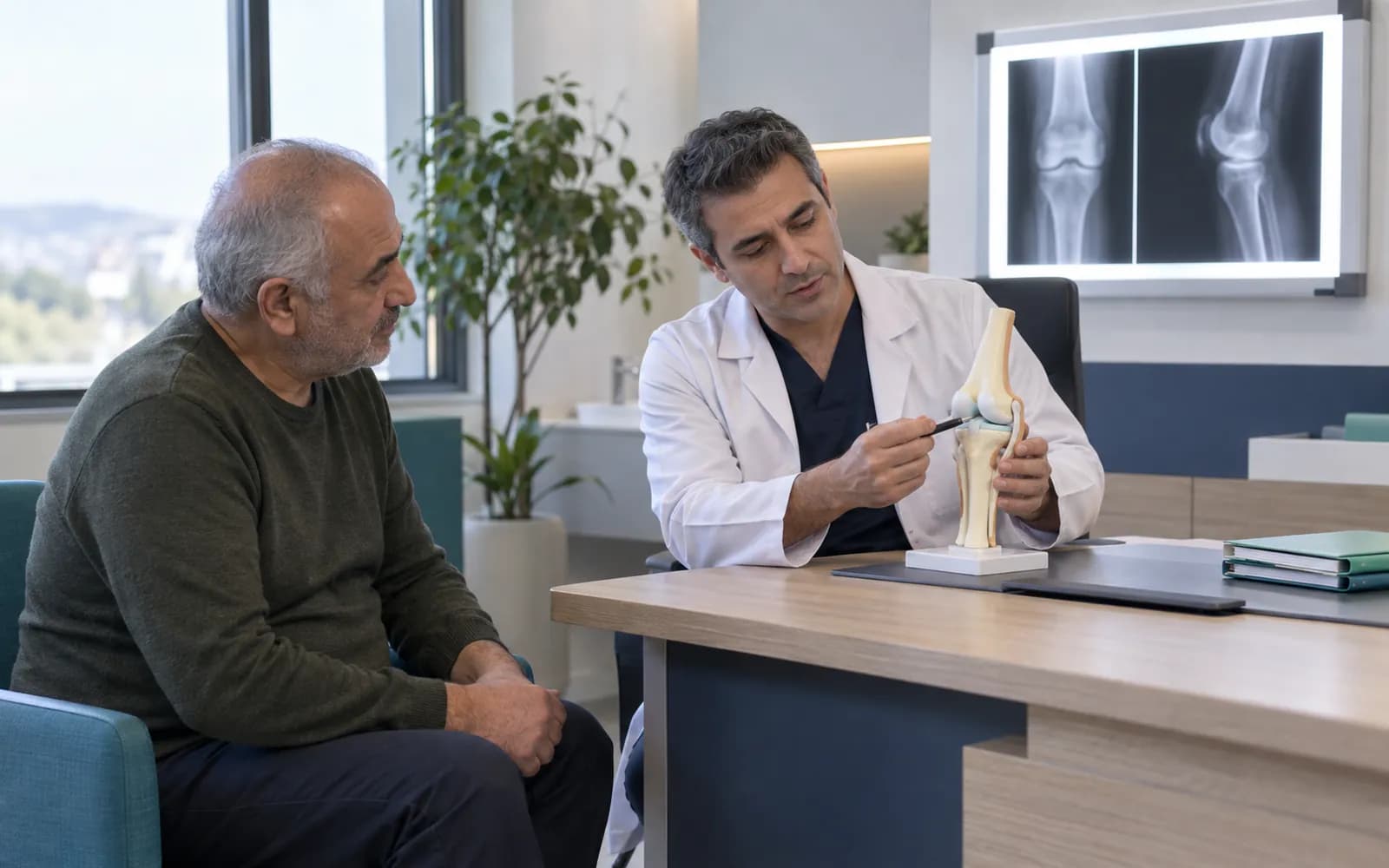

Select the region and the whole record opens with it
Between a quick exam and a surgical decision, an orthopedic clinic handles many images, measurements and notes. The workspace gathers them by region: when you select a region, the injury history, measurements, images and any implant record open together.
For a patient with knee pain, you select the region, enter range of motion and the function score and open the current X-ray beside the earlier capture. If surgery is decided, the operation plan and consent are prepared, and the implant to be used is written into the plan.
Region, measurement and implant stay on the same card
A region is selected on a skeleton silhouette (shoulder, elbow, wrist, hip, knee, ankle and spine regions). The card of the selected region holds the injury history, range of motion, the serial line of the function score, linked images and implant details (manufacturer, model, lot, serial, date of placement). The implant on the card is tied to the patient query in a recall.
Knee
Check after knee surgery; implant record and function score together.
Range of motion84%
Function score78
- Manufacturer
- A-2231
- Model
- M-8
- Lot
- L-90417
- Serial
- S-5502
Table view
| Region | Range of motion | Function score | Implant present |
|---|---|---|---|
| Shoulder | 80% | 71 | — |
| Spine | 72% | 66 | — |
| Hip | 78% | 74 | Implant present |
| Knee | 84% | 78 | Implant present |
| Ankle | 82% | 80 | — |
Names, values and records on screen are examples prepared for illustration.
Four needs of an orthopedic clinic
- Injury and region record
- Injury, region and examination fields are defined; records are gathered by region.
- Surgical plan and follow-up
- Operation plan, procedure-specific consent, wound and function follow-up; a check-up plan based on the surgery date.
- Implant traceability
- Manufacturer, model, lot and serial are tied to the patient; in a recall, the affected patients can be found.
- Rehabilitation link
- The orthopedic record moves into the physical therapy plan, and progress is followed in the same patient file.
From the exam to post-operative follow-up
Referral and exam
Injury, region and measurements enter the record.
Imaging
An X-ray, CT or MRI is taken and compared with the earlier capture.
Surgical decision and consent
The operation plan and procedure-specific consent are prepared.
Surgery
The procedure and the identity of the implant used are recorded.
Early follow-up
The wound and function are checked.
Rehabilitation and late phase
Serial follow-up with the function score continues.
A patient with knee pain
For a patient with knee pain, you select the region, enter range of motion and function score and open the current X-ray next to the earlier capture. If surgery is decided, the operation plan and consent are prepared and the implant to be used is written into the plan. At post-operative check-ups, score and range of motion are followed on the same card, and the rehabilitation plan links to the physical therapy record.
Imaging and implant flow
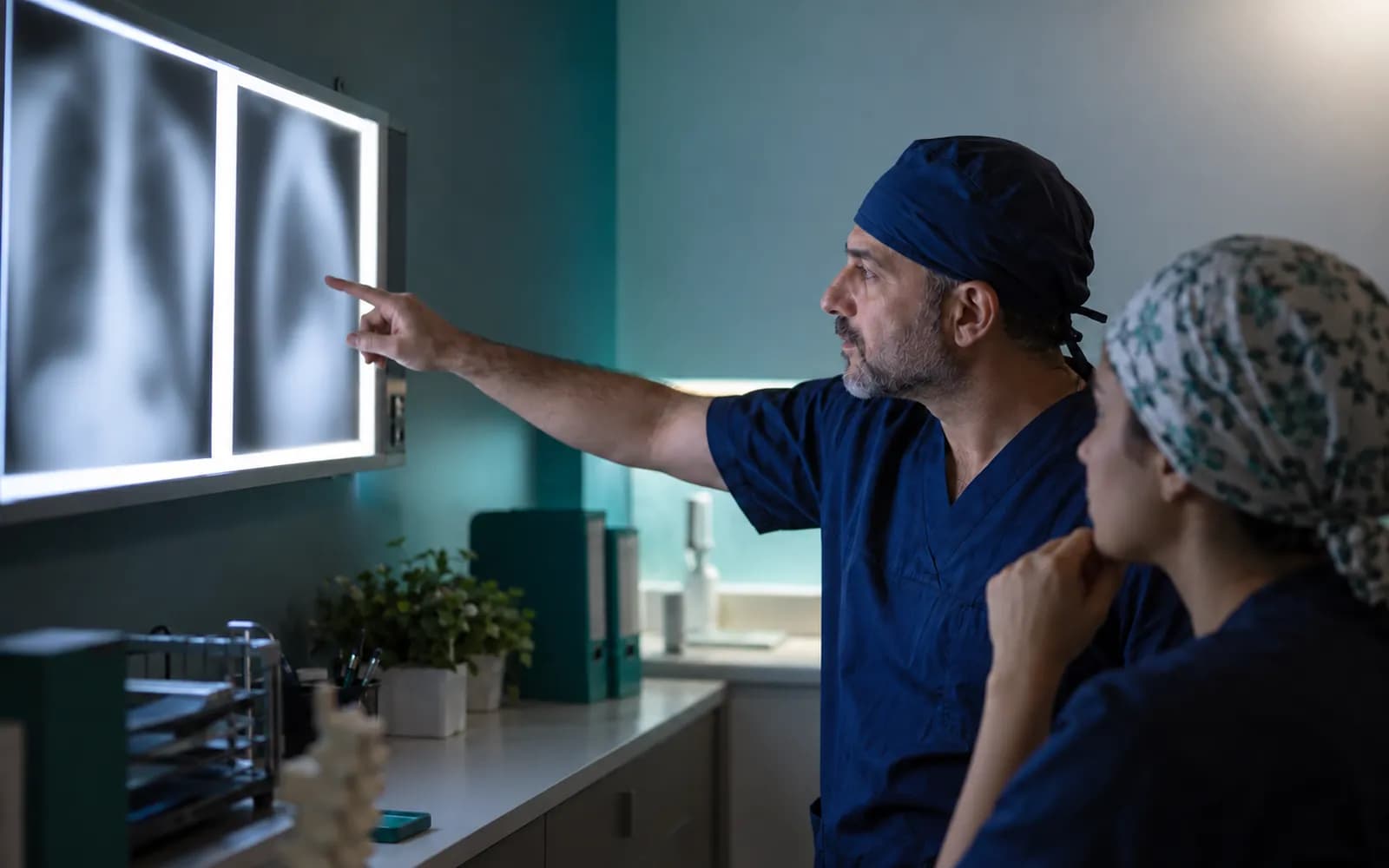
Orthopedics is image-heavy; comparison with earlier captures and the implant label attach to the record.
- X-ray
- The image and report link stay in the patient file.
- CT and MRI
- The DICOM study and report attach to the file.
- Comparison with earlier images
- Captures of the same region open side by side.
- Barcode reader
- The implant label, lot and serial are scanned.
- Rehabilitation link
- The record moves into the physical therapy plan.
Common questions about orthopedic software
Is there a separate profile for orthopedics?
Yes. Orthopedics and Traumatology is one of the defined clinical profiles: injury and region, range of motion, implants, surgical and follow-up plan, function scores. It is versioned and passes two separate clinical sign-offs before release.
How are images compared?
Earlier and current captures of the same region open side by side. The HekimBis viewer is for clinical assessment and comparison, and the radiology report attaches to the patient file.
Are my device and PACS supported?
Device connections are verified per manufacturer, exact model, protocol and version, and the verified ones are listed. A DICOM media file from a source that is not on the list can be imported with a note that it is not integrated.
Is the implant record mandatory?
Your clinic defines for which procedures it is required; once defined, a procedure cannot be completed without implant details.
Is there a link to rehabilitation?
The Physical Therapy and Rehabilitation profile is defined separately; the orthopedic record moves into the rehabilitation plan and progress is followed in the same patient file.
How is surgical consent managed?
Disclosure, explicit consent and procedure-specific clinical consent are separate records. The consent text is versioned; a signed consent does not change when a new version is published later.
For which size of organization is it suited?
The profile targets the structure of outpatient and small to mid-size clinics: injury and region records, image links and the follow-up plan.
How are function scores kept?
Validated function scores with a recorded source and usage right are defined in versions; the score is calculated automatically and drawn as a series. Interpreting the score belongs to the physician.
Keep reading
Related pages
Features
Specialties
Solutions and process
Software guides