
Specialties
Specialty clinic software
Every specialty has its own examination layout, forms, scales and devices. HekimBis places versioned, specialty-specific workspaces on top of a shared clinical core: an odontogram for the dentist, an audiogram for the audiologist, percentile curves for the pediatrician, a specimen chain for the laboratory.


The core, the specialty pack and your settings work together
A specialty experience is neither a separate application nor a menu label. A physician or clinic can use more than one specialty pack at the same time.
- Platform core
- Shared capabilities such as patients, appointments, records, billing and permissions live in the core; every specialty works on the same patient file.
- Specialty pack
- A versioned definition with a named clinical owner: forms, scales, terminology, appointment types, order sets and indicator reports.
- Clinic and branch settings
- You manage local settings such as working hours, rooms, devices and prices.
13 specialty families
Families organize shared core dependencies; each profile is managed separately with its own clinical owner, content and acceptance evidence.

Primary care and chronic care
The problem list, vital and glycemic trends and the care plan are the foundation of primary care; in pediatrics, percentile and growth curves are added.
Women's health and reproduction
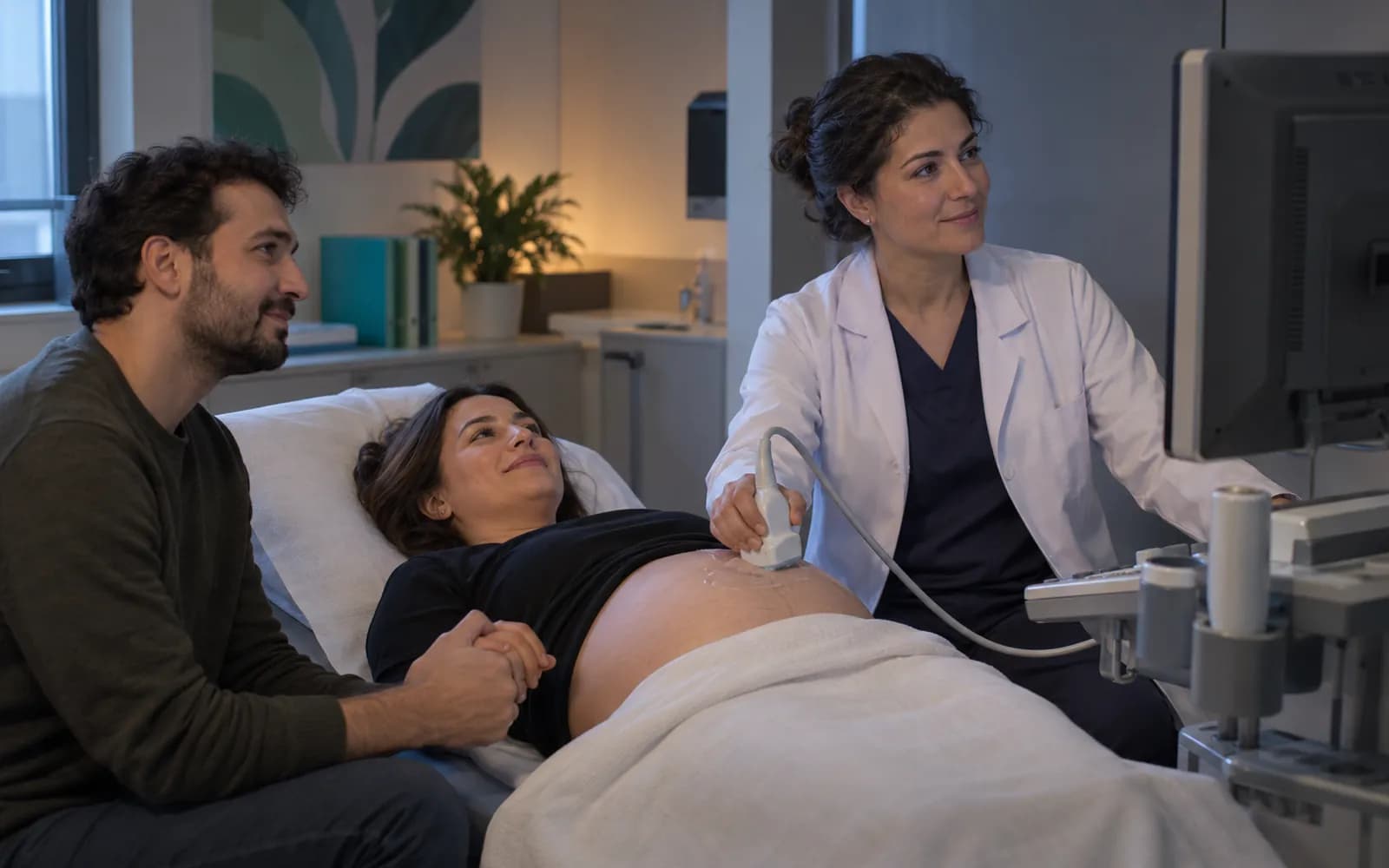
The pregnancy timeline, cycle and fetal follow-up are tracked in obstetrics and gynecology; medication protocol and embryo traceability in IVF.
Oral and dental
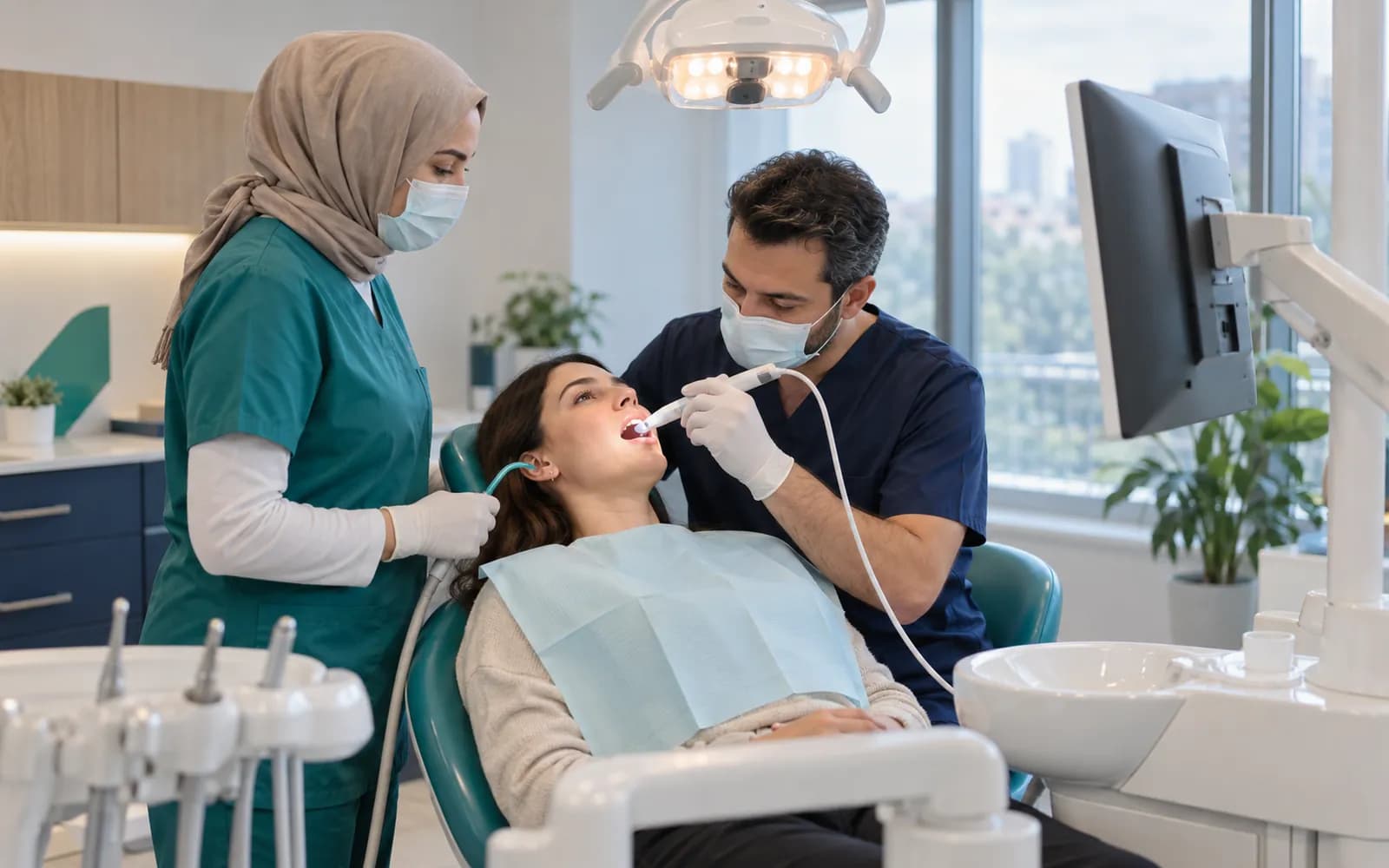
The odontogram, periodontal chart, diagnosis-plan-session, outside lab and earnings run together; orthodontics adds bracket and aligner tracking.

Dermatology and aesthetics
Lesion and zone maps, standard photo series and product lot records are kept; in hair transplantation the donor map and graft count join them.

Mental health
Session and goal plans, validated scales and serial follow-up run with a more tightly protected note access.
Nutrition and rehabilitation
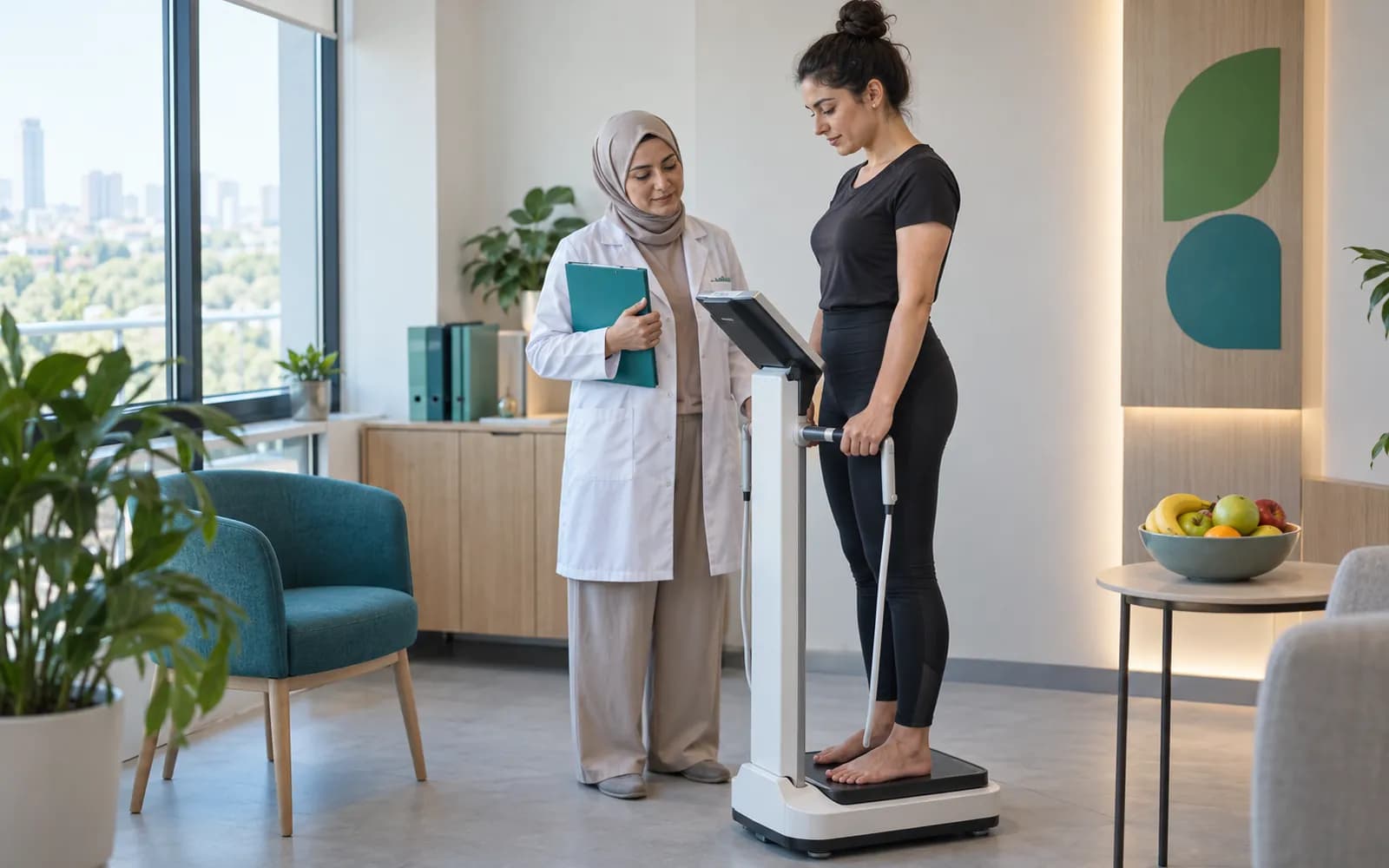
Anthropometry and the meal plan are followed in nutrition; pain, range of motion, function and the exercise prescription in rehabilitation.
Musculoskeletal, pain and surgery
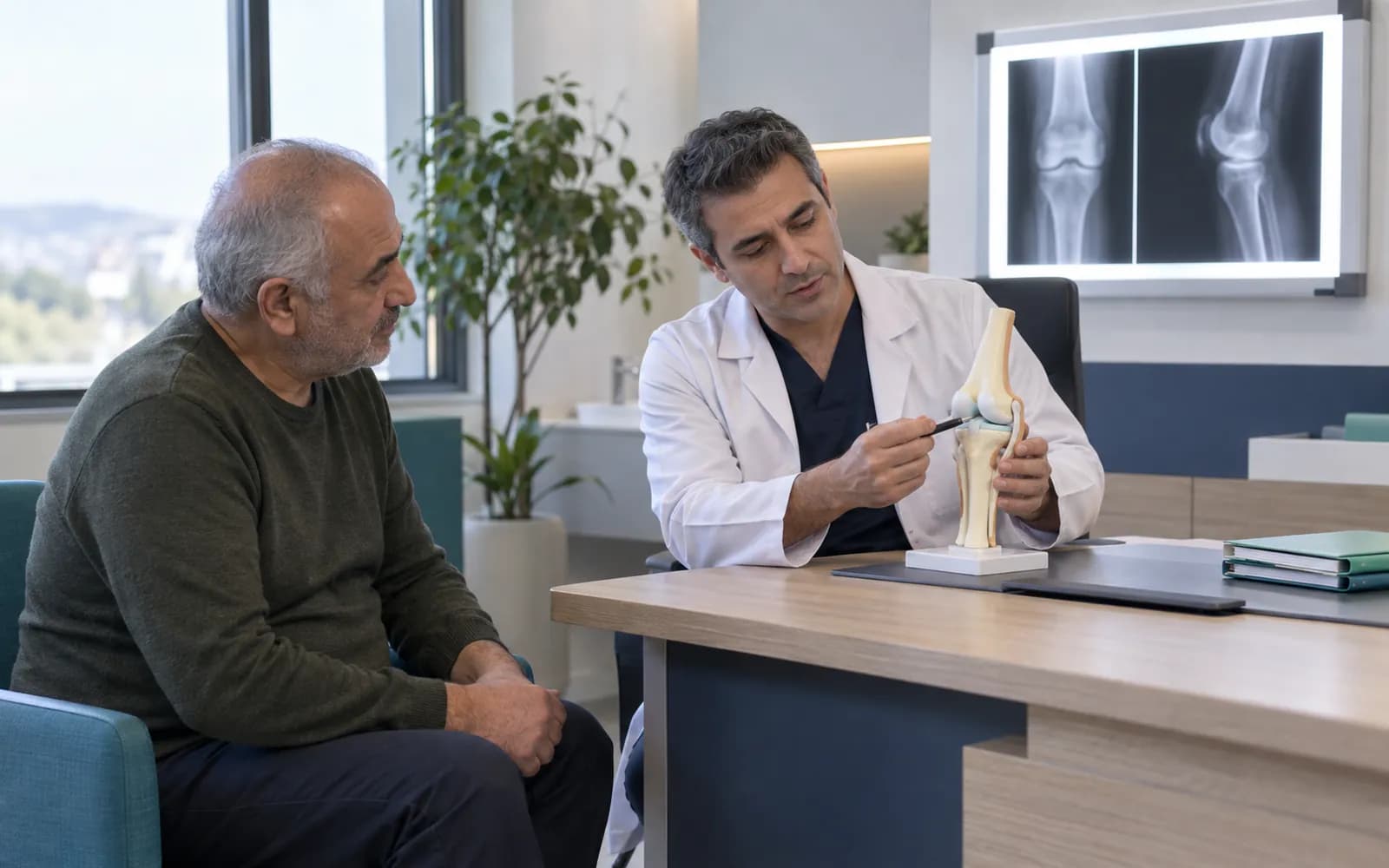
The region and implant card, pre-op and post-op follow-up, and pain and disease activity scales are gathered in the same family.
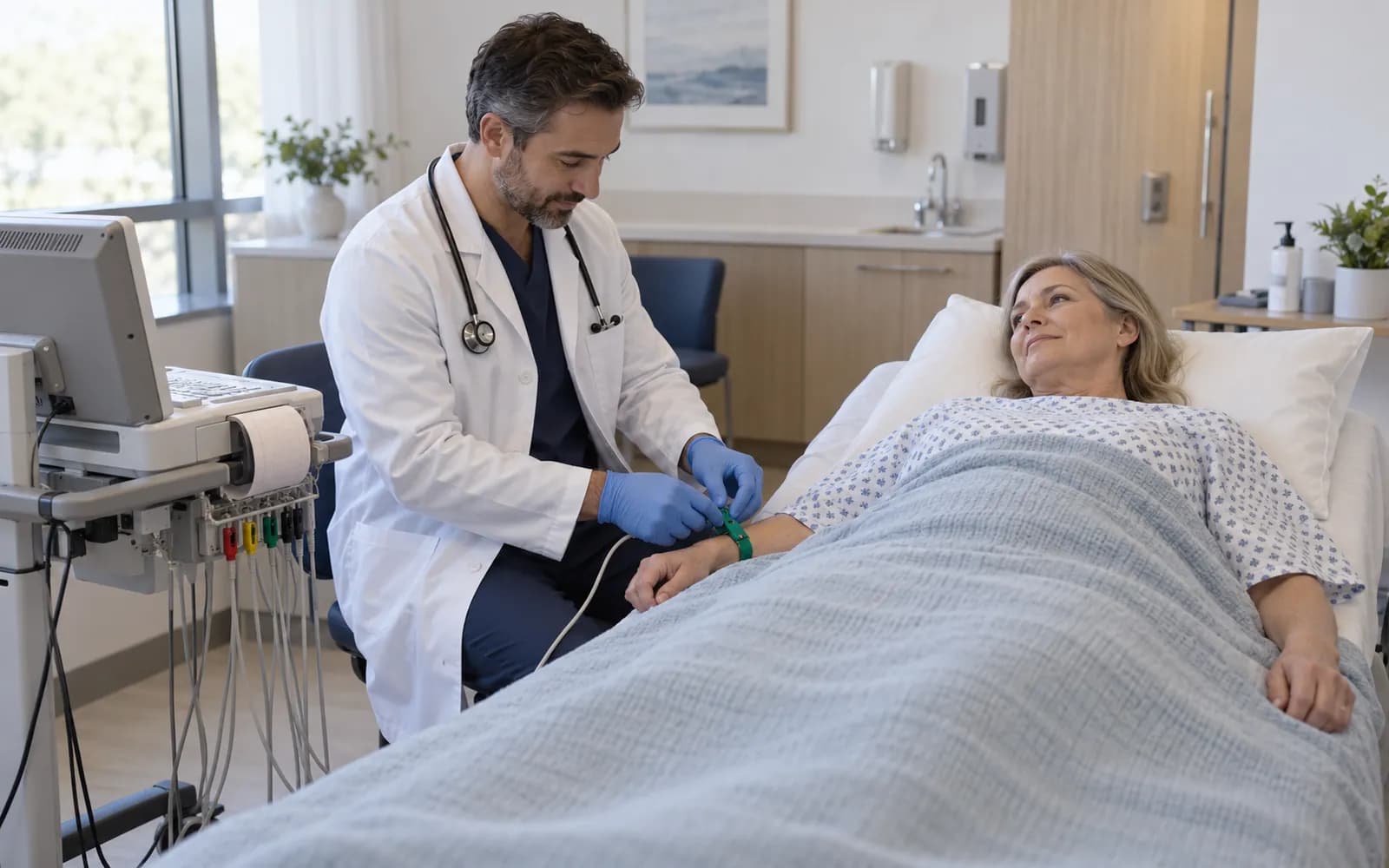
Cardiopulmonary
ECG, Holter and echo reports and spirometry attach to the patient card together with clinician-validated risk scores.
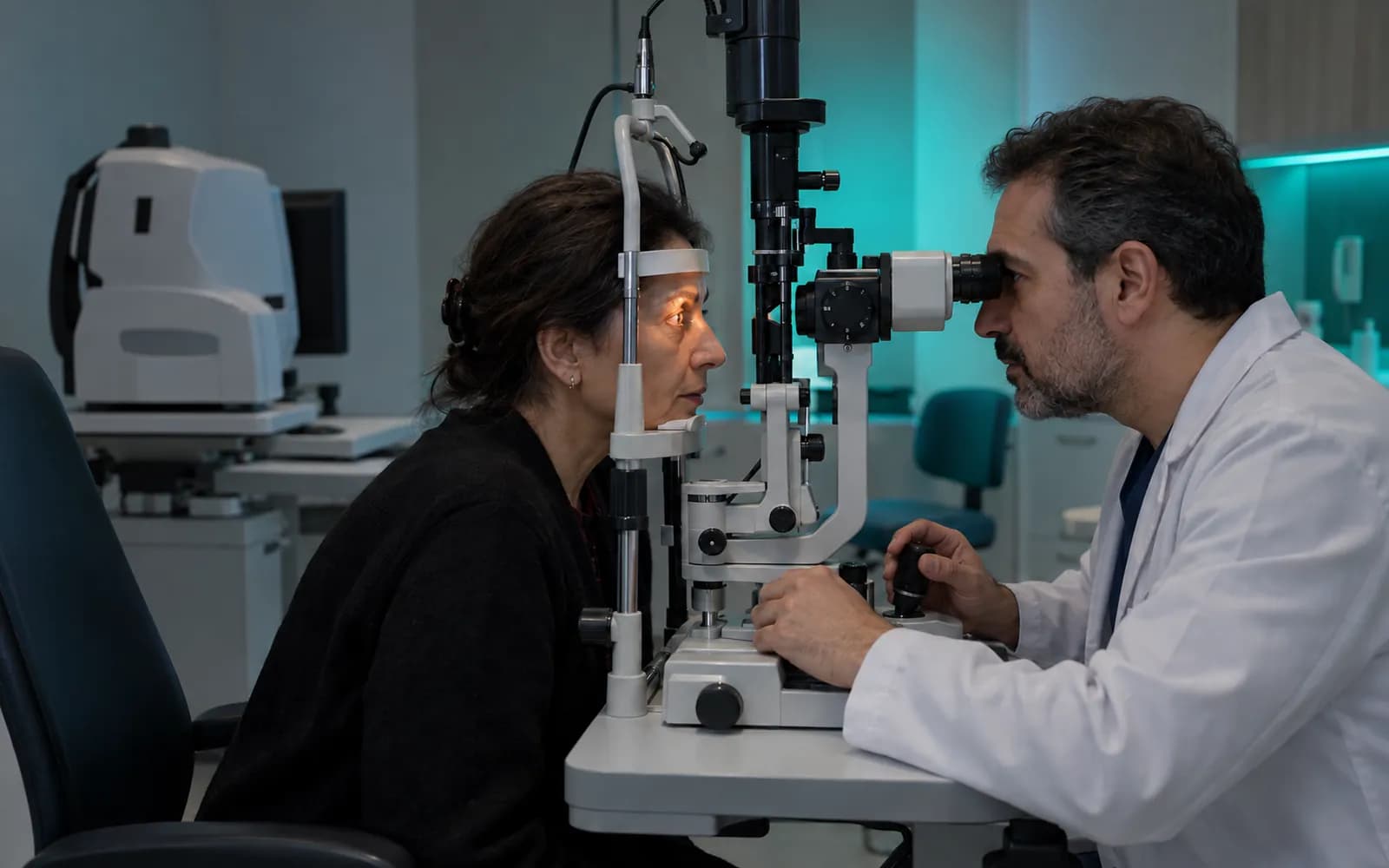
Sensory and neurology
The ENT exam chart, audiogram, OD and OS visual acuity and the seizure diary each live on their own specialty's screen.

Urology and gastroenterology
The voiding diary and the endoscopy preparation and follow-up cards carry the workflow of these two specialties.

Diagnostic businesses
The radiology worklist, the laboratory specimen chain and the container, cassette and slide chain in pathology are followed.

Traditional and complementary practices
The authorized practice type, region and material lot and serial record sit on the same card.

Corporate health
The corporate agreement, bulk work orders, panel completion and periodic accrual are built on top of the clinical profiles.
Find your specialty
Choose a family or search for a profile. Each profile comes with its own screen, form, scale and device flow.
- General Practice
General practice with vital trends, problem list and care plan.
Primary care and chronic care
- Family Medicine
Annual care calendar, screening and vaccination follow-up.
Primary care and chronic care
- Internal Medicine
Multiple problems, medications and lab trends in one view.
Primary care and chronic care
- Pediatrics
Guardian record, percentile growth curves and vaccination schedule.
Primary care and chronic care
- Endocrinology and Diabetes
Glycemic trends, home readings and care targets.
Primary care and chronic care
- Obstetrics and Gynecology
Pregnancy timeline, cycle and fetal follow-up.
Women's health and reproduction
- Medical Aesthetics
Zone and procedure plan, product lot records, before and after.
Dermatology and aesthetics
- Plastic Surgery
Operative decision card, standard photo angles, implant identity.
Dermatology and aesthetics
- Physiotherapy and Rehabilitation
Pain, range of motion, function scores and exercise prescription.
Nutrition and rehabilitation
- Orthopedics and Traumatology
Region and implant card, surgical and follow-up plans.
Musculoskeletal, pain and surgery
- General Surgery
Pre-op assessment, operation plan and wound follow-up.
Musculoskeletal, pain and surgery
- Pain Medicine
Pain scale series, pain map, intervention and medication plan.
Musculoskeletal, pain and surgery
- Rheumatology
Disease activity score, joint chart and medication plan.
Musculoskeletal, pain and surgery
- Gastroenterology
Endoscopy prep and follow-up card, chronic disease tracking.
Urology and gastroenterology
- Traditional and Complementary Medicine
Application type, region, material lot and serial records.
Traditional and complementary practices
34
What is inside a specialty pack?
A specialty pack is more than a screen layout. It is a versioned definition with a named clinical owner and recorded source and usage rights, and it can carry the components below.
- Menu and dashboard layout, specialty-specific summary fields on the patient card
- Appointment and encounter types, durations, required room, device and staff
- Type-safe form schemas, terminology, value sets and units
- Validated scale and score definitions with interpretation limits and follow-up frequency
- Anatomical drawings or custom clinical components: odontogram, audiogram, image comparison
- Treatment and care plans, order sets and result views
- Procedure-supply kits; document, consent and patient-instruction templates
- Automation, recall and task templates; specialty indicator reports
- Versioned mapping of the fields required for national data reporting
Your clinic can add its own optional fields, local form sections and templates. Security fields, clinical rules, calculations, consent separation and audit behavior defined centrally stay in place. A signed record stays bound to the definition version it was created with.
Every specialty definition passes two clinical sign-offs before release
Every definition goes through the same lifecycle. If the independent reviewer rejects it, the definition goes back to the schema stage; a new version never changes the meaning of an earlier signed record.
Monitoring and reassessment
Use is monitored and the definition is reassessed periodically.
- The process is complete here.
All steps
- 01 Need and clinical source (Lead clinical owner) The clinical source and usage rights of the specialty are recorded.
- 02 Product schema (Product) A type-safe schema is written for forms, scales, appointment types and widgets.
- 03 Lead clinical owner review (Lead clinical owner) The specialty's clinical owner reviews and approves the content.
- 04 Security and data classification (Security) Sensitivity, access rule and retention class are set.
- 05 Sample patients and edge-case tests (Product) Empty, normal, critical, corrected and historical scenarios are tested.
- 06 Pilot (Lead clinical owner) The definition is tried in pilot use with the real workflow.
- 07 Independent clinical review (Independent reviewer) A clinician independent of the lead owner reviews the definition.
- 08 Dual clinical sign-off (Independent reviewer) The lead owner and the independent reviewer sign separately.
- 09 Versioned release (Product) The definition is released as a version with an immutable identity.
- 10 Monitoring and reassessment (Lead clinical owner) Use is monitored and the definition is reassessed periodically.
Alternative path from 07 Independent clinical review; it returns to the main flow at 02 Product schema.
- 07a Rejected: back to schema (Independent reviewer) If the reviewer rejects, the definition returns to the schema stage.
Alternative path from 09 Versioned release; the process ends on this path.
- 09a A new version never changes a signed record (Product) A signed record stays bound to the version it was created with.
10 Monitoring and reassessment
Common questions about specialties
Which specialties have a ready-made workspace?
The 34 defined profiles on this page: 26 core clinical profiles and 8 extensions (hair transplant, orthodontics, IVF, traditional and complementary medicine, check-up and corporate health, endocrinology and diabetes, pain medicine, rheumatology). For a specialty that is not listed, you can talk to the product team.
Can I use more than one specialty pack in the same clinic?
Yes. A physician or clinic can use more than one specialty pack at the same time; each pack brings its own forms, scales and appointment types, and the patient stays in the same file.
How does a specialty pack work?
A specialty pack runs on the same core, so the patient record, appointments, billing and permissions stay in one place. The pack adds that specialty's forms, scales and appointment types.
Who prepares the forms and scales?
Clinical content passes the separate approvals of a main clinical owner verified in the relevant specialty and an independent clinical reviewer; source and usage rights are recorded. The person who prepares a definition cannot publish it alone.
Can I add my own fields?
Yes; you can add optional fields, local form sections, templates and tasks. Central elements such as safety fields, clinical rules and consent separation stay in place.
Are my devices supported?
Device connections are verified one by one per manufacturer, exact model, protocol and version, and the verified ones are listed as supported. A file from a device that is not on the list (DICOM media, PDF, CSV) is imported with a note that it is not integrated.
How does each profile differ?
Each profile has its own signature component: an odontogram, an audiogram, a percentile curve, a specimen chain. What they share is the security, record and billing core.
How is national data submission handled?
The fields required for national data submission are kept in the core with a versioned mapping, and each specialty pack refers to that mapping.
Keep reading
Related pages
Features
Specialties
- DentalTooth and surface odontogram, treatment plans, prosthetics, and outside lab work.
- DermatologyLesion and body maps, dermoscopy photo series, and separate photo consent.
- PsychologySession plans, goal cards, therapy packages, and privacy-focused notes.
- OphthalmologyOD/OS exams, visual acuity, intraocular pressure, and an imaging archive.
Software guides