
Radiology
Radiology center software and RIS
In radiology, errors usually arise in a study matched to the wrong person or in a critical finding that gets lost. HekimBis starts the order with an accession number, sends it to the device as a worklist, matches the study to the patient and the order, and follows the report, second read and critical finding notification in the same chain.

Every step from order to report has an owner and a record
For outpatient facilities and small to mid-size imaging centers, the order, appointment, arrival record, room and technologist assignment, acquisition, image transfer, reading queue and reporting are in the same flow. It can work alongside existing hospital-scale RIS and PACS systems.
When a clinic opens a shoulder MRI order, the reason, region, priority and allergy information arrive with it. At the center the order receives an accession number and drops onto the device worklist; the patient's details are not retyped on the device. When acquisition is complete, the images are transferred and the header information is compared with the patient and the order.
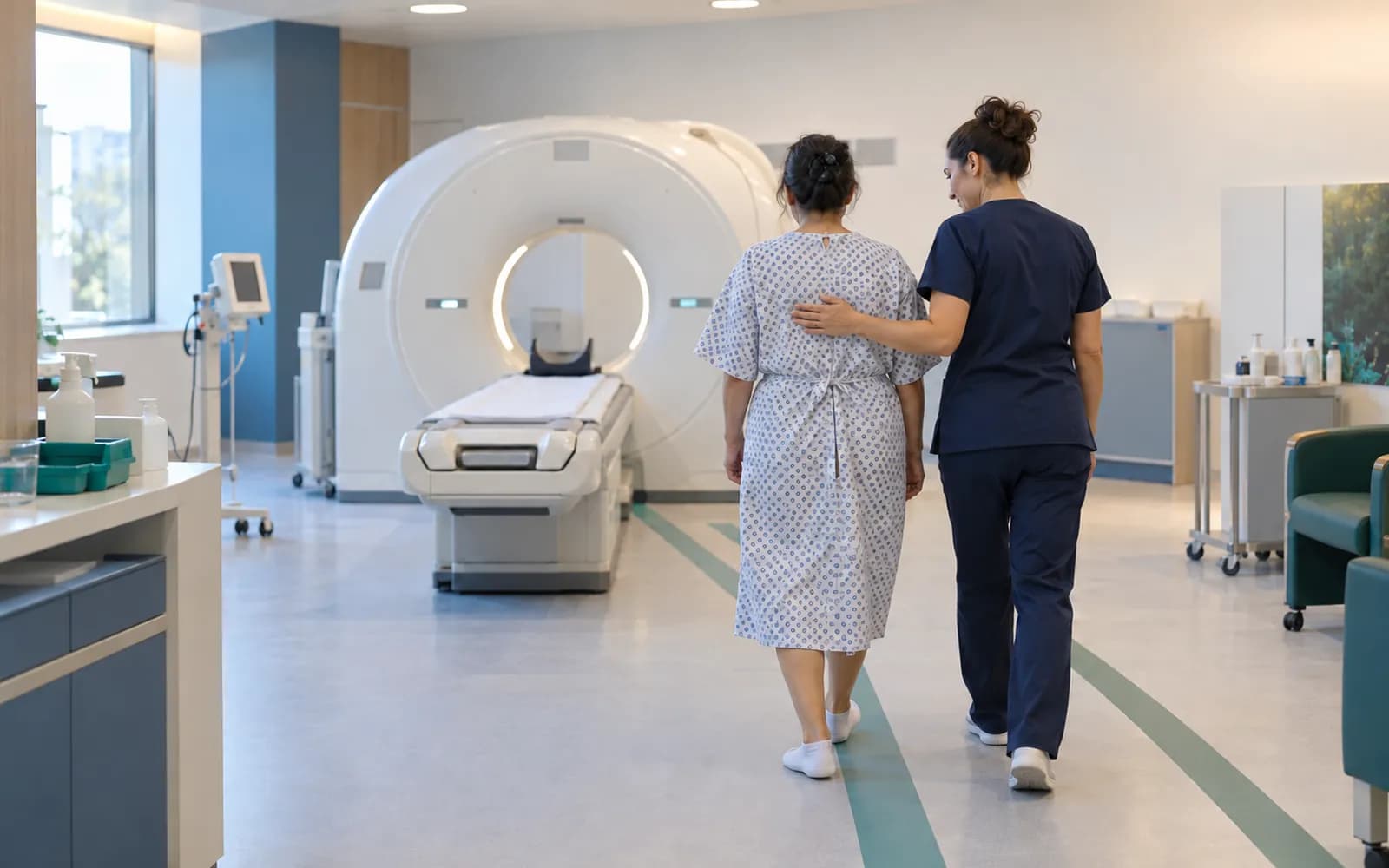
Five working steps of an imaging center
Order and protocol
The order opens with reason, region, modality, priority and allergy information; triage and protocol choice are kept in the record.
Worklist and acquisition
An accession number is issued, patient details go to the device as a worklist, and acquisition status and quality note are recorded.
Matching and quarantine
The image header is compared with the patient and the order; a study that does not match is quarantined and waits for a human check.
Reading queue and report
The study is assigned to a radiologist; draft, final, second read and addendum are followed in the same record.
Critical finding notification
A critical finding is notified to the ordering physician and stays an open task until acknowledged.
The modality worklist shows today's studies with their status
The list shows today's studies with accession number, modality, protocol, priority and status. The status strip marks the steps scheduled, arrived, started, completed, transferred and in reading; a study that is mismatched or late stands out with a separate warning. Select a row to open the order reason, allergy and preparation note, the acquisition quality note and the linked image.
| Accession | Protocol | Status | ||
|---|---|---|---|---|
| MR | Shoulder MRI | Routine | Reading | |
| CT | Abdominal CT | Urgent | Transferred | |
| XR | Chest X-ray | Routine | Started | |
| US | Abdominal ultrasound | Routine | Arrived | |
| MG | Mammography | High | Quarantine | |
| CT | Abdominal CT | Urgent | Scheduled | |
| MR | Shoulder MRI | Routine | Final |
AC-0413 · Started
- Scheduled
- Arrived
- Started
- Completed
- Transferred
- Reading
- Final
To advance a status, the order, justification and preparation check must be complete.
Table view
| Accession | Modality | Protocol | Priority | Status |
|---|---|---|---|---|
| AC-0411 | MR | Shoulder MRI | Routine | Reading |
| AC-0412 | CT | Abdominal CT | Urgent | Transferred |
| AC-0413 | XR | Chest X-ray | Routine | Started |
| AC-0414 | US | Abdominal ultrasound | Routine | Arrived |
| AC-0415 | MG | Mammography | High | Quarantine |
| AC-0416 | CT | Abdominal CT | Urgent | Scheduled |
| AC-0417 | MR | Shoulder MRI | Routine | Final |
Names, values and records on screen are examples prepared for illustration.
From the imaging order to the patient portal
The order starts with an accession and worklist, acquisition is transferred and technically verified, matched to the patient and order, and enters the reading queue. When the report and critical finding notification are complete, the result goes to the timeline and, with approval, to the portal. If a header does not match, the study is quarantined; a report can be added or corrected later.
Timeline and portal
The report enters the patient timeline; portal release needs physician approval.
- The process is complete here.
All steps
- 01 Imaging order (Ordering clinic) The order is opened with justification, region, modality, priority and allergy information.
- 02 Accession and worklist (Scheduling) The order receives an accession number and lands on the device worklist.
- 03 Arrived and acquisition started (Modality) Patient data reaches the device through the worklist and is not retyped.
- 04 Acquisition completed (Modality) Acquisition status and quality control are recorded.
- 05 Transfer and technical verification (Archive) Images are transferred to the archive; missing series and duplicates are checked.
- 06 Patient and order reconciliation (Archive) The image header is compared with the patient and the order.
- 07 Reading queue (Reporting) The study enters the reading queue assigned to a radiologist.
- 08 Draft and final report (Reporting) The radiologist signs the draft and turns it into a final report.
- 09 Critical finding notification (Reporting) A critical finding is notified to the ordering physician and acknowledgement is awaited.
- 10 Timeline and portal (Portal) The report enters the patient timeline; portal release needs physician approval.
Alternative path from 04 Acquisition completed; it returns to the main flow at 03 Arrived and acquisition started.
- 04a Repeat acquisition (Modality) A repeat scan after a technical failure is recorded with its reason.
Alternative path from 06 Patient and order reconciliation; it returns to the main flow at 07 Reading queue.
- 06a Quarantine (Archive) If the header does not match, the study is quarantined and never linked automatically.
- 06b Human review (Archive) The study is matched to the right patient or rejected.
Alternative path from 08 Draft and final report; it returns to the main flow at 10 Timeline and portal.
- 08a Addendum and correction (Reporting) An addendum is added after final; the old version is kept.
10 Timeline and portal
Every transition has an owner
The ordering clinic, planning, technologist, radiologist, archive and patient portal roles each change the status only in their own step, and the others see it. Every transition is recorded with status, time, user, source and device information.
- The ordering clinic opens the order and sees the report
- Planning manages appointments and rooms
- The technologist completes acquisition
- The radiologist reads, signs and writes addenda
- The archive manages images and the matching check
- Publishing to the patient portal happens with the doctor's approval
Imaging devices and archive
Devices connect through DICOM and DICOMweb; the worklist goes to the device, and acquisition completion and the image come back. There are two working modes: a link to your existing PACS and RIS, or the HekimBis managed archive.
- X-ray, CT, MRI, ultrasound and mammography devices
- Worklist, acquisition and image transfer run.
- Existing enterprise PACS and RIS
- Order, status, study and report reconciliation is managed through HekimBis.
- HekimBis managed archive
- An encrypted archive and an authorized clinical viewer, for outpatient and small to mid-size centers.
- Edge Connector
- A cloud connection is made from the clinic network; a local queue keeps images during an outage.
Common questions about radiology software
Is there a separate profile for radiology?
Yes. Radiology is one of the defined clinical profiles: order triage, protocol, modality worklist, acquisition, reporting, second read and addendum. It is versioned and passes two separate clinical sign-offs before release.
Does it work alongside my existing PACS and RIS?
Yes. There are two working modes: a link to your existing enterprise PACS and RIS, in which HekimBis manages order, status, report and authorized handoff, or the HekimBis managed archive and viewer.
Where do I read the images?
You do the diagnostic reading at your own reading station or in your PACS; the report, signature and status are recorded in HekimBis. The HekimBis viewer is for clinical assessment and comparison.
How is a study on the wrong patient prevented?
Patient details are sent to the device with the worklist; when the image arrives, the header is compared with the patient and the order. A mismatch is quarantined and needs a human check.
How is a critical finding tracked?
The finding is notified to the ordering physician through the defined channel; it stays an open task until the physician acknowledges it, and escalation runs if needed.
Are my devices supported?
Device connections are verified per manufacturer, exact model, protocol and version, and the verified ones are listed. DICOM media from a device that is not on the list can be imported with a note that it is not integrated.
Are images lost if the internet drops?
Edge Connector keeps images in a local encrypted queue and resends when the connection returns, with no duplicate records. An alarm is raised if the queue quota fills.
How does the result reach the patient?
The report is published in the patient portal with the doctor's approval; notifications carry no health data.
Keep reading
Related pages
Features
- Imaging and PACSDICOM workflow from order to report: worklist, matching, and a reference viewer.
- Staff and operationsShifts, leave, tasks, device maintenance, calibration, and incident management.
- Patient portalA clinic portal where patients follow appointments, forms, consent, results and payments.
- Laboratory and LISOrders, specimen barcodes, analyzer results, verification, and critical values.
Specialties
Software guides
Integrations
Guides
- AI in Healthcare and Physician-Approved Clinical Decision SupportWhat is AI useful for in a clinic, and what is it not? From dictation to note drafts, missing-field warnings and summaries: safe-use principles that protect the physician's decision.
- What Are DICOM and PACS? An Introduction to Clinic Imaging WorkflowDICOM is the standard for images and their information; PACS is the archive system. The flow from imaging order to report, device connection and the relationship with clinic software.