
Integrations
Devices and services connect to the clinic's record flow
From an X-ray unit to a laboratory analyzer, from an e-Nabız submission to a patient message, every connection is tracked with status, time, source and version from the order until the result reaches the physician's screen.
Clinic devices stay where they are, and the connection opens only outward
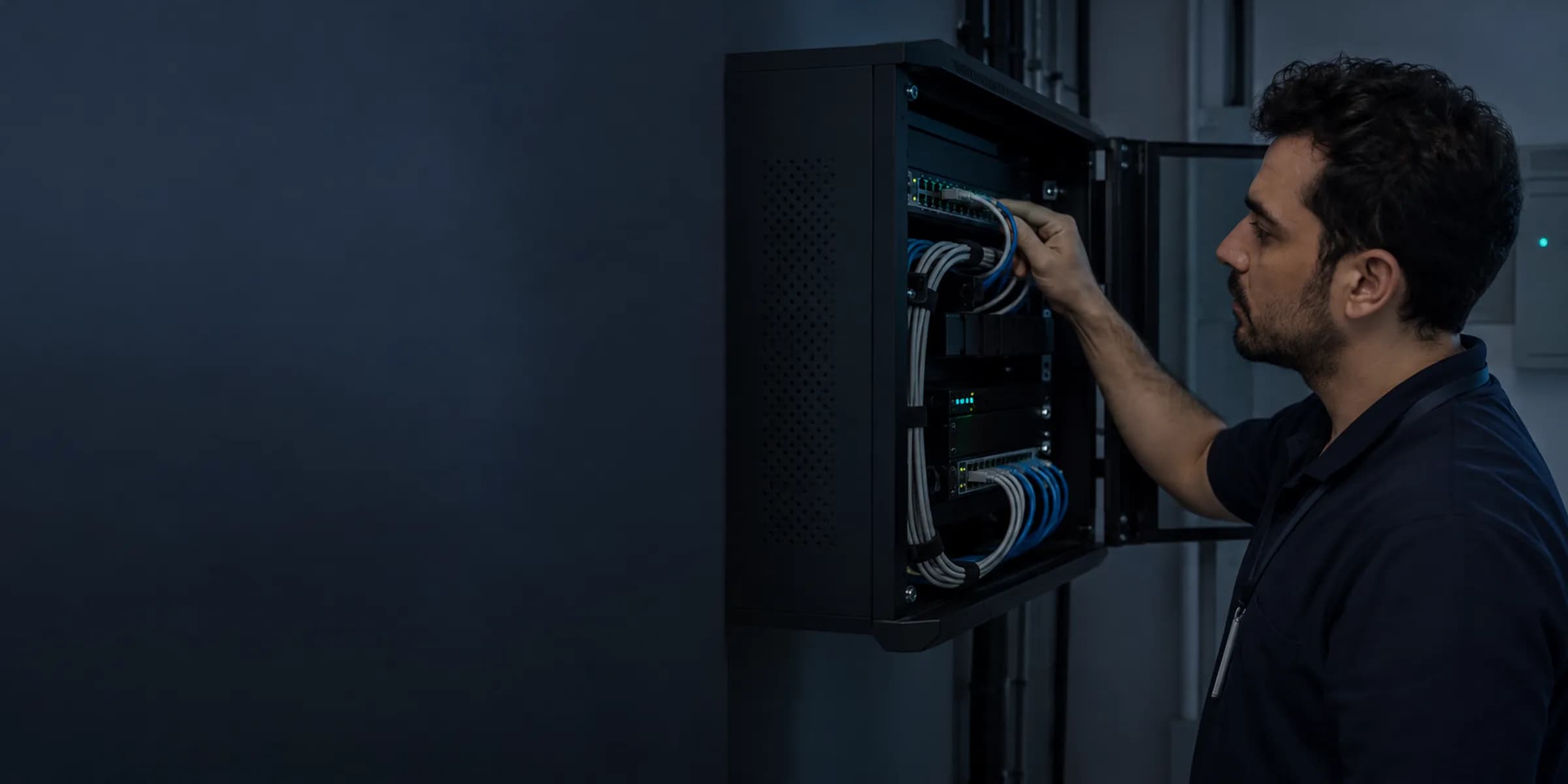
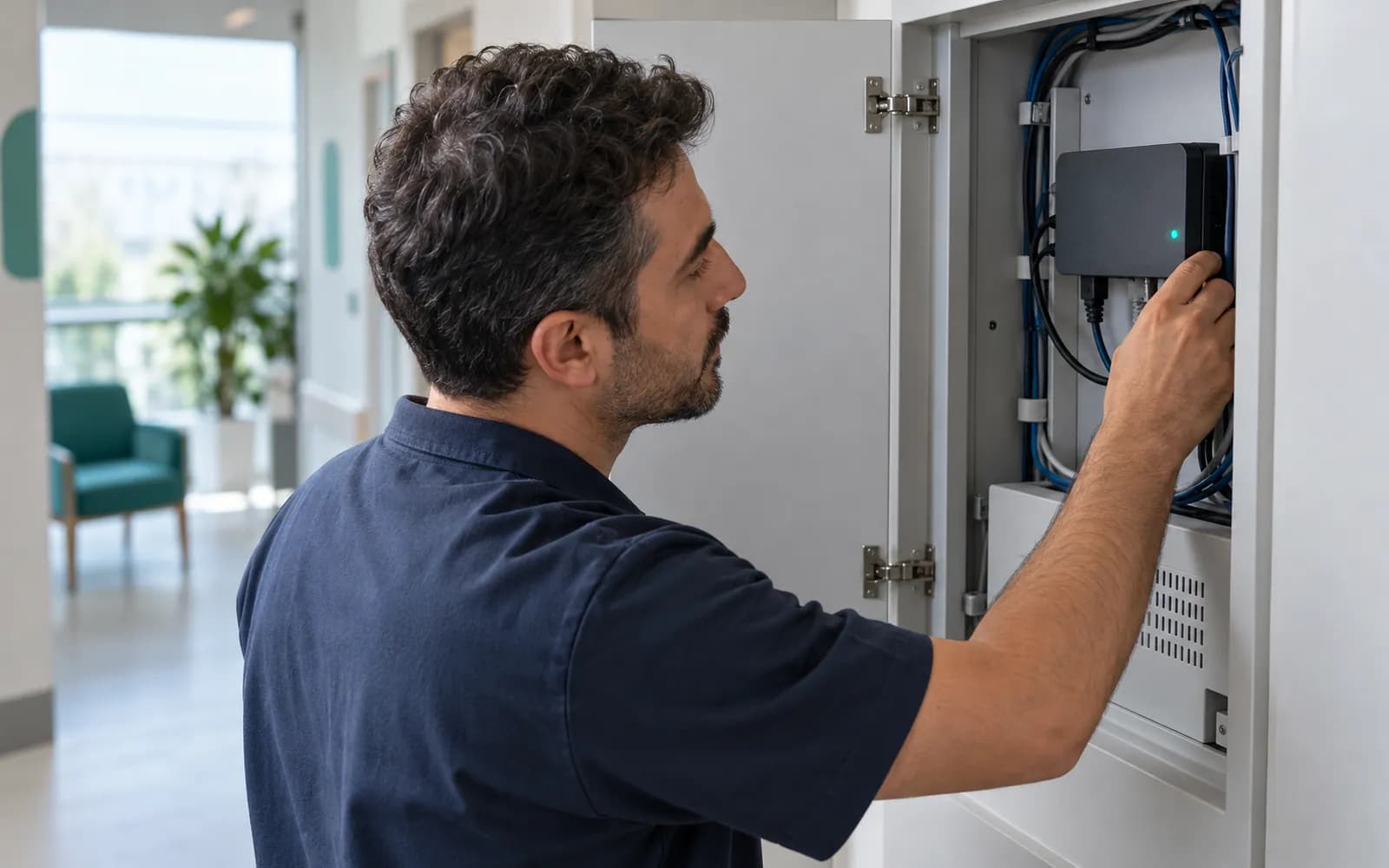
Devices and systems inside the clinic keep working on their own network. The Edge Connector installed at your branch links them to HekimBis over an encrypted, authenticated connection that opens only outward.
That is why you do not need to open an inbound port in the clinic's firewall. Services such as patient messaging, calendars, payment and national data submission run on the HekimBis side, inside organization isolation.
Production health data is kept in Türkiye, and results and images coming from a device are written only to the organization and branch they belong to.
Which systems does HekimBis connect to?
Each connection page explains how the data moves and what changes in the clinic's day-to-day work.
DICOM and PACS/RIS
Imaging orders, device worklists, study transfer and authorized hand-off to a viewer. Works with an existing PACS or with the HekimBis archive.
DICOM and PACSLaboratory and LIS
Specimen tracking, analyzer results, verification and critical value notification. Connects to an existing LIS over HL7 and FHIR.
HL7 and LISEdge Connector
An encrypted bridge that survives outages between the devices on the clinic network and HekimBis.
Edge Connectore-Nabız and USS
National health data submission, receipts and reconciliation of what was sent against what was received.
e-Nabız and USSSMS, WhatsApp and e-mail
Patient messages that follow patient preference, channel consent and quiet hours.
SMS, WhatsApp, and emailGoogle and Microsoft calendar
Busy times on a physician's personal calendar are reflected in availability; a generic busy entry without patient details is written to the external calendar.
Google and Microsoft calendarOnline payment
Payment links, deposits and refunds. Card details are entered only on the payment provider's page.
Online paymentsPhone system and CTI
Matches the caller's number to a patient record and turns a missed call into a task.
Telephony and CTI
Data is not lost when the internet drops
When the connection is lost, results coming from a device wait in the Edge Connector's encrypted local queue. When the connection returns, records are sent in order and without duplicates; in the meantime the clinic screen shows a clear warning.
Clinic screen
Appears on the order and patient timeline.
- The process is complete here.
All steps
- 01 Device message (Device) The device sends a result or image.
- 02 Local encrypted queue (Edge Connector) The connector receives the message and stores it encrypted locally.
- 03 Cloud acceptance (Cloud) Accepted after duplicate and integrity checks.
- 04 Clinic screen (Clinic screen) Appears on the order and patient timeline.
Alternative path from 02 Local encrypted queue; it returns to the main flow at 03 Cloud acceptance.
- 02a Internet down (Edge Connector) Data waits in the local queue, with a clear warning on screen.
- 02b Connection restored (Edge Connector) The queue replays in order; duplicates are blocked.
04 Clinic screen
Device families that connect
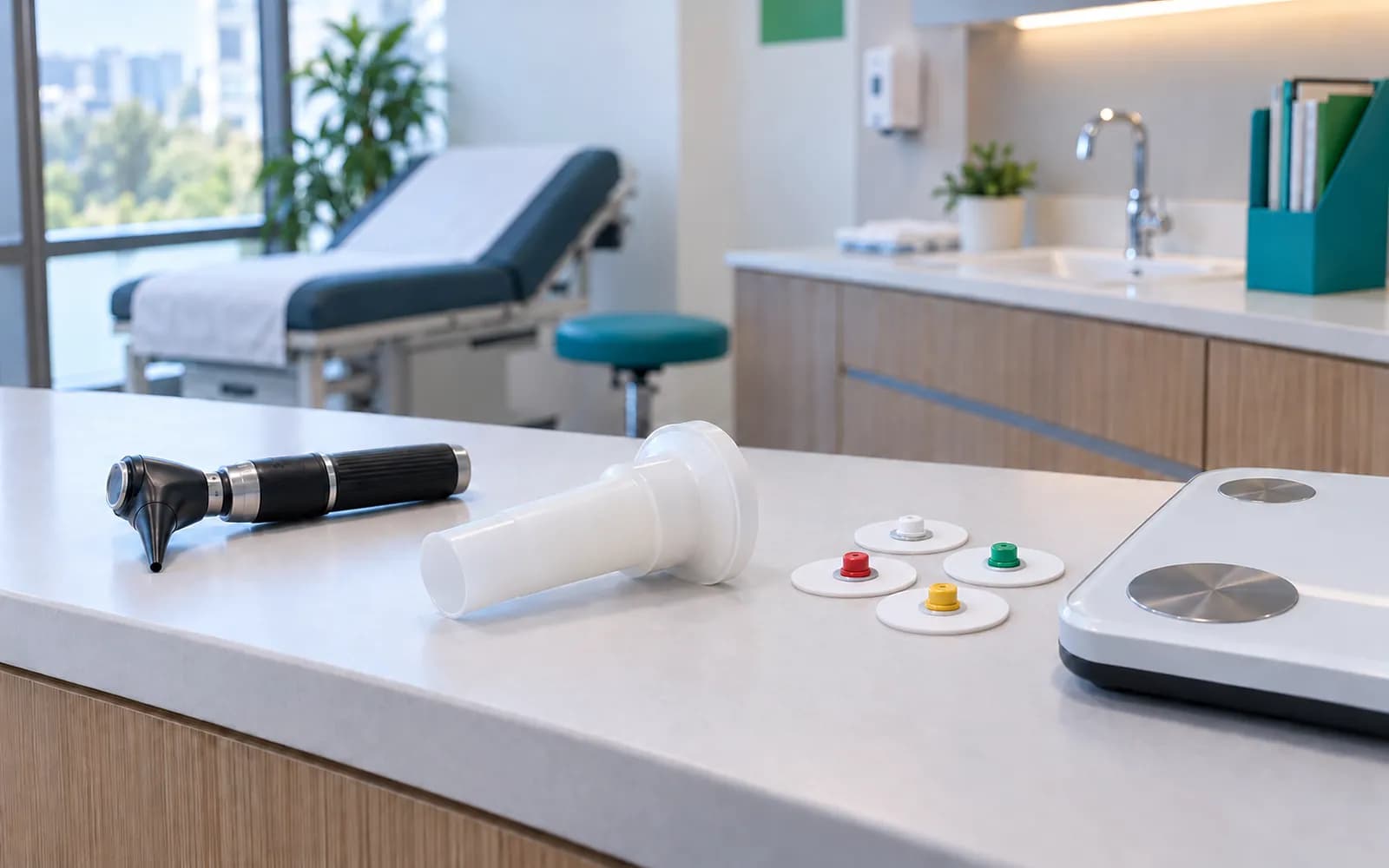
A device joins the supported device list when it has been verified by manufacturer, model, protocol and software version, and when patient and order matching has been tested with error and outage scenarios. The test date and evidence are kept, and the device is re-verified when its version changes. A DICOM media, PDF or CSV file from a device that is not on the list is imported manually, labeled as not integrated, and keeps its source.
- Dentistry
- RVG, panoramic, cephalometric, CBCT and intraoral camera
- Eye care
- Autorefractometer, tonometer, OCT, fundus camera and perimetry
- ENT and audiology
- Audiometer, tympanometer and endoscopy
- Cardiology
- ECG, Holter, ambulatory blood pressure and echo
- Chest diseases
- Spirometer and pulse oximeter
- Obstetrics and gynecology
- Ultrasound with measurement and report output
- Dermatology
- Dermatoscope and standardized clinical photography
- Dietetics
- Body composition analyzer, scale and anthropometric measurements
- Physical therapy and orthopedics
- Range-of-motion and strength measurement devices, rehabilitation session output
- General use
- Vital signs monitor, barcode printer and reader, document scanner
Frequently asked questions about integrations
Will my device work with HekimBis?
The answer depends on the device's manufacturer, model, protocol and software version. Verified combinations are listed on this page. If your device is not listed, share its details; until it is tested, file transfer works as a manual import.
Do I need to open a port in our clinic's firewall?
No. The Edge Connector connects only outward; no inbound connection port is opened from the internet to the clinic.
Do we have to give up our existing PACS or LIS?
No. HekimBis connects to existing systems and manages the order, the status, the report and the hand-off to the viewer. For small and mid-size diagnostic centers the HekimBis archive is also a working mode.
How does e-Nabız submission work?
A national data package is built from the clinical event with versioned mapping to the current data set and submitted. Receipts and error states are tracked, and a record that returns an error is resolved in the reconciliation queue. Registration runs through the Ministry of Health KTS.
Is health information sent in patient messages?
No. Messages carry general content and a secure, identity-verified link; health information is never written into the message text.
Keep reading
Related pages
Features
Specialties
Integrations
- Edge ConnectorAn outage-tolerant local link that connects clinic devices to the cloud.
- DICOM and PACSConnect to your PACS/RIS or use a managed archive with DICOM and DICOMweb.
- HL7 and LISOrder sending, result intake, and code mapping with lab analyzers and LIS.
- e-Nabız and USSUSS submission, KTS process steps, and a clear view of registration status.
Company and support