
General Practice
General practice clinic software
In a solo practice or a multi-doctor clinic, every day brings a new complaint. HekimBis keeps vital signs, the problem list, medications and the care plan in the same patient file, so you never search for history while you write.

Every patient who walks in meets the same routine
A day in general practice is made of short consultations, follow-up visits and unexpected complaints. The workspace follows that rhythm: measurements are entered during the visit, appear next to earlier ones, and the problem list updates on the same screen.
When the morning's hypertension patient arrives, earlier readings, the start date of the medication and the pending kidney panel are on the first screen. If the same patient returns in the afternoon with another complaint, the history is still beside you, and a follow-up reminder is created together with the new plan.
Vital signs read alongside previous visits
Blood pressure, pulse, oxygen saturation, temperature and weight appear as a line across recent visits. Select a visit and that day's problem list and note open beside it; the normal-range band gives every reading a reference.
Visit 12 / 12
Problem list
- Hypertension
- Type 2 diabetes
- Hyperlipidemia
Table view
| Visit | Systolic/diastolic | Pulse | SpO2 | Temperature | Weight | Normal range band |
|---|---|---|---|---|---|---|
| 1 | 130 | 82 | 73 | 96 | 36.3 | 83.2 |
| 2 | 134.3 | 86.1 | 80.1 | 97.7 | 36.9 | 83.1 |
| 3 | 131.5 | 81.5 | 81.2 | 97.2 | 36.5 | 82.7 |
| 4 | 127.2 | 84.5 | 82.6 | 96.8 | 36.9 | 82.8 |
| 5 | 135.9 | 83.1 | 82.3 | 96.9 | 36.9 | 82.8 |
| 6 | 129.4 | 84.5 | 81.5 | 96.1 | 36.4 | 82.5 |
| 7 | 129.6 | 83.5 | 79.1 | 97.3 | 36.7 | 82.6 |
| 8 | 127.9 | 79.7 | 81.3 | 97 | 36.4 | 82.5 |
| 9 | 126.9 | 79.2 | 81.3 | 97 | 36.4 | 82.2 |
| 10 | 123.5 | 79.2 | 74.5 | 96.2 | 36.3 | 82 |
| 11 | 121.6 | 81.8 | 82.9 | 96.7 | 36.8 | 80.4 |
| 12 | 126.5 | 78.4 | 80.5 | 96.5 | 36.8 | 80.4 |
Names, values and records on screen are examples prepared for illustration.
Fast to record, complete to review
- The visit record is saved as a draft
- Complaint, findings and plan are saved as you write; the record stays a draft until you sign it.
- Problem list
- Active, resolved and chronic problems are kept with their dates; the next visit starts from the previous problem.
- Medication and allergy safety
- Current medications and allergies sit at the top of the patient card; warnings reach you as you prescribe.
- Test orders and results
- Laboratory panels, ECG and spirometry orders start from the visit; results attach beneath it when they arrive.
- Periodic checks and risk
- Check intervals are defined, patients who are due fall onto a reminder list, and the care plan is tracked on the patient card.
- Documents and consent
- Reports, referrals and patient information sheets come from templates; disclosure, explicit consent and clinical consent are separate records.
- End-of-day close
- Unsigned drafts, orders awaiting results and visits with open payments are gathered on one list, so the doctor and front desk see how the day ends together.
The patient file is a timeline
Past visits, results, documents, medications and messages flow through the file in date order. From the same screen you move on to the next appointment, the payment and the follow-up reminder.
- One click returns you to the note of the previous visit
- A task reaches the doctor when a result arrives
- A signed record is corrected with an addendum whose history is kept
- A dictation can be turned into an AI draft that stays open until the doctor approves it

Devices in the examination room
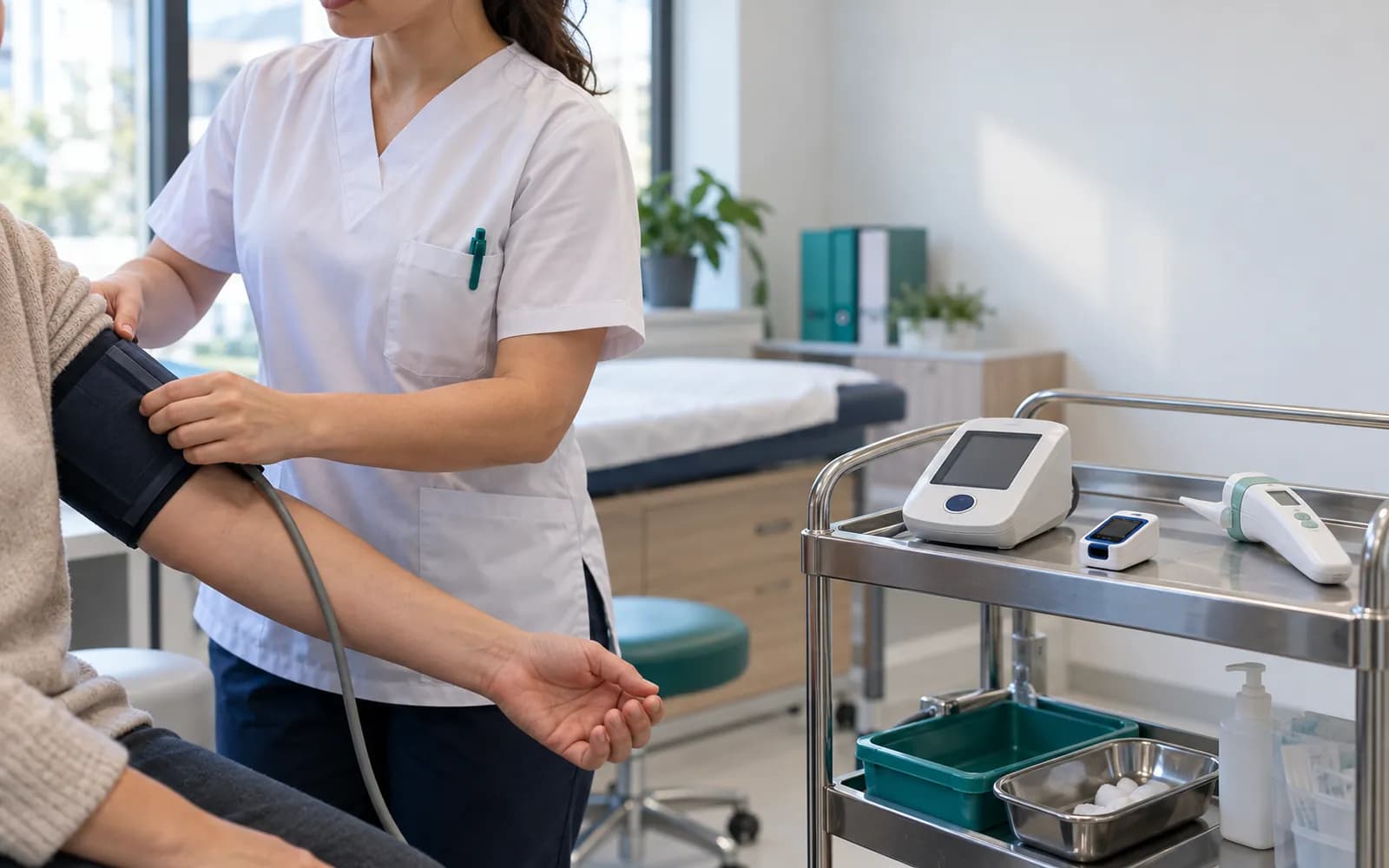
The device surface in general practice is simple. Measurement devices, quick tests, ECG and spirometry results attach to the visit automatically.
- Vital sign devices
- Blood pressure, pulse, temperature and saturation readings are carried into the visit.
- Point-of-care tests
- The result and its unit enter as a record tied to the visit.
- ECG and spirometry
- The report and a measurement summary are added to the patient file.
- Barcode reader and document scanner
- Specimen labels and outside documents are linked to the file.
Common questions about general practice software
Is there a ready workspace for general practice?
Yes. General Practice is one of the defined clinical profiles: it covers the problem list, vital trends, medication and allergy fields, periodic checks and the care plan. The profile is versioned and passes two separate clinical sign-offs before release.
How does the general practice profile differ from the family medicine profile?
General practice focuses on a single patient visit; the family medicine profile adds household-based care, screening and vaccination tracking. Both can be used in the same clinic.
Does the AI write the visit note by itself?
The AI turns a dictation into a draft and flags missing fields and contradictions. The record is not final until you approve it, and with the AI switched off the flow continues by hand.
Which warnings do I see when prescribing?
Allergy, duplicate active ingredient and drug interaction warnings appear on screen as you prescribe, and the prescription draft is stored in the patient file.
Is my device supported?
Device connections are verified per manufacturer, exact model, protocol and version, and the verified ones are listed. The result of a device that is not on the list can be taken as a file and imported with a note that it is not integrated.
Keep reading
Related pages
Features
- Patient managementPatient 360 timeline, tags, duplicate merging, and patient statuses.
- Clinical recordsSOAP visit notes with autosave, physician signature, and a permanent audit trail.
- Appointments and calendarPhysician, room, and device calendars with a waitlist and double-booking checks.
- e-Nabız and USS reportingSending clinical events to USS with versioned mapping, tracking, and reconciliation.
Specialties
Software guides