
Gastroenterology
Gastroenterology clinic software
In gastroenterology the patient's journey starts with the exam, deepens with endoscopy and closes with the pathology result. HekimBis keeps that chain in the same record: symptom tracking, procedure preparation, endoscopy images and video, the pathology link and the chronic disease plan.
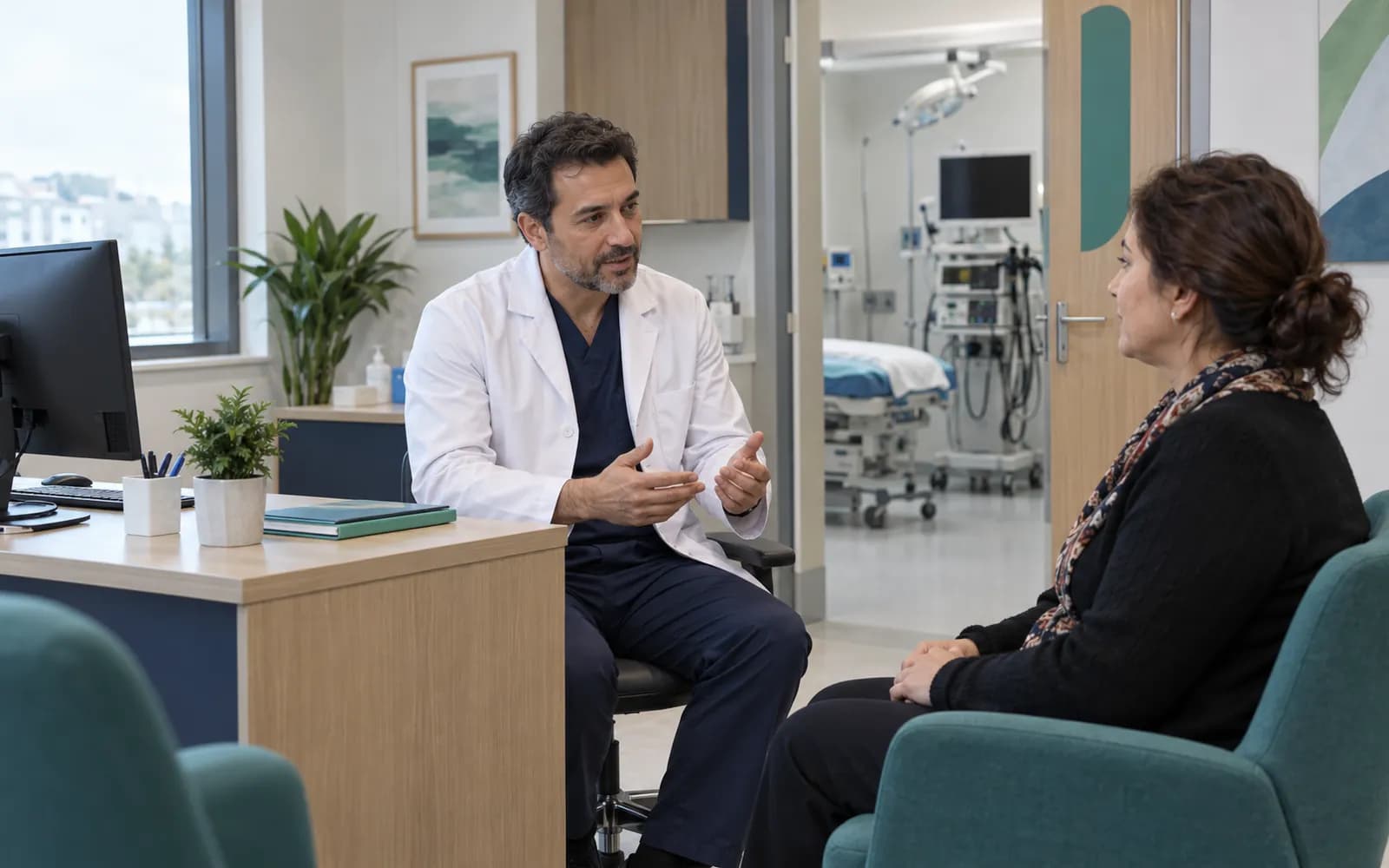
When preparation is complete, the procedure is not postponed
Endoscopy preparation depends on steps the patient must take at home, and incomplete preparation means the procedure is postponed. The workspace sends the preparation instructions to the patient, shows a missing step as a task before the procedure, and prepares the follow-up plan after it.
Procedure-specific consent is prepared, and the preparation instructions are sent to the patient in the portal with your approval. On procedure day the images and video attach to the patient card, and a pathology order is opened for the specimen taken.
Three needs of a gastroenterology clinic
- Symptom and chronic disease follow-up
- Complaint, medication and check interval are tied to the plan; a patient who does not come generates a task.
- Endoscopy image and video archive
- Images and video are kept in an archive linked to the patient and procedure; they open side by side with the previous procedure.
- Pathology link
- An order, identity and result match are established for the specimen; a result that does not match falls to human review.
Preparation, procedure and follow-up move along the same card
The card is made of three strips. In the preparation strip, instruction items are marked sent to the patient, completed or missing. The procedure strip lists the procedure type, date, image and video frames, and the specimen taken. The follow-up strip holds the pathology result, the plan based on the result and the next check-up date; the card of the previous procedure can open side by side.
Preparation
Procedure
Follow-up
The follow-up plan opens once a specimen is taken and pathology is linked.
Table view
| Item | Status |
|---|---|
| Preparation instruction sent to the patient | Completed |
| Fasting | Completed |
| Medication adjustment | Instruction sent |
| Accompanying person | Missing |
Names, values and records on screen are examples prepared for illustration.
From the exam to the pathology result
Symptoms and exam
Complaint, history and the chronic disease record are taken.
Procedure plan and consent
The endoscopy plan and procedure-specific consent are prepared.
Preparation
Patient instructions are given; a missing step appears as a task.
Procedure
Endoscopy images and video, consumables used and the specimen taken are recorded.
Pathology
An order is opened for the specimen and the result matches.
Follow-up
A plan, check interval and reminder follow from the result.
From a chronic complaint to endoscopy
For a patient who comes with a chronic complaint, you record the symptoms and plan an endoscopy. Procedure-specific consent is prepared, and the preparation instructions are sent to the patient in the portal with your approval. On procedure day the images and video attach to the patient card and a pathology order is opened for the specimen taken. When the result arrives it matches the specimen; you see the result and write the follow-up plan.
Endoscopy and diagnostic flow
Endoscopy images and video meet pathology and lab results on the patient card.
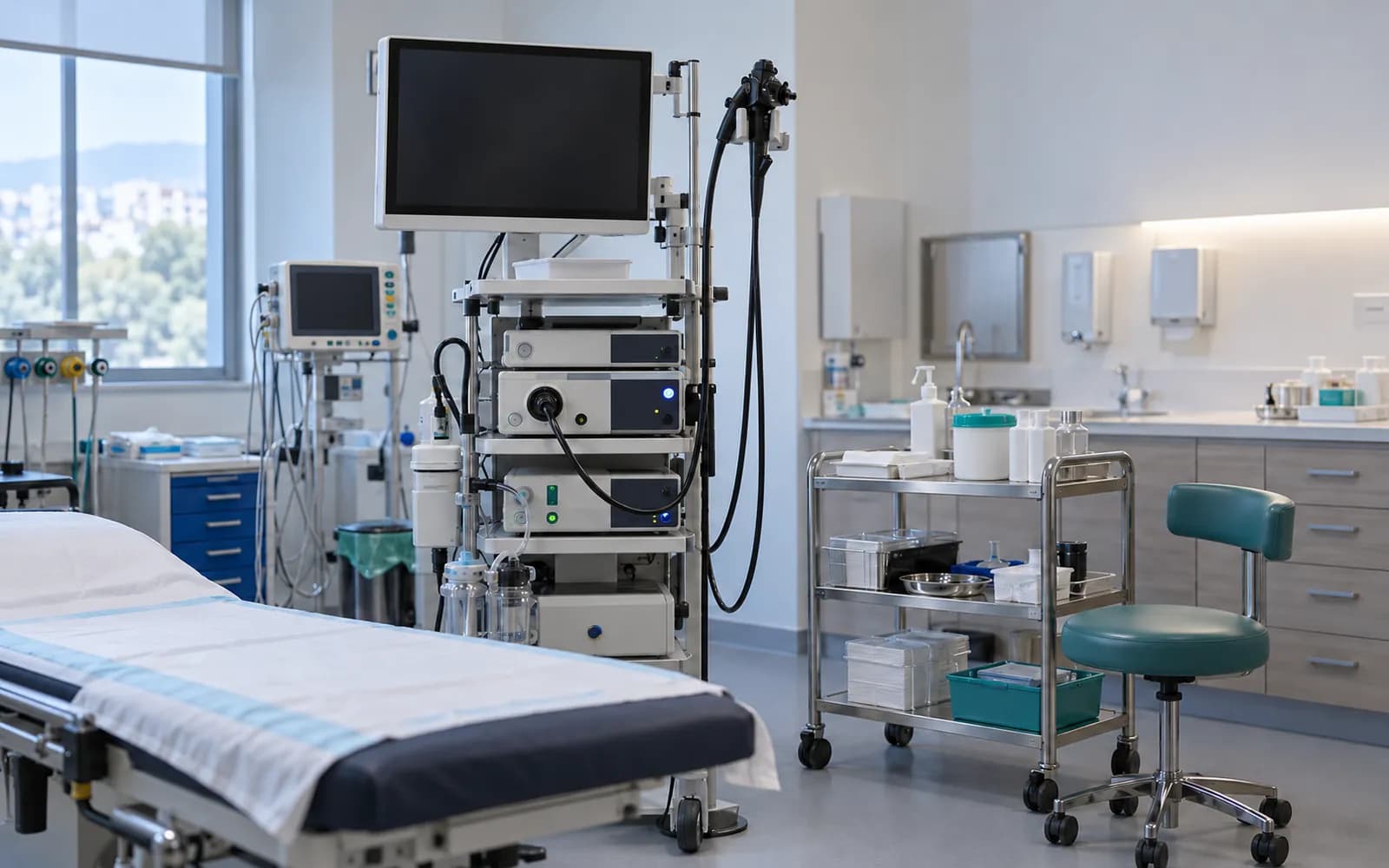
- Endoscopy towers
- Images and video are added to the archive.
- Pathology
- The specimen and report link are connected.
- Laboratory
- Blood and stool tests appear on the patient card.
- Ultrasound and CT
- The image and report link stay in the file.
Common questions about gastroenterology software
Is there a separate profile for gastroenterology?
Yes. Gastroenterology is one of the defined clinical profiles: symptoms, endoscopy preparation and follow-up, chronic disease and procedure follow-up. It is versioned and passes two separate clinical sign-offs before release.
Is my endoscopy tower supported?
Device connections are verified per manufacturer, exact model, protocol and version, and the verified ones are listed. An image or video file from a device that is not on the list can be imported with a note that it is not integrated.
How do preparation instructions reach the patient?
They are published in the patient portal with your approval; the reminder carries no health data and includes a secure link. A missing step appears as a task before the procedure.
Which patient does a pathology result attach to?
It attaches when the order, the specimen identity and the patient match. A result that does not match is not attached automatically and falls to human review.
Are images kept safely?
Images and videos are part of the patient file; access is limited by role, branch and care relationship, and every access is written to the audit log.
Is post-procedure care recorded?
The procedure record and the follow-up plan after it are kept; the sedation protocol and clinical decision belong to the clinic.
Are there reminders for chronic disease?
The check interval, tests and medication plan are tied to reminders; patients who are due fall onto a list.
Keep reading
Related pages
Features
Specialties
Software guides