
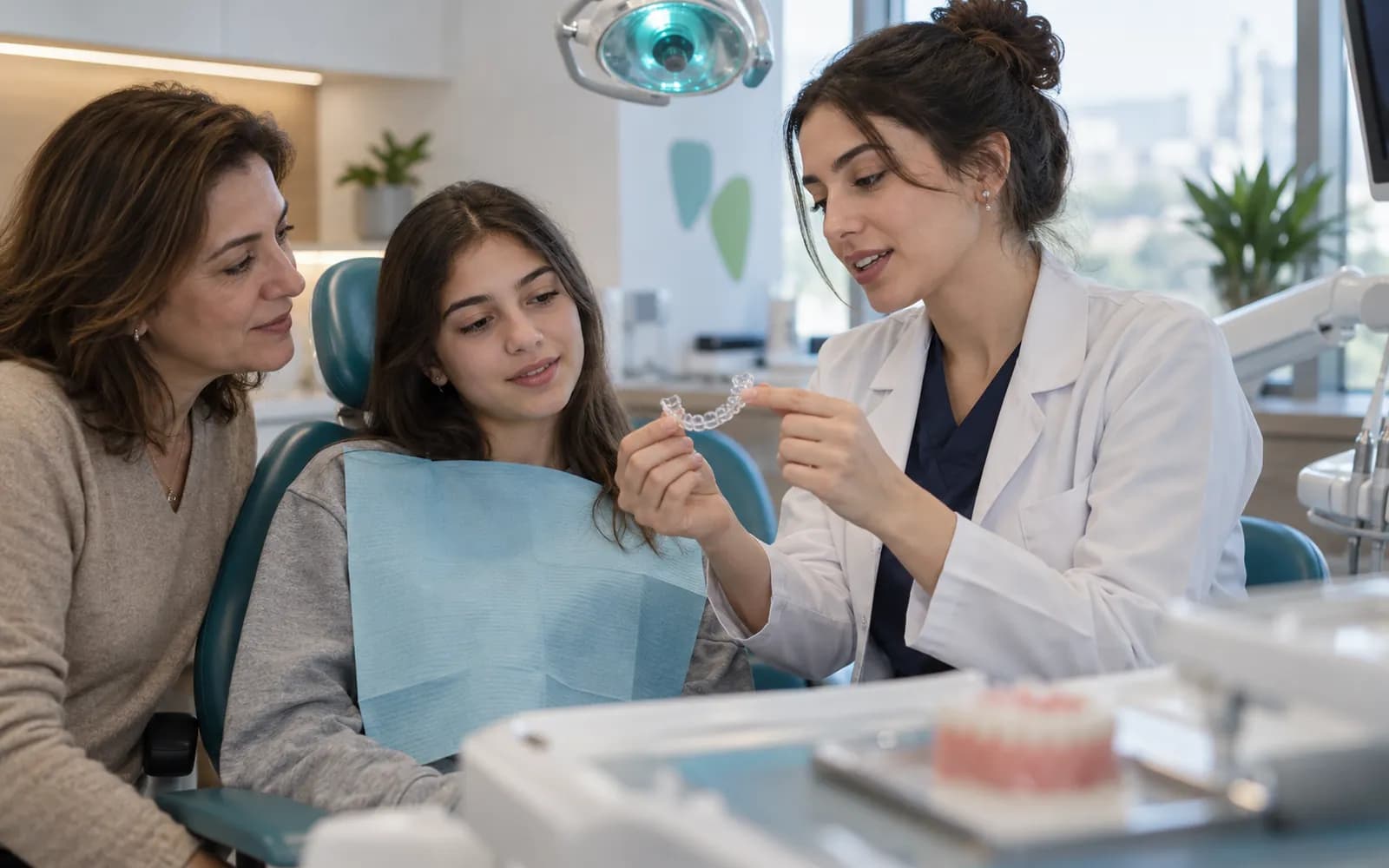
Orthodontics
Orthodontic clinic software
Orthodontic treatment is made of many short check-up sessions over months, and success depends on seeing where the plan stands at every session. HekimBis keeps the bracket and aligner plan, session and compliance tracking, and photo and cephalometric comparison in the same record.
Long treatment, short sessions, a clear plan
Orthodontic sessions are short and frequent, and the screen is built for that pace. As a session begins you see on the first screen which stage the plan is in, what was done last time and the goal of this session. The assistant adds photos and images to the patient file in a standard order, so the comparison is ready at the next session.
The orthodontic profile is a separate definition that works under the Oral and Dental Health profile and uses its odontogram and periodontal chart.
The session strip and the cephalometric comparison side by side
On the left the treatment's session strip shows bracket stages or aligner numbers, the date of each session and the patient's compliance. On the right two cephalometric images overlay with their marked reference points; the opacity slider moves you between the first exam and the current state. The distance and angle change between two selected points is shown in a table.
Session 7 / 12
Completed session: 7 · Planned session: 5
First exam 38.4 mm → Current 37.6 mm (-0.8)
Table view
| Measure | First exam | Current | Difference |
|---|---|---|---|
| Face height | 38.4 | 37.6 | -0.8 |
| Chin profile | 21.6 | 19.5 | -2.1 |
| Lip-chin line | 21.4 | 19.4 | -2.0 |
Names, values and records on screen are examples prepared for illustration.
From the first exam to today, side by side
Photos and images taken from the same angle and in the same order are shown side by side or overlaid. Photo consent for sharing and use is kept as a separate record; without consent, the image stays in the clinical record. The comparison serves the clinical follow-up of treatment.
- The before and after views are blended with the opacity slider
- Photo consent is visible in the record
- A standard capture order keeps the comparison ready at the next session
Four work areas of orthodontics
- Bracket and aligner plan
- Stages, duration, the appliance used and the change calendar are kept as a plan.
- Session and compliance tracking
- Each check-up session is recorded with a short note; compliance is followed between sessions and a patient who does not come generates a task.
- Cephalometric analysis
- Reference points are marked, measurements are recorded and compared with the previous capture.
- Photo series
- Standard intraoral and facial photos are added in order; the before-and-after view is ready.
A check-up in the seventh month of aligner treatment
When a patient in the seventh month of aligner treatment arrives, the session strip shows which aligner they are on and their wear compliance. You add new photos, overlay the cephalometric image from the first exam with the new capture, and interpret the change between the two tracings. The aligner series for the next session is planned, and a reminder informs the patient and parent.
Orthodontic flow from diagnosis to delivery
The diagnosis is made with photos and a cephalometric image, the plan and quote are settled with consent, and check-up sessions move forward with compliance tracking. The appliance or aligner order is followed through delivery and wear; if an appliance does not fit, the work order reopens.
Earnings
Practitioner earnings are calculated from completed sessions.
- The process is complete here.
All steps
- 01 Diagnosis and records (Dentist) Photos, cephalometry and model records are taken.
- 02 Plan and quote (Dentist) The bracket or aligner plan, duration and fee are prepared.
- 03 Consent (Patient) Procedure-specific clinical consent is obtained; for a child the guardian is informed through a separate record.
- 04 Adjustment session (Dentist) An adjustment or aligner change is made and photos are added.
- 05 Appliance / aligner order (External lab) A work order and due date are sent to the lab.
- 06 Delivery and compliance (Dentist) Delivery is made and compliance tracking and patient education start.
- 07 Earnings (Finance) Practitioner earnings are calculated from completed sessions.
Alternative path from 02 Plan and quote; it returns to the main flow at 03 Consent.
- 02a Plan revision (Dentist) If the plan changes, patient approval is requested again.
Alternative path from 06 Delivery and compliance; it returns to the main flow at 05 Appliance / aligner order.
- 06a Unsuitable appliance (External lab) The work order is reopened for an appliance that does not fit.
- 06b Work order reopened (External lab) With a new due date the process continues from the lab stage.
07 Earnings
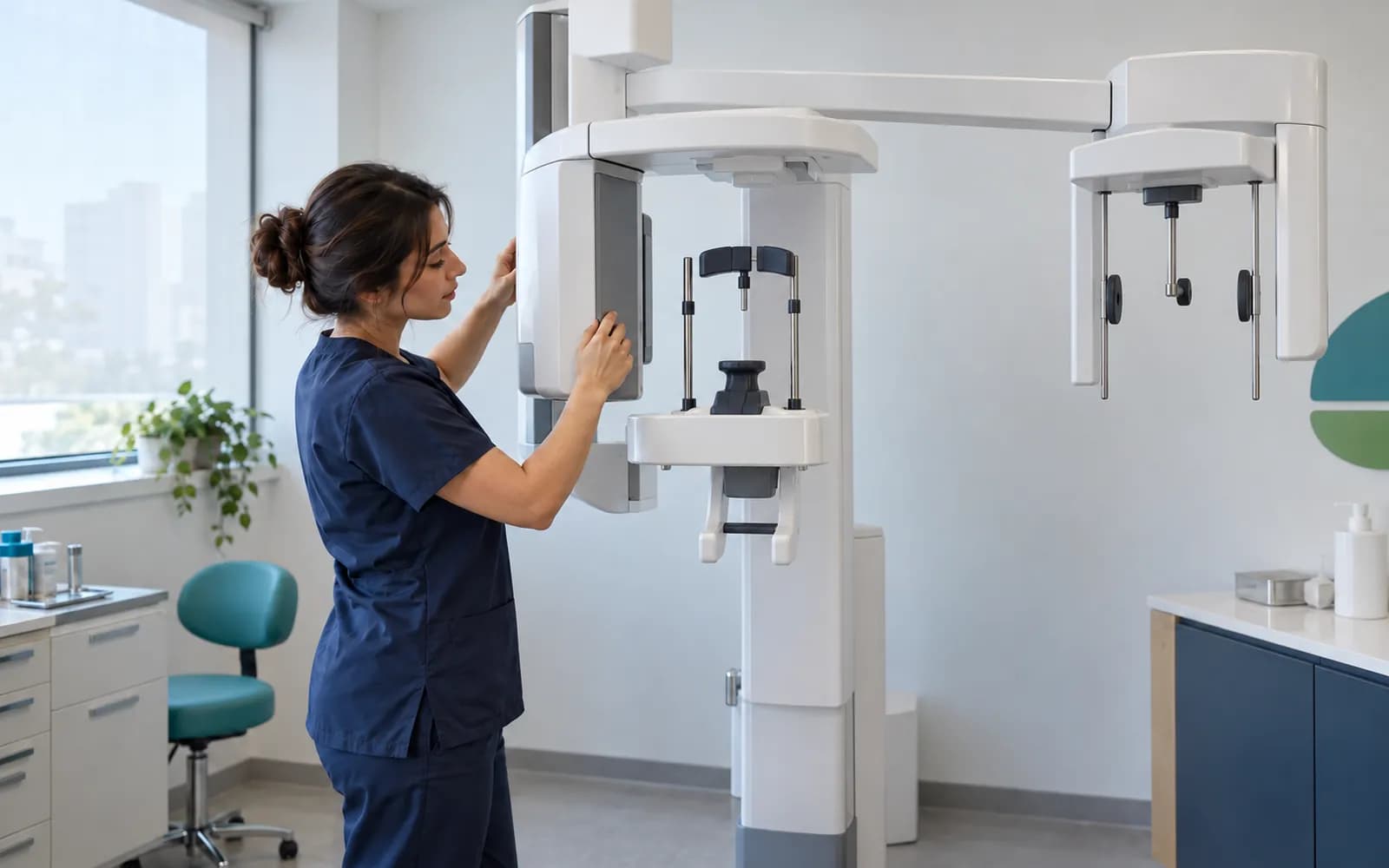
Orthodontic imaging surface
Cephalometric and panoramic images are received through DICOM or the manufacturer's adapter; photos are added to the file with a standard protocol.
- Cephalometric units
- The image attaches to the file for measurement analysis.
- Panoramic units
- The image and measurements stay in the file.
- Intraoral camera and scanner
- Photos and intraoral records are added to the file.
- CBCT
- The DICOM study attaches to the file.
Common questions about orthodontic software
Is orthodontics a separate definition?
Yes. Orthodontics is a separately defined sub-pack under Oral and Dental Health: bracket and aligner plan, session and compliance tracking, cephalometric analysis, photo and image comparison. It is versioned and passes two separate clinical sign-offs before release.
Is the odontogram available in orthodontics too?
Yes. Orthodontics uses the odontogram and periodontal chart of the Oral and Dental Health profile, and the same clinic can use both definitions together.
Is consent needed to share photos?
A photo taken for the clinical record and its use for sharing or promotion are separate matters. Photo consent is kept as a separate record, and without a consent record the image is not offered for sharing.
Is my cephalometric unit supported?
Device connections are verified per manufacturer, exact model, protocol and version, and the verified ones are listed. An image file from a device that is not on the list can be imported with a note that it is not integrated.
How do you keep parents informed for child and teen patients?
Communication follows the parent's contact preferences; messages carry no health data and contain a secure link. Disclosure, explicit consent and clinical consent are separate records.
Keep reading
Related pages
Features
Specialties
Solutions and process
Software guides