
Obstetrics and Gynecology
Obstetrics and gynecology clinic software
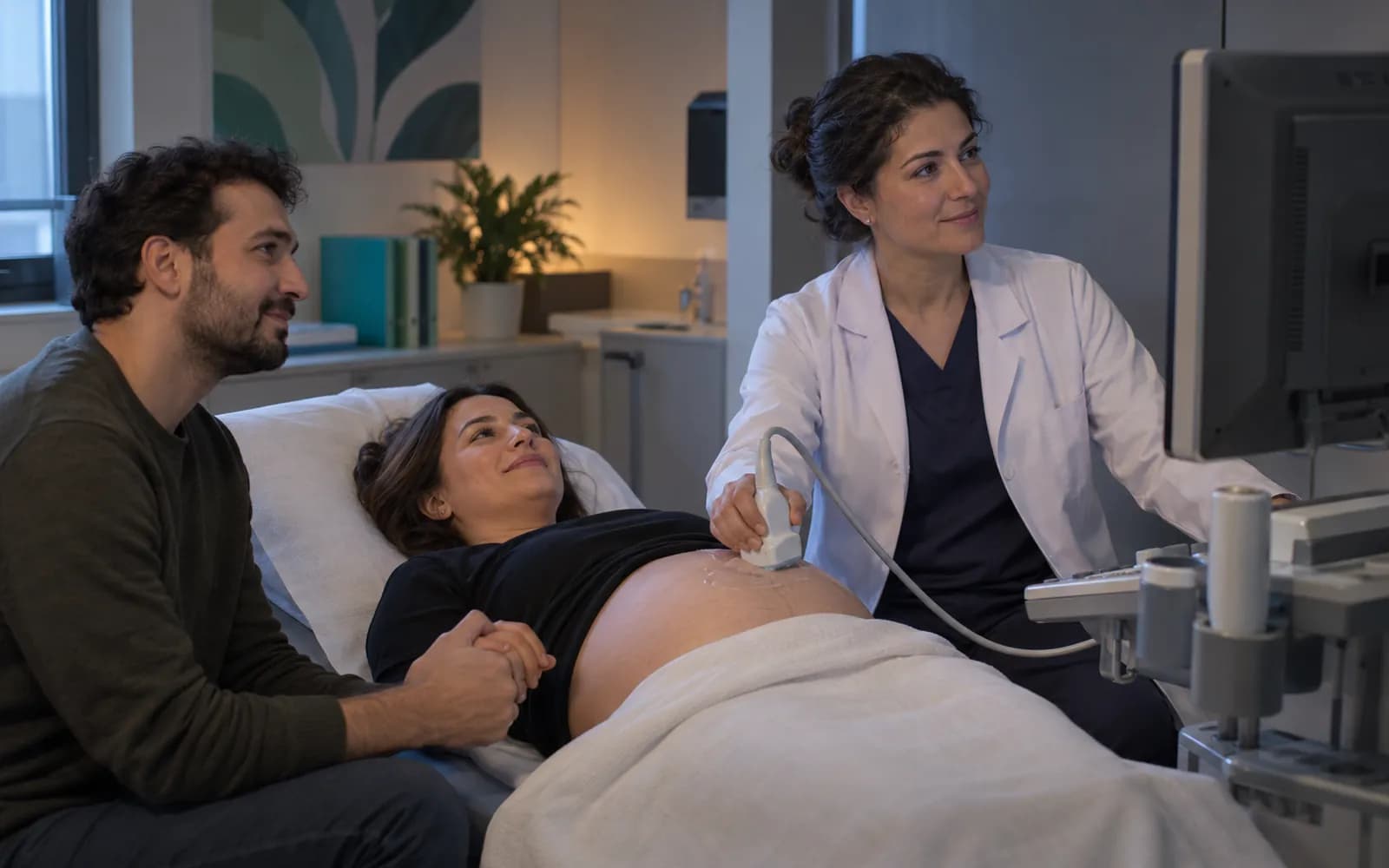
Pregnancy care stretches over nine months and passes through many hands. HekimBis collects obstetric history, cycle records, gestational weeks, fetal measurements and related tests on one timeline, so at every visit you see the week and the next step on the first screen.

In women's health, the timeline is the patient's own calendar
A gynecologic visit is read through the cycle and history, an obstetric visit through the gestational week. The workspace brings forward what you would ask: last period, previous pregnancies, current medications and pending results.
The pregnancy record also connects to the patient portal and to reminders; once you approve the follow-up plan, the patient sees it on her own screen, and reminders arrive as secure messages with no health information.
Pregnancy followed week by week on one chart
The horizontal axis shows gestational weeks; the three trimester bands, completed checks, ultrasound and lab records settle onto the week. Fetal measurements follow as a line in a separate strip. Pending and overdue checks are flagged, and tapping a week opens that week's note and documents.
3rd trimester
Check · Week 28 · Completed
Select an event: its type, week and status are written here.
Table view
| Week | Type | Status |
|---|---|---|
| 8 | Check | Completed |
| 10 | Laboratory | Completed |
| 12 | Ultrasound | Completed |
| 16 | Check | Completed |
| 20 | Ultrasound | Completed |
| 24 | Check | Completed |
| 24 | Laboratory | Completed |
| 28 | Check | Completed |
| 28 | Laboratory | Completed |
| 32 | Ultrasound | Pending |
| 34 | Check | Pending |
| 36 | Check | Pending |
| 38 | Check | Pending |
Names, values and records on screen are examples prepared for illustration.
Working areas of an OB/GYN clinic
- Gynecology
- Cycle record, gynecologic examination, ultrasound and test orders; treatment and follow-up plan.
- Obstetrics
- Obstetric history, pregnancy timeline, fetal follow-up, birth plan and documents.
- Basic infertility follow-up
- Cycle and first-assessment records are kept; the independent IVF center flow runs in the separate IVF profile.
- Reminders and portal
- A patient whose check or test is due receives a reminder; the plan you approve appears in the patient portal.
- Documents and consent
- Reports, information sheets and consent forms come from templates; disclosure, explicit consent and clinical consent are separate records.
A check-up at week twenty-eight
When the patient at week twenty-eight arrives, the timeline shows the week, earlier measurements and the pending lab panel. You enter the ultrasound measurements and they join the fetal growth line, then you write the next check and test plan. In the patient portal she reads the follow-up plan you approved, and the reminder comes as a message with no health information.

One pathway, five stops
Referral and history
Obstetric and gynecologic history, cycle information, allergies and medications are entered at the first visit.
First trimester
The pregnancy record opens, the estimated due date is calculated and the first tests and ultrasound are scheduled.
Second trimester
Routine checks, fetal measurements and related lab panels build up on the timeline.
Third trimester
Visits become more frequent; the birth plan and documents are prepared.
Birth and after
Birth details are recorded and the postpartum check and gynecologic follow-up are planned.
Ultrasound and result flow
In obstetrics and gynecology, ultrasound is the center of the device surface. Fetal results and lab panels enter the same timeline.
- Ultrasound devices
- Images, measurements and report outputs attach to the visit.
- Fetal results
- Measurements are drawn onto the fetal growth line.
- Laboratory panels
- Pregnancy and gynecology panels appear with their reference ranges.
- Document scanner
- Outside reports and images are added to the file.
Common questions about OB/GYN software
Is there a separate clinical profile for obstetrics and gynecology?
Yes. Obstetrics and Gynecology is one of the defined clinical profiles: gynecology, obstetric history, cycle, pregnancy timeline, fetal follow-up and basic infertility follow-up. It is versioned and passes two separate clinical sign-offs before release.
Does an IVF center work with this profile?
IVF is a separate definition; medication protocol, sample and embryo traceability are managed there. The same clinic can use both profiles together.
Who can see pregnancy information?
Access is limited by the user's role, branch and care relationship, and a narrower rule can be defined for sensitive notes. Every access is written to the audit log.
Is my ultrasound device supported?
Device connections are verified per manufacturer, exact model, protocol and version, and the verified ones are listed. An image or report from a device that is not on the list is taken as a file and imported with a note that it is not integrated.
Can it be used for international patients?
Health tourism is a shared capability independent of packages: multilingual communication, quotes in foreign currency and coordination. The specialty-specific treatment journey is built on this profile.
How are birth and pregnancy documents prepared?
Reports, information sheets and consent forms come from templates. A signed document does not change; a correction is an addendum with a reason and a kept history. The patient reads the documents you approve in the portal.
Who sets the timing of checks and tests?
The timing comes from the protocol in the clinical definition, and your clinic can add its own tasks and reminders. The safety and clinical rules in the central definition stay in place.
Keep reading
Related pages
Features
- Front desk and check-inArrival logging, QR or kiosk check-in, waiting room status, and delay estimates.
- Imaging and PACSDICOM workflow from order to report: worklist, matching, and a reference viewer.
- e-Nabız and USS reportingSending clinical events to USS with versioned mapping, tracking, and reconciliation.
Specialties
Solutions and process
Software guides