
Clinic management software ties the whole team's work together
Clinic management software does not see a clinic as only the physician's desk. A multi-physician calendar, front desk, cash desk, stock, staff and reporting work in the same system, and each role sees only its own work and its own permissions. HekimBis offers this from one branch to many on the same data model.

Daily work in a clinic runs in four areas
Daily work in a clinic runs through appointments, clinical records, finance and communication. See Features for the detailed module list; here each area is described by what it solves in the clinic.
Patients and appointments
A calendar of physicians, rooms and devices, the waiting list, arrival records, the waiting-room view and the call-center screen. See Appointments and calendar and Front desk and check-in.
Clinical and diagnostics
Exam record, treatment plan, test orders, imaging and laboratory results. A result is not lost as a loose file; it meets the order and the exam in the same record. See Clinical record.
Finance and operations
Quotes, charges, cash desk opening and closing, physician earnings, stock and supplies, staff tasks and shifts. See Finance and payments, Stock and purchasing and Staff and operations.
Messaging and portal
Reminders, messages and the patient's own portal. See Patient messaging.
What the four areas share is the patient identity. The appointment the front desk opens becomes a patient card on the physician's screen; the procedure the physician writes lands at the cash desk as a charge; the supplies used come out of stock automatically. That is exactly the difference between clinic management software and several separate programs side by side.
In separate programs every handover is a copying job and every copy is a source of error: a patient marked as arrived in the appointment book still shows as waiting at the cash desk, a supply that never left stock throws off the month-end count, a physician's earnings are calculated by hand from another sheet. In one system these handovers happen at record level and nobody takes a detail from one place to type it into another. For the manager the gain is that the question of what happened yesterday can be answered with one report.
Every role works in its own screen
In a team the real question is who should see what. The physician does not need to see the finance report, the front desk does not need the diagnosis note and the stock officer does not need patient messages. HekimBis separates its role families as follows; in the Pro and Clinic packages custom roles and detailed permissions can also be defined.

Physician
Sees their calendar, patient card and clinical record in full. On the finance side they follow their own earnings, and in reports the clinical indicators.
Clinical staff
Nurses and assistants open the calendar and the patient card according to the context they work in and their care relationship with the patient, and enter the supplies they use.
Front desk
Manages the calendar, records arrivals and follows payments with the patient's identity and contact details. Daily reports are on their screen.
Accounting
Manages debts and accounts, payments and finance reports, and reads the calendar.
Stock officer
The warehouse, purchasing, supplies and stock reports are their workspace.
Clinic director
Sees every screen, assigns roles and reviews the audit trail.
Compliance and audit
Opens read access with a stated reason and follows the audit trail.
Permission passes three layers: the feature your package opens, the action your role allows and your care relationship with that patient. A record does not open unless all three agree. In an emergency, temporary access can be opened with a reason and a time limit, and this access is recorded separately. See Roles, permissions and audit trail and Security.
Staff changes are managed in the same order. A new employee is invited, their role is assigned and only the screens of that role open; a leaving employee's access is closed immediately and their past actions remain in the audit trail. This matters even for a small clinic: having to change the password on the day a front-desk employee leaves, or everyone working with the same account, is both a legal and an operational risk. When each employee has their own account and permissions, the question of who changed this record never goes unanswered.
Role templates make training easier too. A new front-desk employee sees only the screens of their own role, so the surface they must learn is small and the chance of opening the wrong screen drops. Role-based training paths are part of onboarding; see How it works for details.
An operation where small jobs do not get lost
The invisible part of clinic management is making sure small jobs do not disappear: device maintenance, a stock order, a pending result, a phone call nobody owns. In HekimBis these jobs are tasks, and they arise from an event.
The morning opening checklist is completed. During the day, events such as an appointment, a stock level or a device maintenance date produce tasks. A task is assigned to someone with a time limit. If the time passes, the task escalates to the manager, who takes it over or reassigns it. The work done is verified and shows up in the end-of-day report.
This flow runs on the clinic's own rules. Rules such as open a purchase request for a supply that falls below its minimum, or notify the physician and the director if a critical result is not acknowledged within the time you set, are defined in the automation engine; rules that lead to clinical decisions require physician approval. See Automation and Reporting.
On the reporting side the manager looks for answers to four questions: what are occupancy and no-show rates, how are revenue and collections going, which service and which physician contribute how much, and where do waiting and delays accumulate? HekimBis produces these answers from the same records; no separate report-preparation shift is needed. Exporting reports depends on permission and is logged.
End-of-day report
- The process is complete here.
All steps
- 01 Daily opening checklist (Front desk / staff)
- 02 A task is created from an event (appointment, stock, device maintenance) (System)
- 03 Assigned to an owner, SLA starts (System)
- 04 Task is done (Doctor / nurse)
- 05 Verification and closure (Clinic manager)
- 06 End-of-day report (Clinic manager)
Alternative path from 03 Assigned to an owner, SLA starts; it returns to the main flow at 04 Task is done.
- 03a SLA exceeded: escalation (System)
- 03b Manager takes over or reassigns (Clinic manager)
06 End-of-day report
One branch or several?
The size of the clinic decides the package it needs. The packages are supersets of one another; an upgrade is a change of permissions and capacity on the same data, not a migration.
Pro
For one branch and a professional team. Five physicians and fifteen staff are included, and extra seats extend this to ten physicians and thirty staff. The full lead pipeline, physician earnings and profitability, stock with lot and expiry dates, advanced reports and custom roles are in this package.
Clinic
Adds multiple branches and central management on top of Pro. Three branches, fifteen physicians and fifty staff are included, and it grows with each extra branch and seat. The central call center, consolidated finance, stock and reports, and organization policies are in this package.
When a second branch opens, the clinic moves to Clinic. See the multi-branch clinic solution and the multi-branch feature for details; for single-branch teams the clinic and polyclinic solution fits. See Pricing for current prices.
A three-year view helps when choosing capacity. In addition to today's physician and staff count, if you plan to add a physician, a new specialty profile or a second branch within a year, say so at the start; package selection and the add-on plan are made accordingly. Because an upgrade does not move data you do not have to decide early, but knowing the expected growth lets the demo and onboarding set things up correctly.
The clinic's devices are part of the system too
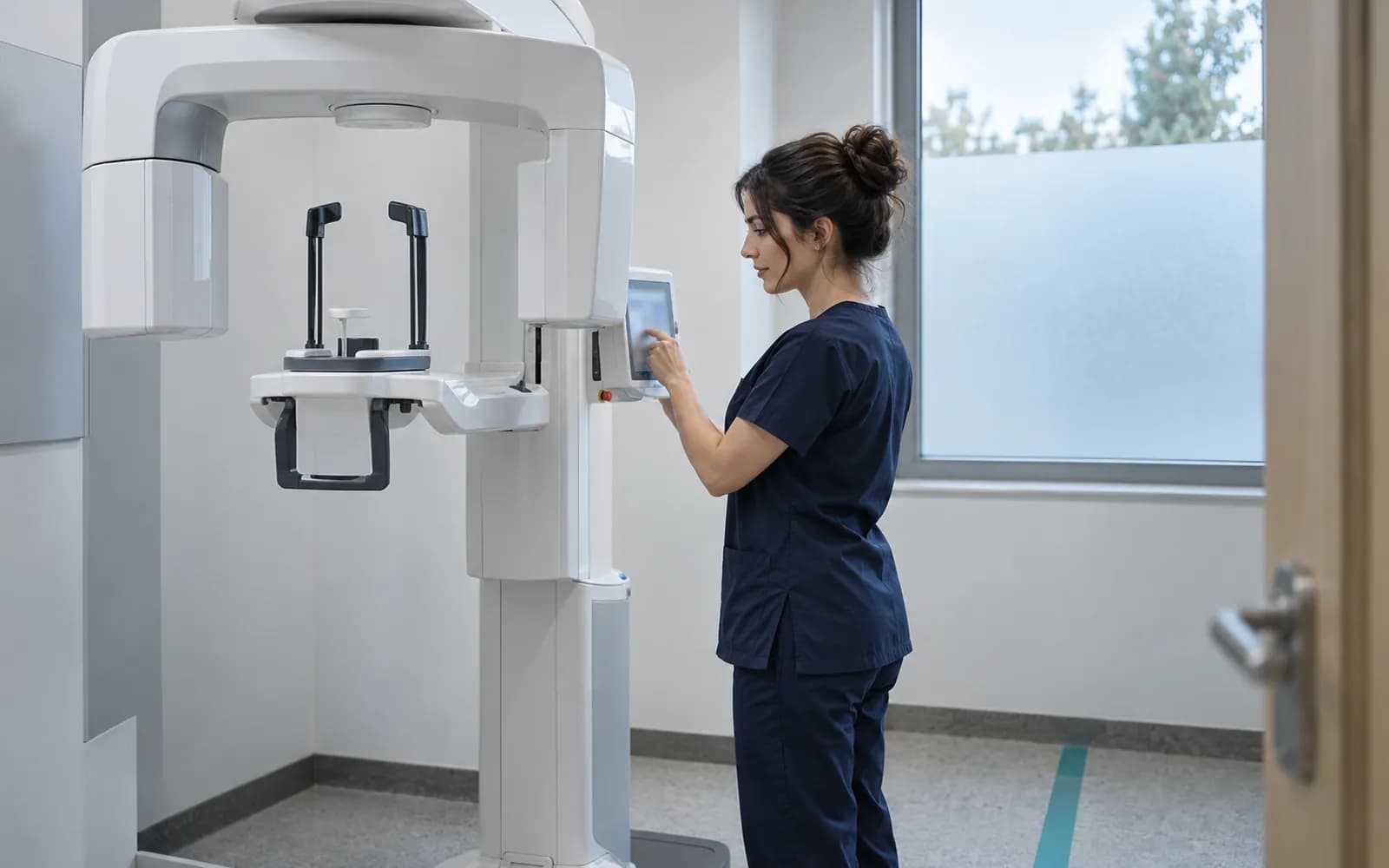
Clinic management software does not stop at desk work; it also works with X-ray, ultrasound, laboratory devices and PACS. For this HekimBis uses the Edge Connector bridge that runs on the clinic's local network: it takes the device's message into an encrypted local queue, stores it if the internet drops and forwards it in order when the connection returns.
Device families: dental RVG, panoramic and CBCT; ultrasound; X-ray and other DICOM modalities; laboratory analyzers; ECG, Holter and echo; spirometers; audiometers; endoscopy; body analysis. Compatibility of a device is verified at manufacturer, model, protocol and version level and appears in the list published from settings; a file from a device that is not on the list is imported manually. See Device connections and Edge Connector for details.
The benefit of a device connection to the clinic is concrete: an image or measurement result attaches itself to the patient's file and nobody carries files around. If the patient or sample does not match, the result goes to a separate queue and is matched under human control, so it never lands in the wrong file. When the internet drops, the device keeps working and its data is forwarded in order when the connection returns, so there is no separate handover step for device data between the technician and the front desk.
Frequently asked questions
Is clinic management software the same as patient tracking software?
Patient tracking software is the general term; clinic management software stresses its team, room, stock, cash desk and role side. In HekimBis they are the same product. See Patient tracking software.
How many users does it support?
Included capacity depends on the package: five physicians and fifteen staff in Pro, fifteen physicians and fifty staff in Clinic. More are added as extra seats; the number of patient, appointment and exam records does not depend on the package.
Is there a specialty workspace?
Yes. As many of the 34 defined specialty profiles as your package includes are activated; if several specialties work in the clinic, each user sees their own profile. See Specialties.
Are physician earnings and profitability calculated?
In the Pro and Clinic packages physician earnings are calculated with versioned rules, and the effect of cancellations and refunds shows in the statement. Profitability is reported by service, physician and branch. This is the clinic's internal finance tracking.
Can we move from our current program?
Data moves from CSV and Excel files with a preview, a trial import and reconciliation. See Data migration.
What changes with several branches?
Branches work on the same patient identity; access opens by branch membership, role and care relationship. The central call center sees the availability of all branches. See Multi-branch clinic.
Related pages
Features
Specialties
- DentalTooth and surface odontogram, treatment plans, prosthetics, and outside lab work.
- Physiotherapy and rehabilitationPain, range of motion, and function scores, exercise programs, and sessions.
- Corporate health and check-upCorporate agreements, bulk work orders, panel completion, and periodic reports.
Solutions and process
Software guides
- Patient tracking softwareWhat patient tracking software is, what it tracks, and how it works in HekimBis.
- Doctor softwareSpecialty-specific exam screens, signed records, and a mobile agenda for doctors.
- Polyclinic softwareRoom, device, waiting room and till management for a branch with several physicians.
- Patient registration softwareMatching that prevents duplicates, foreign patient IDs and one file per patient.