
Audiology
Audiology center software
In audiology, the real information is how a threshold chart changes over time. HekimBis records audiometer results as an audiogram, overlays them on earlier tests, and keeps tympanometry and vestibular assessment on the same patient card; you do not copy results by hand.
No time is lost between the booth and the record
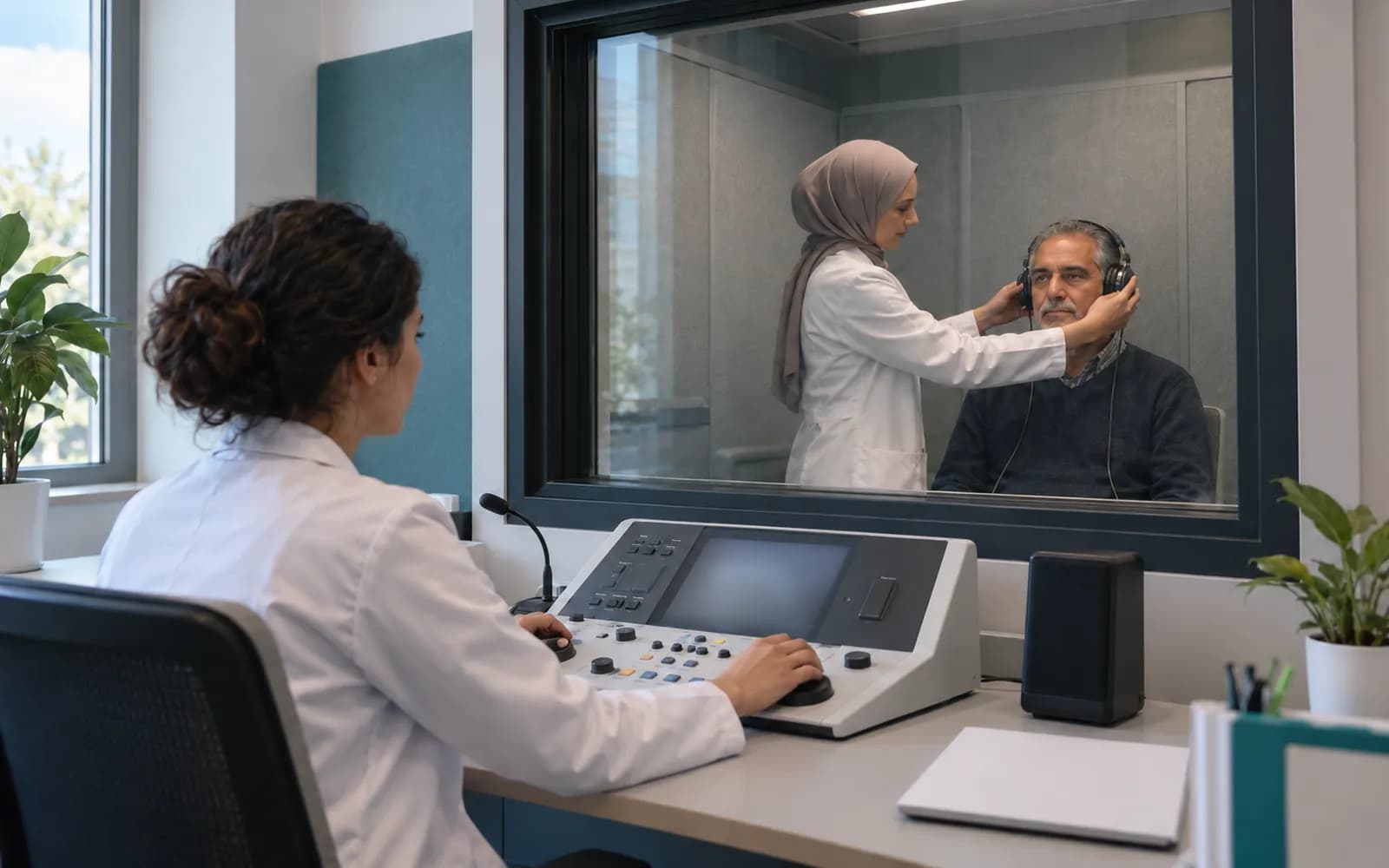
An audiology test is carried out in a soundproof booth, and you do not want to lose time between the device and the record. The workspace takes the results from the device, matches them to the patient and draws them onto the audiogram; the interpretation note is completed in a short field.
When audiometry is done for a patient at an annual check-up, the result appears on the patient card as an audiogram; the test from a year ago opens as an overlay, and the change at different frequencies is shown in a table. The tympanometry result is added, you write your assessment note and pass the result to the physician.
Thresholds are followed on the frequency axis of the audiogram
The horizontal axis shows frequency and the vertical axis hearing level. The right and left ears are drawn with separate symbols and colors; air conduction and bone conduction thresholds are separate layers. The earlier test is overlaid, and an opacity slider moves between visits. The change at a selected frequency is shown numerically in a table.
Right ear: 40 dB (10) · Left ear: 35 dB (5)
Table view
| Ear | 250 Hz | 500 Hz | 1000 Hz | 2000 Hz | 4000 Hz | 8000 Hz |
|---|---|---|---|---|---|---|
| Right ear | 20 (5) | 25 (5) | 30 (5) | 40 (10) | 55 (10) | 60 (10) |
| Left ear | 15 (0) | 20 (5) | 25 (5) | 35 (5) | 45 (5) | 55 (5) |
Names, values and records on screen are examples prepared for illustration.
Four jobs of an audiology center
Audiometry and thresholds
Air and bone conduction thresholds are recorded by frequency with a right and left distinction.
Tympanometry
The measurement summary and curve attach to the patient card and are compared with the earlier test.
Vestibular follow-up
Balance assessment results and notes are followed as a series.
Patient and device process
Appointment, test, assessment and follow-up reminder are in the same flow; consumables are deducted from stock.
The result is shared with the physician
When you record a result, you can pass it to the referring physician as a task; the physician sees the result and adds an interpretation. The patient portal shows the report and instructions you approved. A test result that does not match the patient's identity does not attach to the record on its own and falls to human review.
- A task goes to the referring physician
- The approved report appears in the portal
- A mismatched result goes through human review
- The follow-up reminder is sent as a secure message

Device flow in audiology
Audiometer and tympanometer results are taken from the device; booth and equipment information is entered in the record.
- Audiometer
- Threshold values and the audiogram enter the record.
- Tympanometer
- The tympanogram and measurement summary enter the record.
- Vestibular assessment devices
- Results and reports attach to the patient card.
- Endoscope and otoscope
- Images and video are added to the file.
Common questions about audiology software
Is there a separate profile for audiology?
Yes. Audiology is one of the defined clinical profiles: audiogram, tympanometry, vestibular and hearing follow-up. It is versioned and passes two separate clinical sign-offs before release.
How does it differ from the ENT profile?
The ENT profile is built around the exam chart and the endoscopy archive, and the audiology profile around tests and threshold follow-up. The same clinic can use both.
Is my audiometer supported?
Device connections are verified per manufacturer, exact model, protocol and version, and the verified ones are listed. A report or file from a device that is not on the list can be imported with a note that it is not integrated.
What if earlier tests were done elsewhere?
An audiogram report from outside is added as a file and stored with its source; if you enter the data by hand, it is drawn on the same audiogram and marked as entered by hand.
How does it work for child patients?
The parent and guardian record and parent communication are defined on the patient card; messages carry no health data.
Is there a record for the hearing aid process?
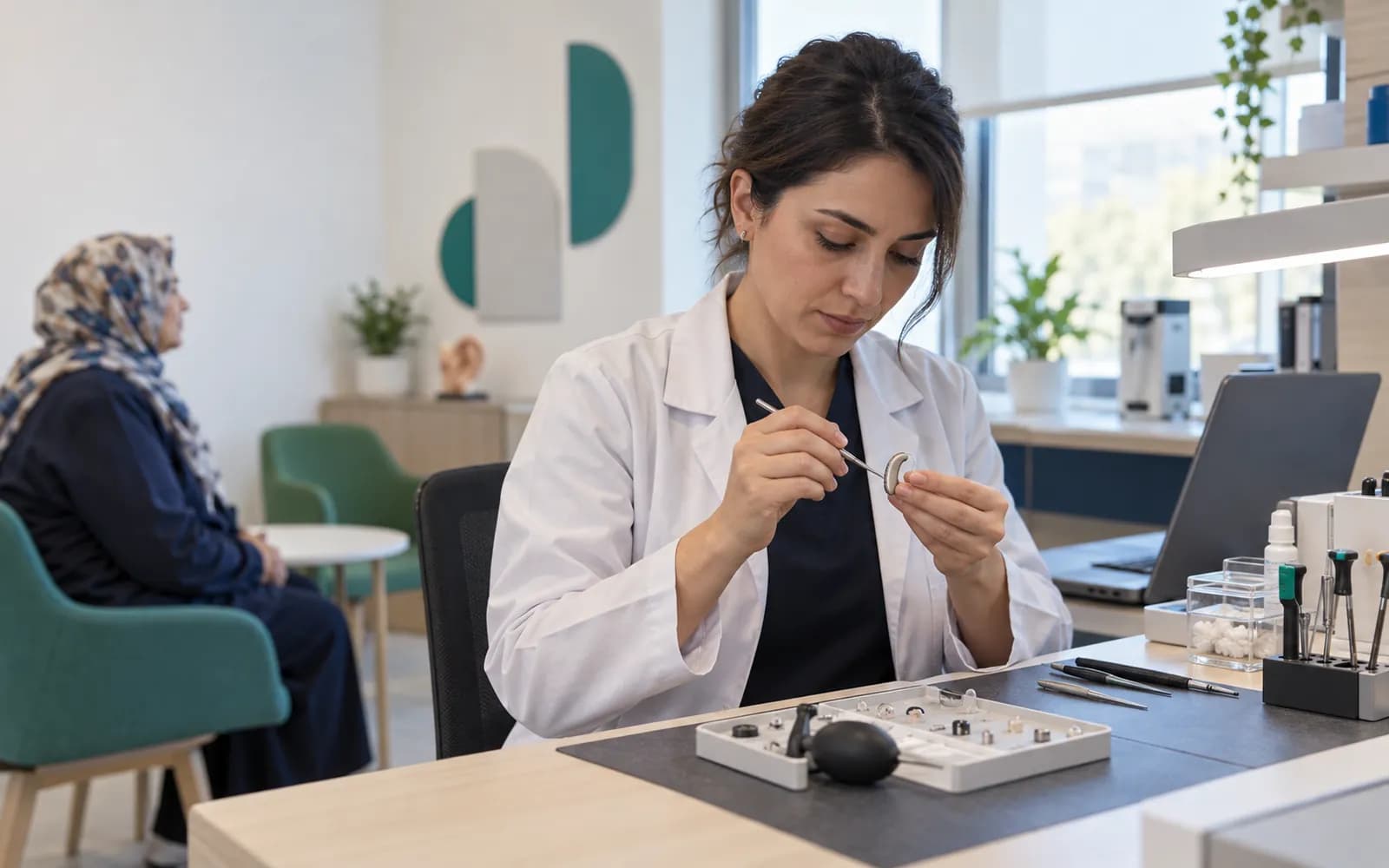
Hearing aid trial, fitting and follow-up are tracked on the patient card as plans and sessions; device and consumables records can link to stock.
Can the patient see a test result in the portal?
The report and instructions that you or the physician approve are published in the patient portal; content that is not approved stays hidden. Notifications carry no health data and only a secure link.
How do I see the difference between tests?
The same patient's earlier audiogram opens as an overlay; the threshold difference at a selected frequency is shown in a numeric table. If a unit or method changes, a mismatched-comparison warning appears.
Keep reading
Related pages
Features
Specialties
Software guides