
A mobile app for physicians and clinic staff
A physician's day does not end at the desk: it continues in the corridor, outside the operating room, and at home on call. The mobile app brings your agenda, patient summary, quick check-in and critical-result alerts to your phone behind a secure sign-in.
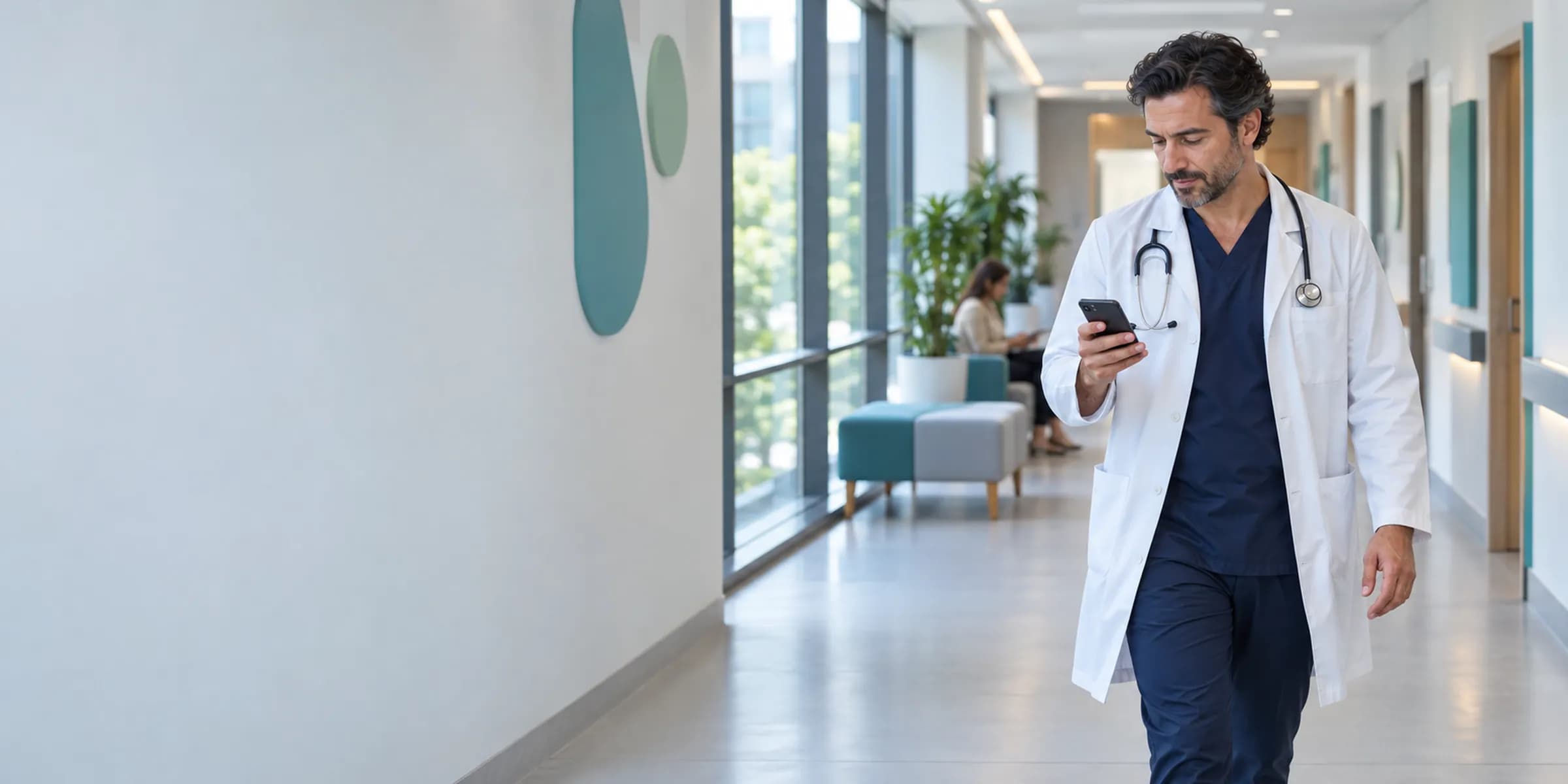
A physician's day on the phone
It starts in the morning with biometric sign-in, and the agenda and delays are visible. During the day quick check-in, patient summaries, voice note drafts and photos are added, and an incoming critical result is announced immediately. If the connection drops, only explicitly chosen narrow flows work offline, encrypted and time-limited; if a conflict appears on sync, nothing is merged silently.
Critical-result push
A critical result arriving during the day is pushed; the notification contains no patient name or result.
- The process is complete here.
All steps
- 01 Secure sign-in (Physician) Opens with fingerprint or face verification; the device is bound to the account.
- 02 Agenda and delays (App) The day's appointments, branch selection and delays are visible.
- 03 Quick check-in / no-show (Physician) An arriving patient is marked; a no-show is entered for one who does not come.
- 04 Patient summary and critical alert (App) The timeline summary and critical alerts open for an authorized patient.
- 05 Voice note draft (Physician) The physician speaks; the note is prepared as a draft. Approval rests with the physician.
- 06 Add photo and document (Physician) A photo or document taken with the phone is added to the patient record.
- 07 Critical-result push (Server) A critical result arriving during the day is pushed; the notification contains no patient name or result.
Alternative path from 06 Add photo and document; it returns to the main flow at 07 Critical-result push.
- 06a No connection: narrow flow offline (App) Only selected flows run on the device, encrypted and time-limited.
- 06b Sync when connected (App) Pending actions are sent to the server.
- 06c Conflict: no silent merge (Server) If the same record changed elsewhere, the clinical record is not merged; it is resolved by the physician's decision.
07 Critical-result push
What you do on the phone is written to the same record as on the desktop
Check-in, no-show, voice note drafts, added photos and documents, task completion: everything done on mobile is written to the same record as on the desktop. A quick note is never a finalized clinical record; without physician approval it remains a draft.
- Daily agenda, branch selection and delay view
- Authorized patient search; critical alerts and patient timeline summary
- Confirming and changing appointments; quick check-in and no-show marking
- Voice or quick clinical note draft, approved by the physician
- Adding photos and documents
- Task list and task completion
- Critical result, message, task, device and operations notifications; a notification carries no patient name or result content
- Encrypted, time-limited offline work in selected narrow flows
- Conflict resolution on sync; clinical records are never silently merged
Lite includes the physician's daily core, Pro the full CRM Mobile scope, and Clinic adds branch and role scope.
It is designed for physicians who move from room to room, branch to branch or hospital to clinic during the day; specialists who need to see a critical result immediately while on call; and clinic staff who mark check-ins and no-shows on the morning shift. For the team working at a desk, the desktop surface complements it on the same record.
Security on the phone follows the same rules as on the desktop
The mobile surface works under the same permission and audit rules as the desktop. Permission checks are made on the server, sensitive access is written to the audit log, and notifications carry no patient name or result content; details open in the app after sign-in.
- Secure sign-in and biometrics
- Fingerprint or face verification is requested when the app opens and for sensitive actions.
- Device binding
- The phone is bound to your account in a deliberate step; which device can sign in is on record.
- Remote sign-out
- If a phone is lost or a staff member leaves, the session is closed remotely and the cache on the device is cleared.
- Cleanup on switching organization
- When a physician who works at several organizations switches accounts, the previous organization's data is removed from the device; the data of two organizations never mixes.
When there is no connection, selected narrow flows keep working
When the connection drops, only flows chosen in advance run on the device, encrypted and time-limited. When the connection returns, pending actions sync. If a conflict appears on sync, the system does not silently merge two versions; the clinical record waits for the physician's decision.
- Selected flows
- The flows that work offline are explicitly chosen by the organization.
- Encrypted and time-limited
- Pending actions on the device are stored encrypted and removed when the time limit ends.
- The physician decides on conflicts
- If the same record changed elsewhere, the clinical record is not merged; it is resolved by the physician's decision.
What do you need to start?
A user account and a plan that includes mobile scope in your organization are enough. You bind your device to your account, enable biometric sign-in and see your agenda.
Frequently asked questions
How do I start using the app?
The app is used by signing in with your organization's account. Installation steps are shared when your account is opened; you then bind your device to your account and enable biometric sign-in.
If a phone is stolen, is patient data at risk?
The app enforces biometric sign-in, a session can be closed remotely, and the cache on the device is cleared. Notifications carry no patient name or result content.
Does it work without internet?
Explicitly chosen narrow flows work offline, encrypted and time-limited. When the connection returns they sync; if there is a conflict, the clinical record is not silently merged and the decision is left to the physician.
Can I record a voice note from my phone?
Yes. A voice or quick note is prepared as a draft; a clinical record is not finalized without physician approval. If the AI assistant is enabled, the draft is structured.
Is it the same as the patient app?
CRM Mobile is for physicians and clinic staff. For patients there is the patient portal, which runs under the clinic's own brand.
Which plan includes which mobile scope?
Lite includes the physician's daily core, Pro the full CRM Mobile scope, and Clinic the branch and role scope. Security controls are the same in every plan.
Can I reply to a patient message from my phone?
Yes, within your permissions. Secure messaging and task notifications reach your phone; patient-level content opens only inside the app after sign-in.
What happens if I work at more than one branch?
You can choose the branch in the agenda. When you switch to another organization, the previous organization's data is cleared from the device; the data of two organizations never mixes.
Does the mobile app replace the desktop?
Mobile is a secure surface for the everyday physician and clinic workflow; comprehensive records, finance, stock and management screens run on the desktop. Both surfaces work on the same record under the same permission and audit rules.
Which notifications will I get in the mobile app?
Critical result, message, task, device and operations notifications arrive. Your role and your organization's settings determine which are on. Notifications carry a general sentence and no patient name or result content.
Related pages
Features
Specialties
Solutions and process
Software guides