
Ear, Nose and Throat
ENT clinic software
An ENT exam covers three regions with a left and right distinction: ear, nose and throat. HekimBis turns that exam into a chart; findings are marked, endoscopy images and video attach to the same region, and audiometry and tympanometry results sit on the patient card with hearing follow-up.
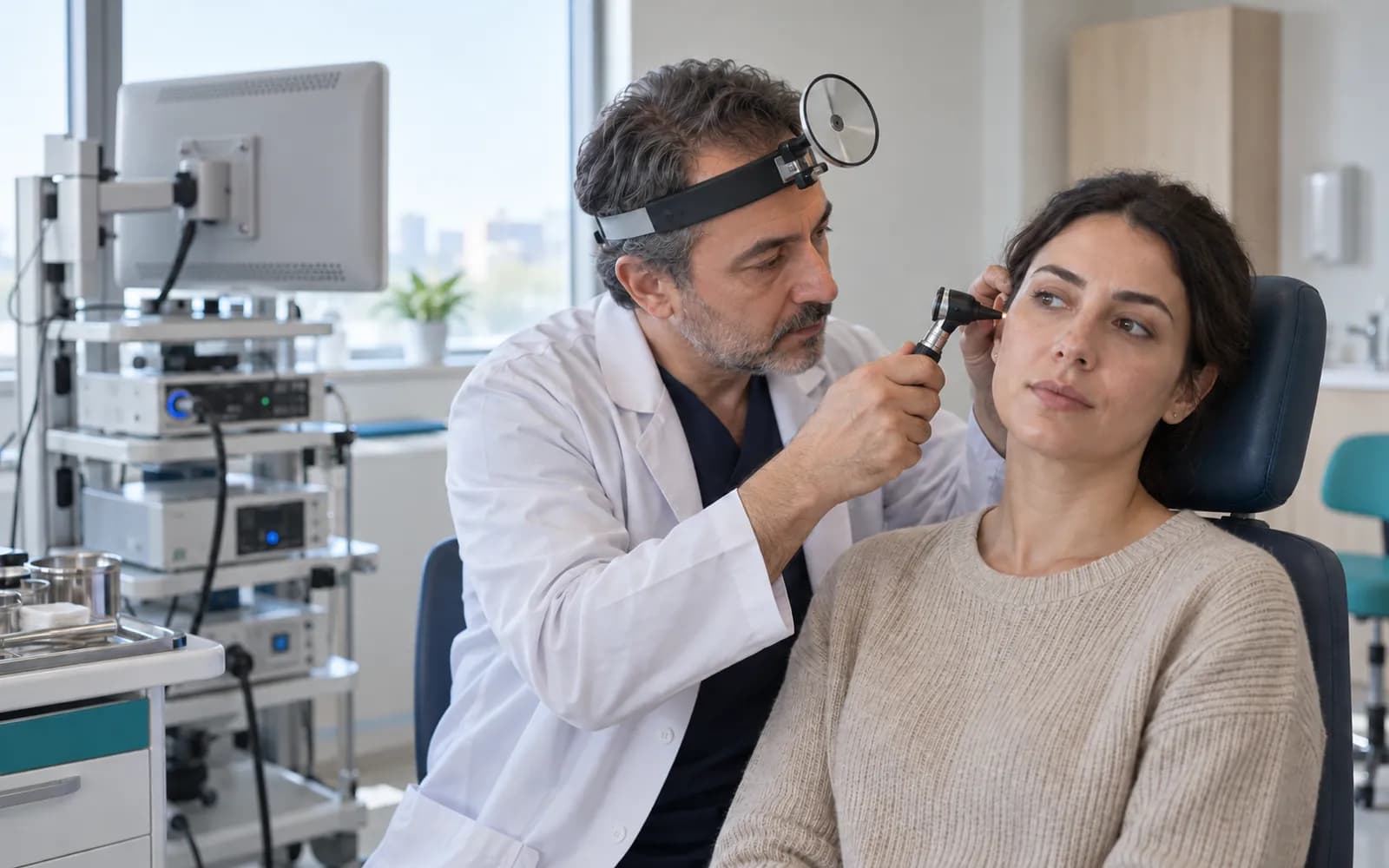
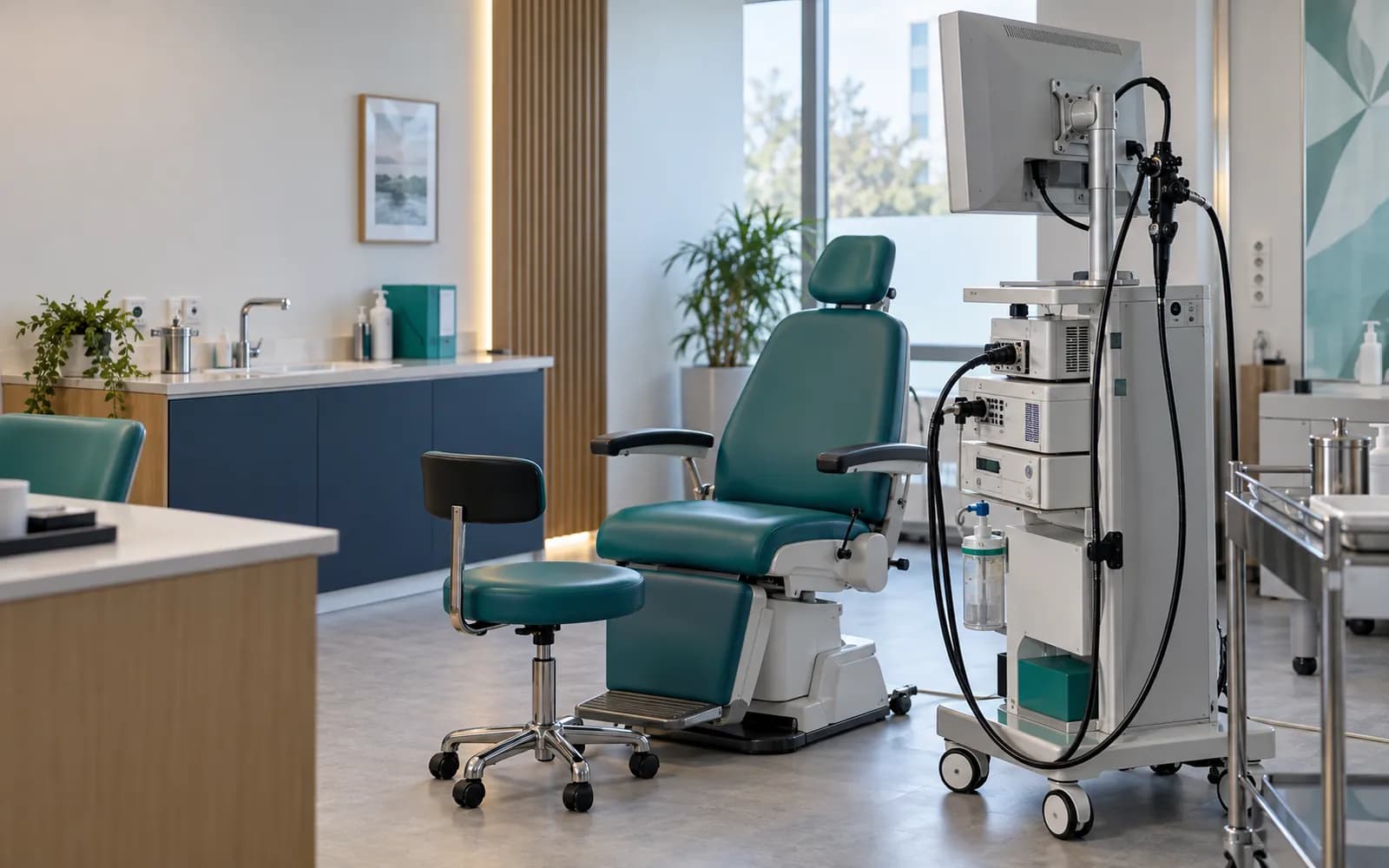
The record is completed without leaving the mirror or the scope
An ENT physician does not want to leave the head mirror or the endoscope during the exam. So the record has two stages: during the exam an image is captured and a region is selected on the chart, and afterwards it is completed with a short note. Findings appear next to the same patient's previous exam.
For a patient who arrives with ear pain, you select the right ear on the chart, mark the finding and attach the otoscope image. If needed, audiometry and tympanometry are ordered and the results land on the patient card; the video of a nasal endoscopy is added to the archive and compared with the previous endoscopy.
Findings are marked on the ear, nose and throat chart
A schematic drawing of the three regions is shown with a left and right distinction. You select a region (for example the right eardrum, nasal septum or tonsil), mark the finding with defined terms and attach the relevant image. Marks are compared between visits, and the region that changed is highlighted.
Ear · Ear canal · Finding marked · Changed since the previous visit · Image linked
Table view
| Region | Finding | Status |
|---|---|---|
| Ear | Eardrum | — |
| Ear | Ear canal | Finding marked |
| Ear | Middle ear | — |
| Nose | Septum | Finding marked |
| Nose | Turbinate | — |
| Nose | Mucosa | — |
| Throat | Tonsil | — |
| Throat | Pharynx | — |
| Throat | Uvula | Finding marked |
7
Names, values and records on screen are examples prepared for illustration.
Four needs of an ENT clinic
- Exam chart
- Ear, nose and throat findings are recorded with defined terms and a left and right distinction.
- Hearing and balance follow-up
- Audiometry, tympanometry and vestibular assessment results are followed as a series.
- Endoscopy and imaging
- Otoscope and endoscopy images and videos are kept in an archive linked to the region.
- Procedure plan
- The procedure, consent and follow-up plan sit together; consumables are deducted from stock as they are used.
Endoscopy image and video archive
Endoscopy and otoscope images are kept in an archive tied to the patient and region. The same patient's previous image opens side by side, and you can pick a frame from a video and attach it to the record. Images serve the clinical record; separate consent is obtained for sharing, and every access is written to the audit log.
- An archive linked to the region
- Side-by-side comparison with the previous image
- Pick a frame and add it to the note
- Access in the audit log

Device flow in ENT
Audiometry, tympanometry and endoscopy results and images attach to the patient card.
- Audiometer
- The audiogram and threshold values enter the record.
- Tympanometer
- The tympanogram and measurement summary enter the record.
- Endoscope and otoscope
- Images and video are added to the archive.
- Imaging
- The CT and MRI report link stays in the file.
Common questions about ENT software
Is there a separate profile for ENT?
Yes. Ear, Nose and Throat is one of the defined clinical profiles: the ENT exam chart, audiogram, vestibular and hearing follow-up. It is versioned and passes two separate clinical sign-offs before release.
How does it relate to the audiology profile?
Audiology is defined separately for specialists who run hearing tests; the same clinic can use the ENT and audiology profiles together.
Is my endoscopy device supported?
Device connections are verified per manufacturer, exact model, protocol and version, and the verified ones are listed. An image or video file from a device that is not on the list can be imported with a note that it is not integrated.
How is the security of images ensured?
Images are part of the patient file; access is limited by role, branch and care relationship, and every access is written to the audit log.
How are parents informed for child patients?
Communication follows the parent's contact preferences; messages carry no health data and contain only a secure link.
Is there consent and consumables tracking for minor procedures?
Procedure-specific clinical consent is a separate record; if a procedure kit is defined, consumables are deducted from stock at the end of the procedure.
How are findings compared?
Marked regions and images from the same patient's previous visit open side by side, and the region that changed is highlighted. The comparison is a recording tool that supports your interpretation.
Can terms specific to the clinic be added?
Your clinic can add its own fields and templates. The safety fields, clinical rules and consent separation in the central definition stay in place.
Keep reading
Related pages
Features
Specialties
Software guides