
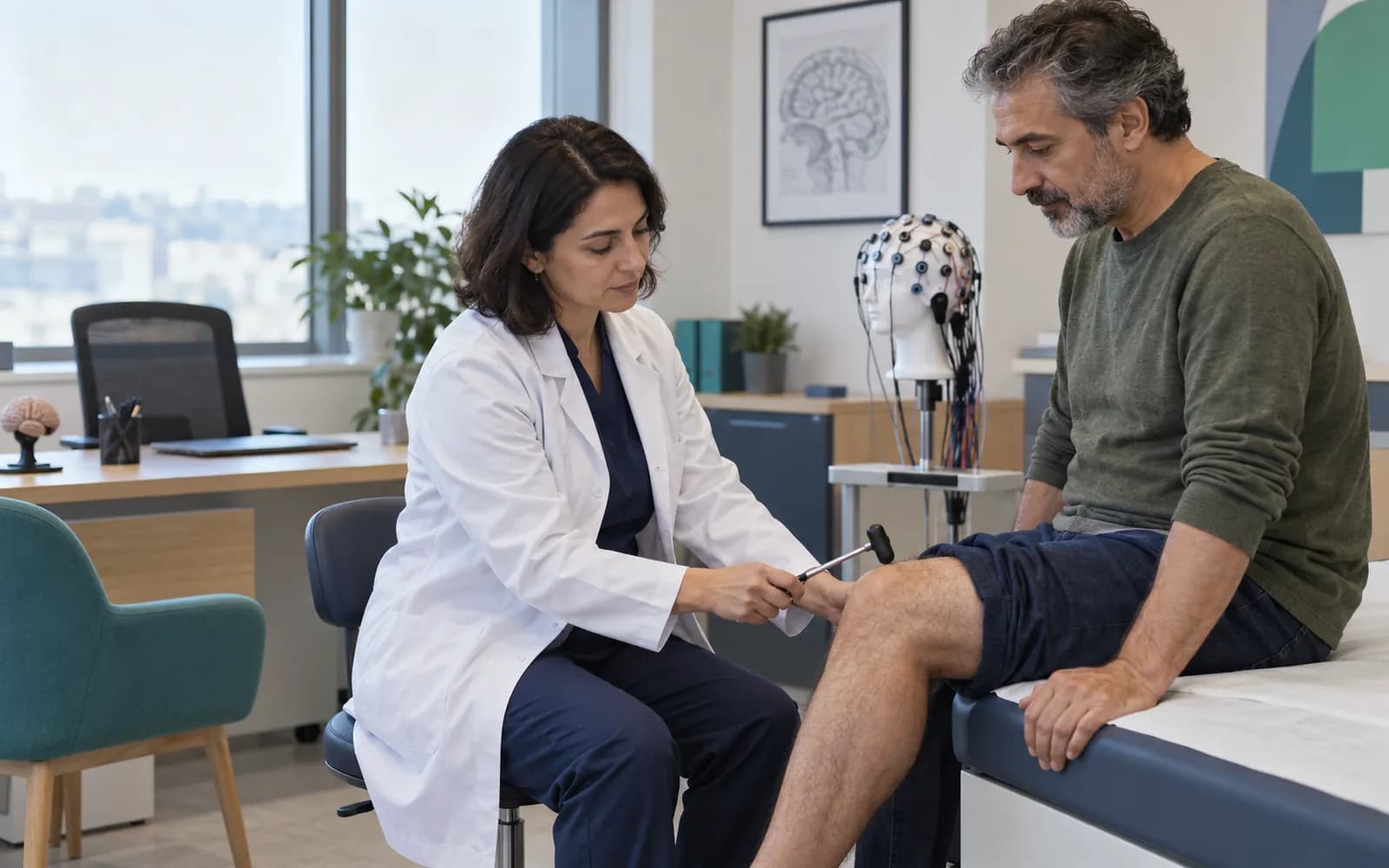
Neurology
Neurology clinic software
In neurology the exam is a moment, while the disease unfolds over time: seizures, attacks, headache days, medication changes. HekimBis gathers this time data as a diary, shows it on the same line as function scores and the medication plan, and records the neurological exam in defined fields.
The visit is spent interpreting data, not recalling it
When a neurology patient arrives, the first question you ask is usually the same: how many attacks were there in this period, how did they go, how has the medication worked. The diary prepares that answer in advance, so the visit is spent interpreting data instead of recalling it.
The attack diary can be filled in during the visit by the physician or team; if the defined form in the patient portal is used, the patient or a relative fills it in. Content you approve is published to the patient.
Four needs of a neurology clinic
Consciousness, cranial nerves, motor, sensory and reflex sections are recorded in defined fields.
Attack date, duration, type and trigger; filled in during the visit or through the defined form in the portal.
Validated scores are kept with source and version; the score is calculated automatically and drawn as a series.
Medication, dose and side-effect notes, monitoring tests and the check interval are tied to the plan.
The attack diary is read on a calendar
In the monthly calendar every day is a cell, and the color of the cell shows that day's attack count or severity. Tap a day to open the attack type, duration, trigger and notes. Below the calendar, medication start and dose change marks and the serial line of the function score sit on the same time axis; you can compare across months.
5 · Mild
Generalized attack · 3 min · Stress
Function score: 63 · Monthly total: 10
Table view
| Day | Count |
|---|---|
| 1 | 0 |
| 2 | 1 |
| 3 | 1 |
| 4 | 1 |
| 5 | 1 |
| 6 | 0 |
| 7 | 1 |
| 8 | 0 |
| 9 | 0 |
| 10 | 0 |
| 11 | 0 |
| 12 | 0 |
| 13 | 1 |
| 14 | 0 |
| 15 | 1 |
| 16 | 0 |
| 17 | 1 |
| 18 | 0 |
| 19 | 0 |
| 20 | 0 |
| 21 | 0 |
| 22 | 0 |
| 23 | 1 |
| 24 | 0 |
| 25 | 0 |
| 26 | 0 |
| 27 | 0 |
| 28 | 0 |
| 29 | 0 |
| 30 | 1 |
Names, values and records on screen are examples prepared for illustration.
Reports and images on the same patient card
EEG and EMG reports, MRI and CT image links and documents from outside centers sit in the same chronological flow. The earlier image opens side by side; if a critical finding is flagged, a task goes to the responsible physician and stays open until it is acknowledged.
- A chronological report flow
- Side by side with the previous image
- Critical finding task
- Outside documents with their source
A patient at a three-month check-up
For a patient who comes for the three-month check-up, the diary shows the attack days and their durations on a calendar. You read attack frequency together with the medication change mark, update the function score and record the neurological exam in defined fields. The EEG report is attached to the patient card. The treatment plan is updated and a follow-up reminder is scheduled; the plan you approved appears in the patient portal.

Report and image flow in neurology
In neurology, the result from a device is mostly a report: EEG and EMG reports, MRI and CT images and lab results.
- EEG and EMG
- The report and summary findings attach to the patient card.
- MRI and CT
- The image and report link stay in the file.
- Laboratory
- Test and monitoring results are shown.
- Earlier reports and documents
- Added as files with their source.
Common questions about neurology software
Is there a separate profile for neurology?
Yes. Neurology is one of the defined clinical profiles: neurological exam, attack and seizure diary, function scores and treatment follow-up. It is versioned and passes two separate clinical sign-offs before release.
Who fills in the diary?
During the visit the physician or team can fill it in; if the defined form in the patient portal is used, the patient or a relative does. Content you approve is published to the patient.
Are my EEG and EMG devices supported?
Device connections are verified per manufacturer, exact model, protocol and version, and the verified ones are listed. A report or file from a device that is not on the list can be imported with a note that it is not integrated.
Which function scores are used?
Validated scores with a recorded source and usage right are used; the score name, version and interpretation limit are versioned inside the definition. Interpreting the score belongs to the physician.
How is sensitive data protected?
Access is limited by role, branch and care relationship, a narrower rule can be defined for sensitive notes, and every access is written to the audit log.
Can online sessions be used?
Online sessions take place with the facility's permission and defined recording conditions. Session recording is off by default.
Are there medication safety warnings?
Allergy, duplicate ingredient and interaction warnings appear as you prescribe. Warnings are advice and the decision belongs to the physician.
Does the AI write the neurology note?
The AI turns a dictation into a draft and flags missing fields; the record does not become final until you approve it. With the AI switched off, the flow continues by hand.
Keep reading
Related pages
Features
Specialties
Software guides