
Pathology
Pathology laboratory software
In pathology, behind every slide is a cassette, behind every cassette a container and behind every container a patient, and the chain must not break. HekimBis keeps the chain in the same record from the order to accession, container, cassette and slide identities, and on to draft, consultation, signature and the final report.
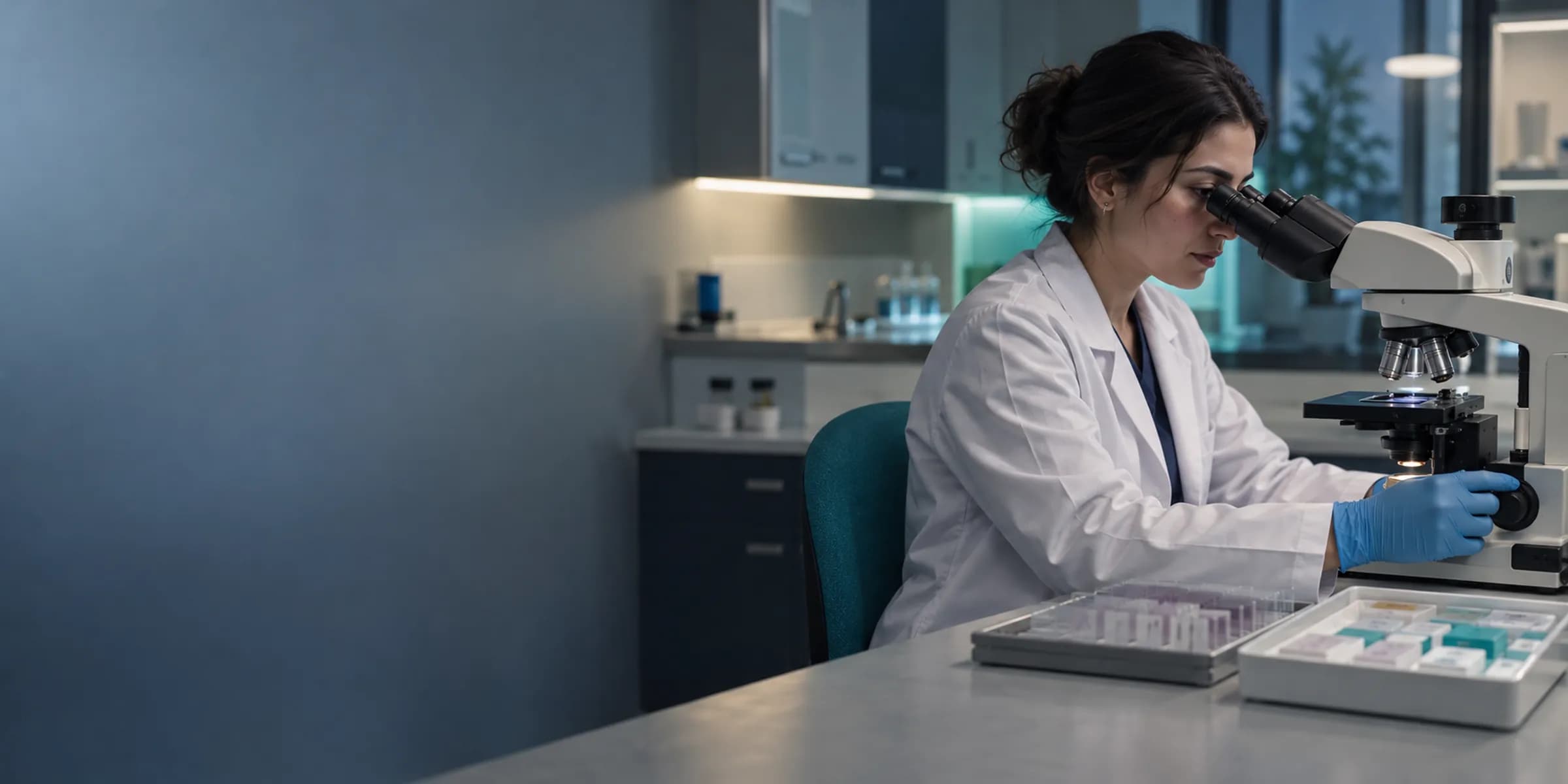
No link in the chain is left without an owner
For outpatient facilities and small to mid-size diagnostic businesses, the pathology workflow starts with the order, clinical information, specimen type and anatomical site. Acceptance or rejection, gross examination, processing, sectioning and staining, histology or cytology findings, diagnosis and synoptic fields are in the same chain.
When a clinic sends a biopsy, the clinical information and anatomical site arrive with the order. The laboratory assigns an accession number and prints the container identity; after gross examination, cassettes and slides are linked to the container. The pathologist writes findings under the microscope with synoptic fields, and if additional work is needed, outside laboratory follow-up is opened.
Five working steps of a pathology laboratory
- Order and accession
- The order arrives with clinical information, specimen type and anatomical site; an accession number and container identity are issued.
- Gross examination and cassette
- Gross findings are written, and cassettes are linked to the container and labeled.
- Section, stain and slide
- Each slide is tied to its cassette and container identity; the microscopy image is kept with the slide.
- Diagnosis and signature
- The diagnosis and synoptic fields are written as a draft, and after consultation and signature the final report is published.
- Notification and correction
- A critical or discordant finding is notified to the ordering physician; with an addendum or correction the old version is kept.
The container, cassette and slide chain is followed as a tree
In the tree view the root is a container; cassettes branch from it, and slides from the cassettes. Each node shows its identity (barcode), status (received, in process, stained, read, archived), who did the work and when. A label that does not match appears with a red warning and stops the chain; select a slide to open its microscopy image, diagnosis note and report line.
L-0057-1a
The diagnosis note and microscopy image are linked to the slide identity.
A non-matching label stops the chain; the record falls to human review.
Table view
| Source | Status |
|---|---|
| K-0057 | Container |
| B-0057-1 | Cassette |
| L-0057-1a | Read |
| L-0057-1b | Stained |
| L-0057-1c | Stained |
| B-0057-2 | Cassette |
| L-0057-2a | Stained |
| L-0057-2b | Processing |
| L-0057-2c | Processing |
| B-0057-3 | Cassette |
| L-0057-3a | Processing |
| L-0057-3b | Processing |
Names, values and records on screen are examples prepared for illustration.
The pathology flow from order to final report
The order starts with an accession and container, and moves from acceptance to gross examination, cassette, sectioning and staining, microscopy and diagnosis; after draft, signature and final come notification and portal publishing. If a specimen is rejected, a request for a new specimen opens; while additional work or an outside laboratory is pending, the report stays a draft, and addenda and corrections keep the old version.
Notification and portal
The ordering physician is informed; portal release needs physician approval.
- The process is complete here.
All steps
- 01 Request (Ordering clinic) A pathology order is opened with clinical information, specimen type and anatomical site.
- 02 Accession and container (Specimen reception) An accession number is assigned and the container ID is printed.
- 03 Acceptance (Specimen reception) The specimen and order are checked; accept or reject.
- 04 Gross examination (Laboratory) The specimen is described macroscopically and processed.
- 05 Cassette (block) (Laboratory) Cassettes are associated with the container.
- 06 Sectioning and staining (slide) (Laboratory) Slides are produced from the cassette, stained and labeled with identity.
- 07 Microscopy and diagnosis (Pathologist) The pathologist reads the slide and writes findings with synoptic fields.
- 08 Draft, sign, final (Pathologist) The report advances from draft to signature and final.
- 09 Notification and portal (Portal) The ordering physician is informed; portal release needs physician approval.
Alternative path from 03 Acceptance; it returns to the main flow at 01 Request.
- 03a Rejection (Specimen reception) An unsuitable specimen is rejected and the reason is recorded.
- 03b New specimen request (Ordering clinic) A request for a new specimen is sent to the ordering clinic.
Alternative path from 07 Microscopy and diagnosis; it returns to the main flow at 07 Microscopy and diagnosis.
- 07a Additional work pending (Pathologist) While extra staining or an external laboratory result is pending, the report stays a draft.
- 07b External laboratory result arrived (Pathologist) The result is added to the report and reading continues.
Alternative path from 08 Draft, sign, final; it returns to the main flow at 09 Notification and portal.
- 08a Addendum or correction (Pathologist) A new version is added; the old version is kept.
Alternative path from 08 Draft, sign, final; it returns to the main flow at 09 Notification and portal.
- 08a Critical / discordant finding (Pathologist) The ordering physician is notified; it stays an open task until acknowledged.
- 08b Acknowledgement (Ordering clinic) The physician acknowledges the notification.
09 Notification and portal
Synoptic report, additional work and outside laboratory
The report carries diagnosis and synoptic fields in a defined form; additional work (stains, extra sections) and outside laboratory follow-up tie to the report status, and the report stays a draft until the result arrives. Consultation, signature, final, addendum and correction are part of the lifecycle, and old versions are kept.
- A report defined by synoptic fields
- Outside laboratory follow-up
- Consultation and signature
- The old version is kept with an addendum or correction
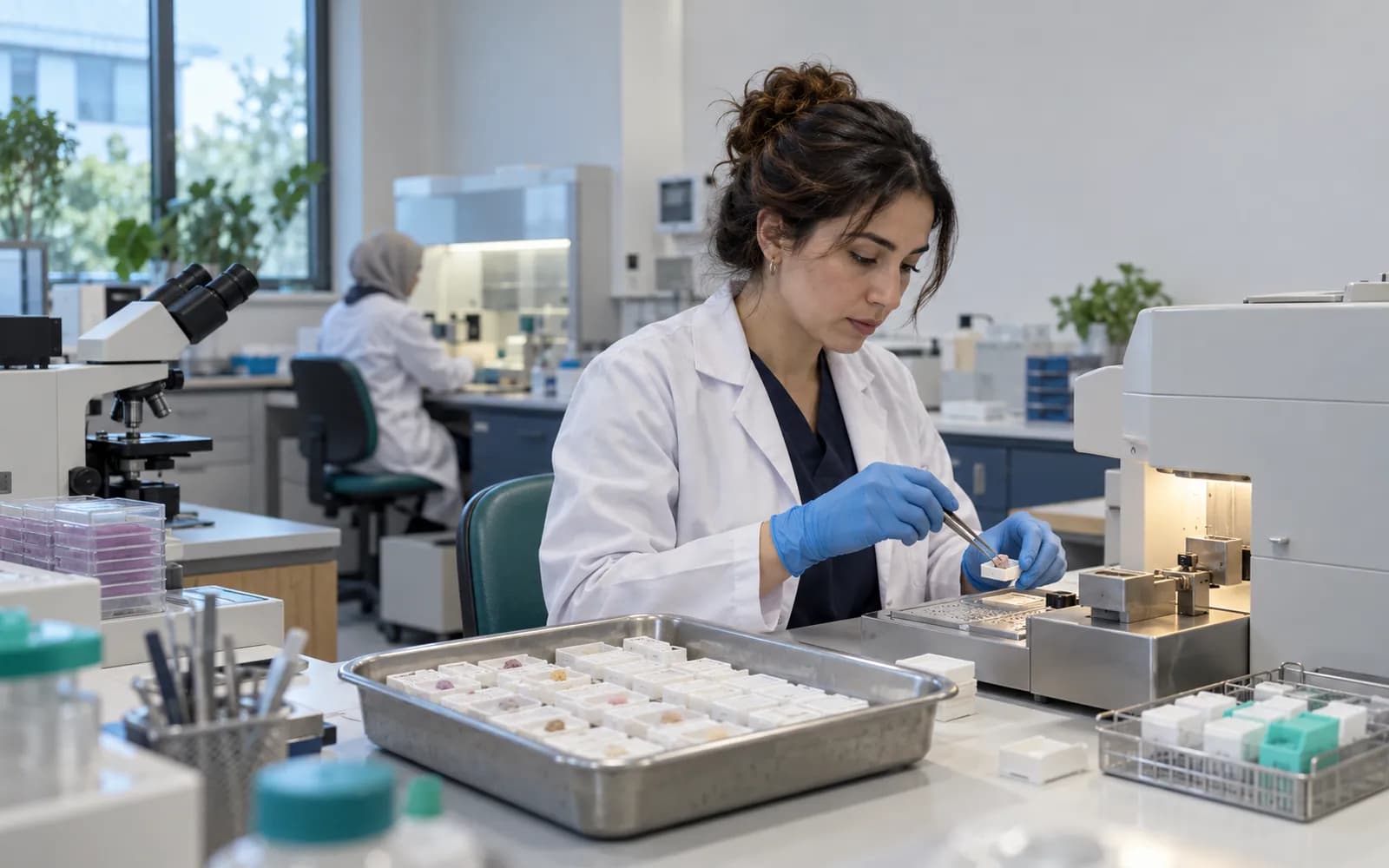
Every status has a responsible role
Each of the steps order, acceptance or rejection, gross examination, processing, sectioning and staining, microscopy, draft, consultation, final and addendum rests with the relevant role: the ordering clinic, specimen reception, laboratory technologist, pathologist and portal each see their part. Every transition is recorded with user, time and version information.
- Specimen reception checks the label and identity
- The laboratory technologist runs processing, sectioning and staining
- The pathologist writes the diagnosis and signs
- Portal publishing happens with the doctor's approval
Microscopy and pathology media
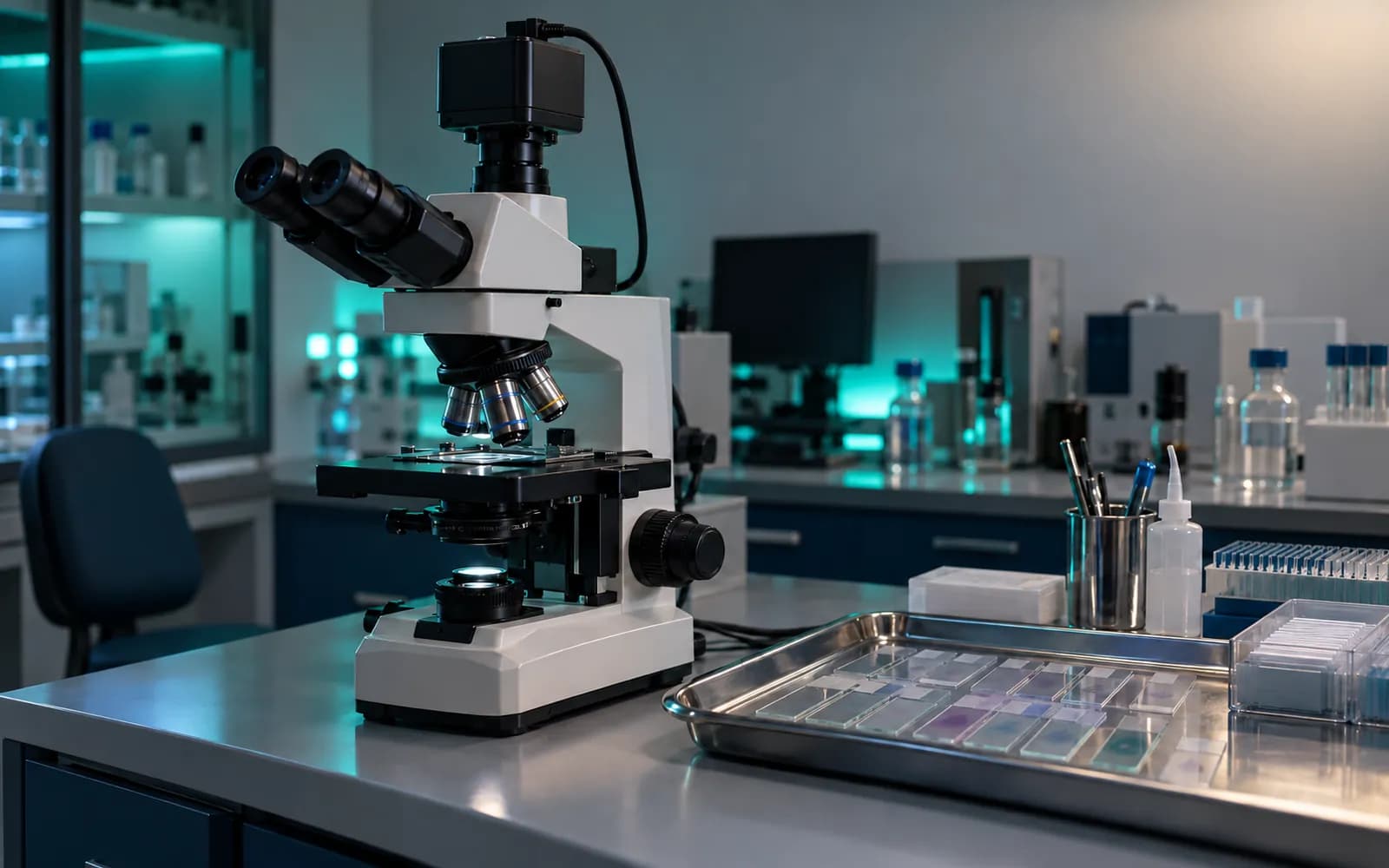
The device flow in pathology consists of microscopy images, scanner output and report attachments.
- Microscope cameras
- The image is linked to the slide identity.
- Slide scanner output
- Taken as a file, or handed off to an approved digital pathology viewer.
- Barcode and label printer and reader
- Container, cassette and slide labels are printed and scanned.
- Report attachments
- PDF and image attachments are added to the report.
Common questions about pathology laboratory software
Is there a separate profile for pathology?
Yes. Pathology is one of the defined clinical profiles: order, specimen, accession, container-cassette-slide chain, gross examination, diagnosis, synoptic fields and the report lifecycle. It is versioned and passes two separate clinical sign-offs before release.
Does it work with a digital pathology viewer?
An authorized handoff with an audit record is made to your existing approved digital pathology viewer, and the slide image opens together with its identity.
What happens if labels get mixed up?
An identity mismatch stops the chain; the record falls to human review and the reason is recorded. No automatic correction is made.
How is a microscopy image linked?
The image is linked to the slide identity; access is limited by role and care relationship, and every access is written to the audit log.
What happens to the old report when a report is corrected?
An addendum or correction is added as a new version; the old version is kept and the reason is recorded.
Are specimens sent to an outside laboratory tracked?
Yes; dispatch, pending result and returned report tie to the report status. The report stays a draft until the result arrives.
Are my devices supported?
Device connections are verified per manufacturer, exact model, protocol and version, and the verified ones are listed. An image or file from a device that is not on the list can be imported with a note that it is not integrated.
How does the result reach the patient?
The final report is published in the portal with the doctor's approval; notifications carry no health data.
Keep reading
Related pages
Features
- Laboratory and LISOrders, specimen barcodes, analyzer results, verification, and critical values.
- Roles and permissionsRole families, branch and sensitivity context, break-glass access, full audit trail.
- Reporting and analyticsOperations, clinical quality, finance, inventory, diagnostics, and messaging reports.
Specialties
Software guides