
Polyclinic software keeps a multi-physician team in one order
Polyclinic and medical center software manages the rooms, devices, waiting room, cash desk and mandatory reporting of many physicians working under one roof. HekimBis comes with the Pro package for a single-branch, multi-physician setup and grows with the same data to multiple branches later.

From the front desk to the room
Unlike a solo practice, a polyclinic asks three things of the patient journey: managing many patients at once, tying the right physician to the right room and device, and keeping the waiting room calm. The flow below shows this journey from the point of view of the patient, the front desk, the physician and accounting.
When an appointment is made, not only the physician but also the room and the device are reserved; if there is a conflict the system suggests an alternative time. The patient reports arrival by QR code or at a kiosk and appears on the waiting-room board. The call is made by room number, so no spoken announcement or paper queue ticket is needed in the corridor. The exam and test order are done in the room, the charge and payment are completed at the cash desk, and the follow-up appointment is booked. A walk-in patient is taken straight to the waiting step.
This arrangement has one more management benefit: waiting time and delay become measurable. The report shows at what hour, in which room and with which physician a backlog builds up, and the fix is to rebalance the calendar instead of shouting louder. See Front desk and check-in and Appointments and calendar.
The waiting-room board also respects patient privacy: the screen shows an abbreviated identity or a queue code instead of a name, and the details stay on the patient card. The delay estimate updates when the physician is really late and can be sent to the patient as a notification; this reduces the crowd in the waiting room, patients phoning to ask when to come, and the front desk explaining one by one. Arrival by kiosk or QR code leaves the front desk free to deal only with patients who need identity verification or who will pay.
Control visit / recall
- The process is complete here.
All steps
- 01 Appointment: doctor, room and device reserved together (Front desk)
- 02 Arrival: QR or kiosk (Patient)
- 03 Waiting-hall board (Front desk)
- 04 Called to a room number (Room / doctor)
- 05 Consultation and test order (Room / doctor)
- 06 Charge and payment (Cash desk)
- 07 Control visit / recall (Front desk)
Alternative path from 01 Appointment: doctor, room and device reserved together; it returns to the main flow at 02 Arrival: QR or kiosk.
- 01a Room or device conflict: alternative times offered (Front desk)
Alternative path from 02 Arrival: QR or kiosk; it returns to the main flow at 03 Waiting-hall board.
- 02a Walk-in (Front desk)
07 Control visit / recall
A resource calendar for rooms, devices and chairs
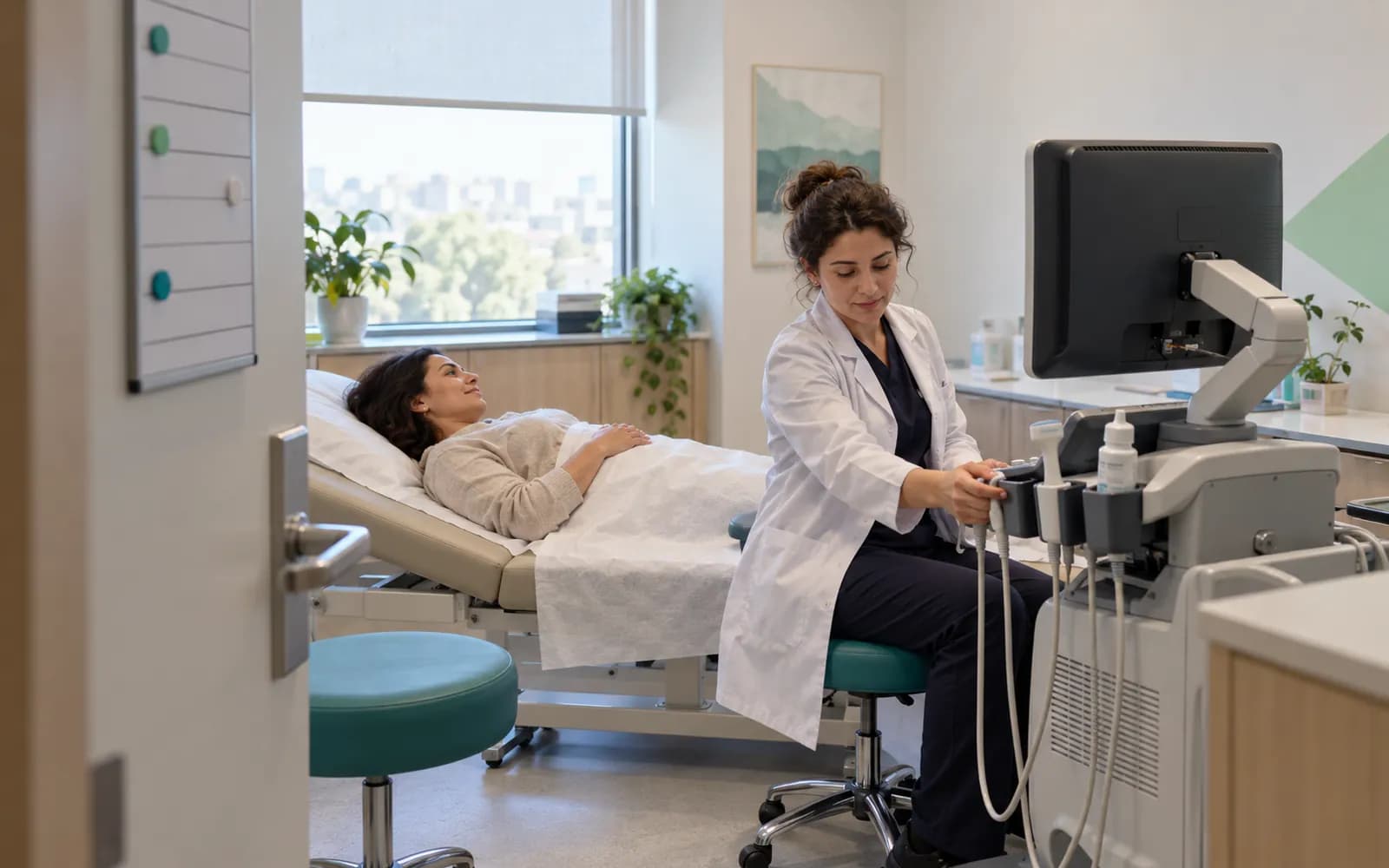
In polyclinics the bottleneck is often not the physician but the resource: the one ultrasound machine, the one small procedure room, the one dental chair. HekimBis therefore builds its calendar not only as a physician diary but as a resource calendar.
For each service the duration, preparation or cleaning allowance, required room and device, and suitable staff rule are defined. An appointment is placed only into suitable gaps under these rules, and a database-level constraint prevents double booking. Public holidays, shifts, leave and break blocks are applied to working hours. Recurring, multi-session and group appointments are managed from the same calendar.
So that a freed slot does not stay empty, the waiting list makes timed offers: when a cancellation arrives the offer goes to the next patient, and if it is not accepted it moves on to the one after. The call-center screen lets authorized staff see availability across branches. Device maintenance, calibration and fault status appear as blocks in the calendar, and no appointment is given to a device under maintenance. See Staff and operations and Device connections.
The growth of a polyclinic is also managed by resource logic. When a new room or device is added, only the resource definition is opened, and service rules can add the new resource to the candidate list automatically. When a physician takes leave, their room can be assigned to another physician and conflicts in the calendar are visible beforehand. If different specialties work under the same roof, each physician sees their own specialty profile and service list; shared resources such as ultrasound are shared across specialties.
Mandatory data submission inside the product
In outpatient diagnosis and treatment facilities within scope, clinical data is expected to be sent to the Ministry of Health's central system through the USS and e-Nabız services. Who falls within scope depends on the type of facility and activity; see T.C. Ministry of Health(opens in a new tab) and KTS Registration(opens in a new tab) for details.
In HekimBis this submission is a working part of the product, not a separate add-on. A signed clinical event becomes a data package through a versioned data mapping; the package is sent in a way that does not create duplicates even if repeated, a receipt is taken from the Ministry service and reconciliation is completed. If the service is down, the package waits in an encrypted queue and no record is lost. If an error code returns, the problem falls into the reconciliation queue; the user corrects and resends. For corrections and cancellations the version and cancellation chain is sent, and the source record is not changed silently.
At polyclinic scale submission also has an operations side: where hundreds of records are produced a day, the answer to which package is stuck should sit on a screen you look at every day. In HekimBis the submission screen is filtered by branch, physician and date; successful, pending and failed packages are counted separately, and failed ones fall into the user's own work list. At closing, the question of whether today's submissions are complete is answered at a glance. See e-Nabız integrated software and e-Nabız and USS submission for the whole flow, the queue and the steps of the KTS process.
Cash desk, earnings and stock are part of the day
A polyclinic's end-of-day account is gathered from three places: the cash desk, physician earnings and the warehouse. In HekimBis all three are fed by the exam and procedure record; nobody has to type a detail a second time.
Cash desk
The service catalog and price lists are defined by branch, physician and institution. Charges, deposits, partial and installment payments, refunds and open balances are tracked on the patient account, and cash differences are recorded at cash desk opening and closing. See Finance and payments.
Physician earnings
Earnings are calculated with versioned rules, and the effect of cancellations and refunds shows in the statement. Physicians follow their own statement, and managers follow profitability by service, physician and resource.
Stock and supplies
Supplies are deducted automatically by procedure kit, and the quantity actually used can be corrected. Minimum stock, expiry date and recall alerts turn into tasks; implants and similar supplies used on a patient are traced by lot and serial number. See Stock and purchasing.
At the end of the day the manager answers three questions from one reporting setup: what was collected today, how much earnings arose for each physician, and which supplies ran down. Earnings and profitability are complete in the Pro and Clinic packages; Lite has basic accounts and payments.
How the Pro package fits a polyclinic
In a polyclinic many people touch the same patient record, and not everyone sees the same thing. The front desk manages the calendar and arrival records; the nurse calls the patient from the waiting list and enters vital signs; the physician writes and signs the exam record; the cash desk completes payment; the stock officer follows supplies and orders. Each role opens only its own screen, and a physician looking at another physician's patient depends on a care relationship and a stated reason. This separation protects both privacy and screen simplicity: the front desk manages appointments without seeing the diagnosis note, and the physician examines without dealing with cash desk screens.
The Pro package is designed for a professional team in a single branch. It includes everything in Lite and adds the full lead pipeline, earnings and profitability, stock with lot and expiry dates, advanced reports, custom roles and full connector management.
The package includes five physician and fifteen staff seats and three specialty profiles; with extra seats it grows to ten physicians, thirty staff and eight specialty profiles. When the physician count goes beyond this or a second branch opens, the clinic moves to the Clinic package on the same data.
See Pricing for current prices. The multi-branch clinic solution covers the multi-branch case and the clinic and polyclinic solution covers a single-branch team. See Roles and permissions for how roles and permissions are set up.

Frequently asked questions
What is the difference between polyclinic software and clinic management software?
Polyclinic software focuses on a multi-physician single branch, the waiting room and mandatory reporting; clinic management software stresses the whole team and the role and finance side. In HekimBis they are the same product. See Clinic management software.
Can it be used as medical center software?
Yes. Searches for medical center, polyclinic and health center software describe the same working structure. For imaging and laboratory-heavy setups there is also a diagnostic center solution.
Is e-Nabız submission included?
For facilities in scope, the mandatory USS and e-Nabız submission is managed inside the product; submission, receipt and the resend queue are tracked on the same screen. See e-Nabız integrated software.
Can I manage several rooms and devices?
Yes. Rooms, devices and chairs are tied to the calendar as resources; service rules pick the suitable resource and do not book a device under maintenance.
Are physician earnings calculated?
In the Pro and Clinic packages they are calculated with versioned rules, and the effect of cancellations and refunds shows in the statement. This is the clinic's internal finance tracking.
Is the delay reported to the patient?
When the physician is really late the delay estimate updates and can be sent to the patient as a notification, so the patient learns the expected wait without calling the front desk.
How are roles separated in a multi-physician polyclinic?
The front desk, nurse, physician, accounting and stock officer each open their own screen; in the Pro package custom roles and detailed permissions can be defined. A physician looking at another physician's patient depends on a care relationship and a stated reason.
Does the waiting-room screen show patient names?
The screen shows an abbreviated identity or a queue code instead of a name; the details stay on the patient card.
Is a kiosk needed?
Arrival can be recorded by QR code or at a kiosk; the kiosk is optional.
How is the order set on the waiting-room board?
When a patient reports arrival they get a queue code; the estimated delay, updated by the physician's real status, and the call by room number appear on the same board.
Related pages
Features
- Front desk and check-inArrival logging, QR or kiosk check-in, waiting room status, and delay estimates.
- e-Nabız and USS reportingSending clinical events to USS with versioned mapping, tracking, and reconciliation.
- Inventory and purchasingLot, serial, and expiry tracking, procedure kits, purchasing, and receiving.
Specialties
Solutions and process
Software guides
- Patient tracking softwareWhat patient tracking software is, what it tracks, and how it works in HekimBis.
- Patient registration softwareMatching that prevents duplicates, foreign patient IDs and one file per patient.
- Doctor appointment systemOnline booking, reminders, a waitlist, and mechanisms that reduce no-shows.