
Internal Medicine
Internal medicine clinic software
An internal medicine patient rarely arrives with a single complaint; hypertension, diabetes, thyroid and kidney values are discussed at the same desk. HekimBis gathers problems, medications and lab results on one screen, so you decide knowing how a value moved on the date a drug changed.


Results stay together, decisions take one look
In internal medicine, most of the work is interpreting results. Lab panels, imaging reports and documents from outside centers attach to the patient file linked to their order and problem. You follow medication, tests and visit notes on the same timeline, and when a critical value arrives, a task and notification go to the responsible doctor.
Picture a sixty-five-year-old with hypertension, type 2 diabetes and hypothyroidism. When you open the matrix, the HbA1c row shows a drop after the dose increase three months ago, and the creatinine row shows a rise at the edge of the reference range. Before changing the drug you order a control panel; when the result arrives it reaches you as a task, and publishing to the patient portal happens only with your approval.
Problem rows, lab columns, medication marks
Each row is an active problem and each column is a lab parameter linked to it. Cells show a small trend line and the latest value; medication start, dose change and stop marks sit on the same timeline. Values outside the reference range are flagged, and a change in unit or method raises a mismatched-comparison warning.
Table view
| Problem | HbA1c | Creatinine | TSH | LDL |
|---|---|---|---|---|
| Hypertension | 6.5 | 1.3 | — | 109.7 |
| Type 2 diabetes | — | 1.1 | — | 117.2 |
| Hypothyroidism | — | — | 3.4 | 106.6 |
Names, values and records on screen are examples prepared for illustration.
The daily workflows of an internist
- Multi-problem management
- Active, chronic and resolved problems are linked to each other; medications and tests are tagged to the relevant problem.
- Lab panel orders
- Panels you use often are kept as templates, and the order reaches the lab with its clinical context.
- Critical value flow
- A critical value goes to the responsible doctor and stays an open task until the doctor acknowledges it.
- Medication safety
- Allergy, duplicate ingredient and interaction warnings appear as you prescribe.
- Outside documents and reports
- Reports, PDFs or images from outside are added to the patient file with their source noted.
- Care plan and recall
- Chronic check intervals are defined, and a patient who does not come generates a task.
A file that carries the chronic patient from visit to visit
An internal medicine patient continues on the same line even months later. The previous visit's plan, the pending test and the medication change wait on the first screen of the new visit, so you pick up where you left off instead of starting the history again.
- Pre-visit summary: latest results, changed medications, open tasks
- Add a new problem or mark one as resolved
- Referral and consultation notes appear on the timeline

An AI draft the doctor approves
In long histories and follow-up notes, a structured draft can be produced from dictation, with missing fields and contradictions flagged. The draft does not become final until you edit and approve it, and the source, output and change history are kept. With the AI switched off, the flow continues by hand.
- A draft is a suggestion; the decision is yours
- Every change is tracked with who made it
- A signed record is not edited; corrections are made as an addendum
Safeguards built into the internal medicine record
- Critical value trackingA critical value stays an open task until the doctor acknowledges it.
- Medication warningsAllergy, duplicate ingredient and interaction warnings appear as you prescribe.
- Unit and method checkIf a unit or method changes, the trend line shows a mismatched-comparison warning.
- Documents with sourcesA report from outside is stored together with its source.
- Corrections with historyA signed record is not edited; a correction is an addendum with a reason and a kept history.
- Approved draftsAn AI draft does not become final until the doctor approves it.
Device and result flow in internal medicine
Internal medicine leans on laboratory and point-of-care tests, and results such as ECG and spirometry enter the file as well.
- Lab analyzers and LIS
- Results arrive with their unit and reference range, and the source is recorded.
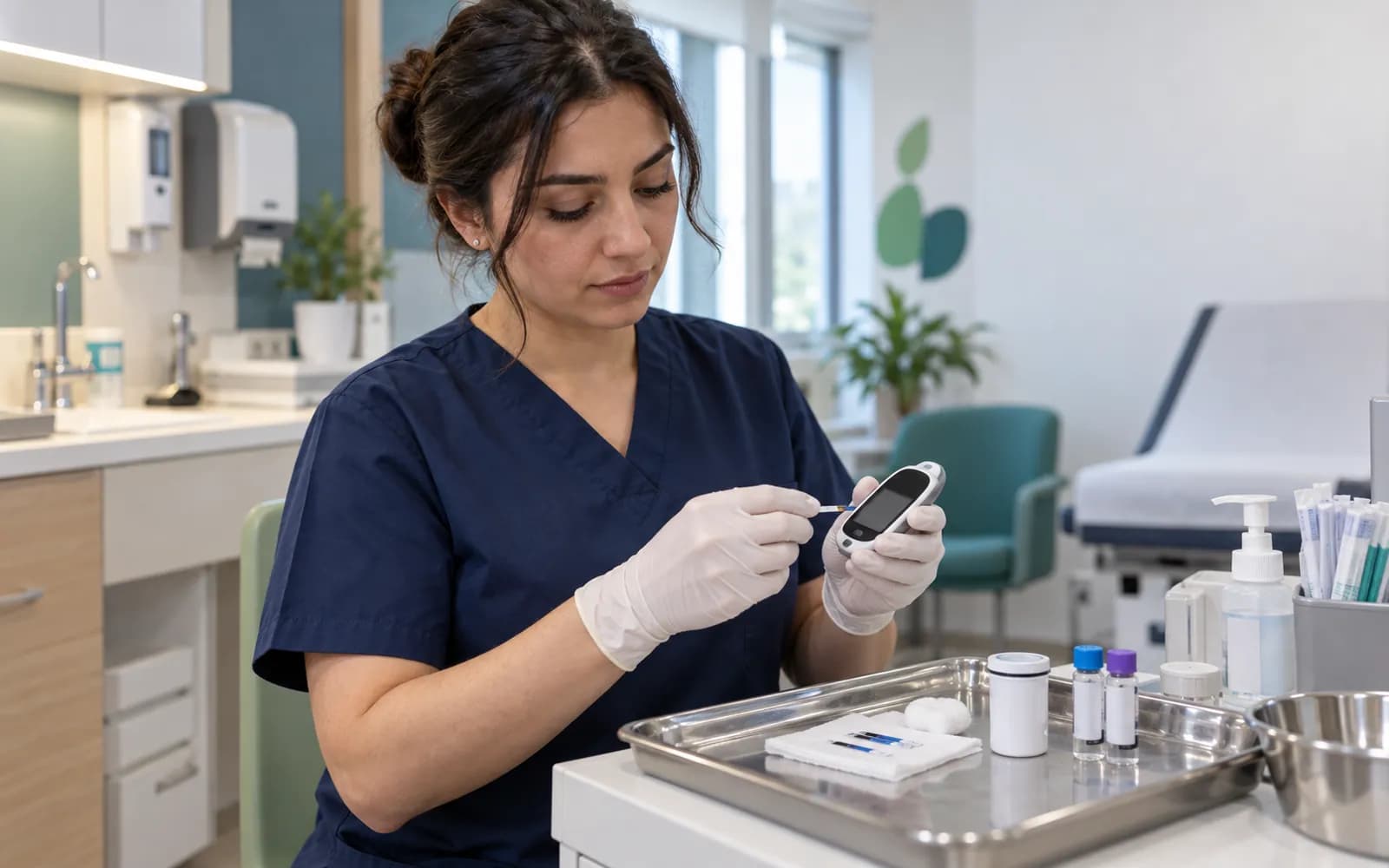
- Point-of-care tests
- Blood glucose, urine and similar quick test results enter the file.
- ECG and spirometry
- The report and summary measurements attach to the patient file.
- Vital sign devices
- Blood pressure, pulse, temperature and saturation are carried into the visit.
Common questions about internal medicine software
Is there a ready profile for internal medicine?
Yes. Internal Medicine is one of the defined clinical profiles: multi-problem list, lab and medication relationships, the critical value flow and the care plan. It is versioned and passes two separate clinical sign-offs before release.
Where do lab results come from?
From the laboratory your clinic is connected to, or your own laboratory. Device connections are verified per manufacturer, model, protocol and version, and a file from a source that is not on the list is imported with a note that it is not integrated.
Can a change of unit mislead the chart?
When a unit or method changes, the system raises a mismatched-comparison warning; if a conversion is applied, the source and formula are recorded.
Can I use extensions such as endocrinology and rheumatology together with internal medicine?
Yes. Endocrinology and Diabetes and Rheumatology are separate defined extensions, and the same clinic can use several packs together.
Which checks run when I prescribe?
Allergy, duplicate ingredient and drug interaction warnings appear as you prescribe, and the prescription draft is stored in the patient file.
Keep reading
Related pages
Features
- Clinical recordsSOAP visit notes with autosave, physician signature, and a permanent audit trail.
- Laboratory and LISOrders, specimen barcodes, analyzer results, verification, and critical values.
- AI assistantStructured drafts, summaries, and suggestions from dictation, all physician-approved.
- Patient managementPatient 360 timeline, tags, duplicate merging, and patient statuses.
Specialties
Software guides