
Device bridge
HekimBis Edge Connector
Cloud software cannot reach a device on a clinic network directly. The Edge Connector is installed at the branch, talks to devices locally and carries data to HekimBis only over an outbound, encrypted and authenticated connection. If the internet drops, data is kept locally and sent without loss or duplication when the connection returns.
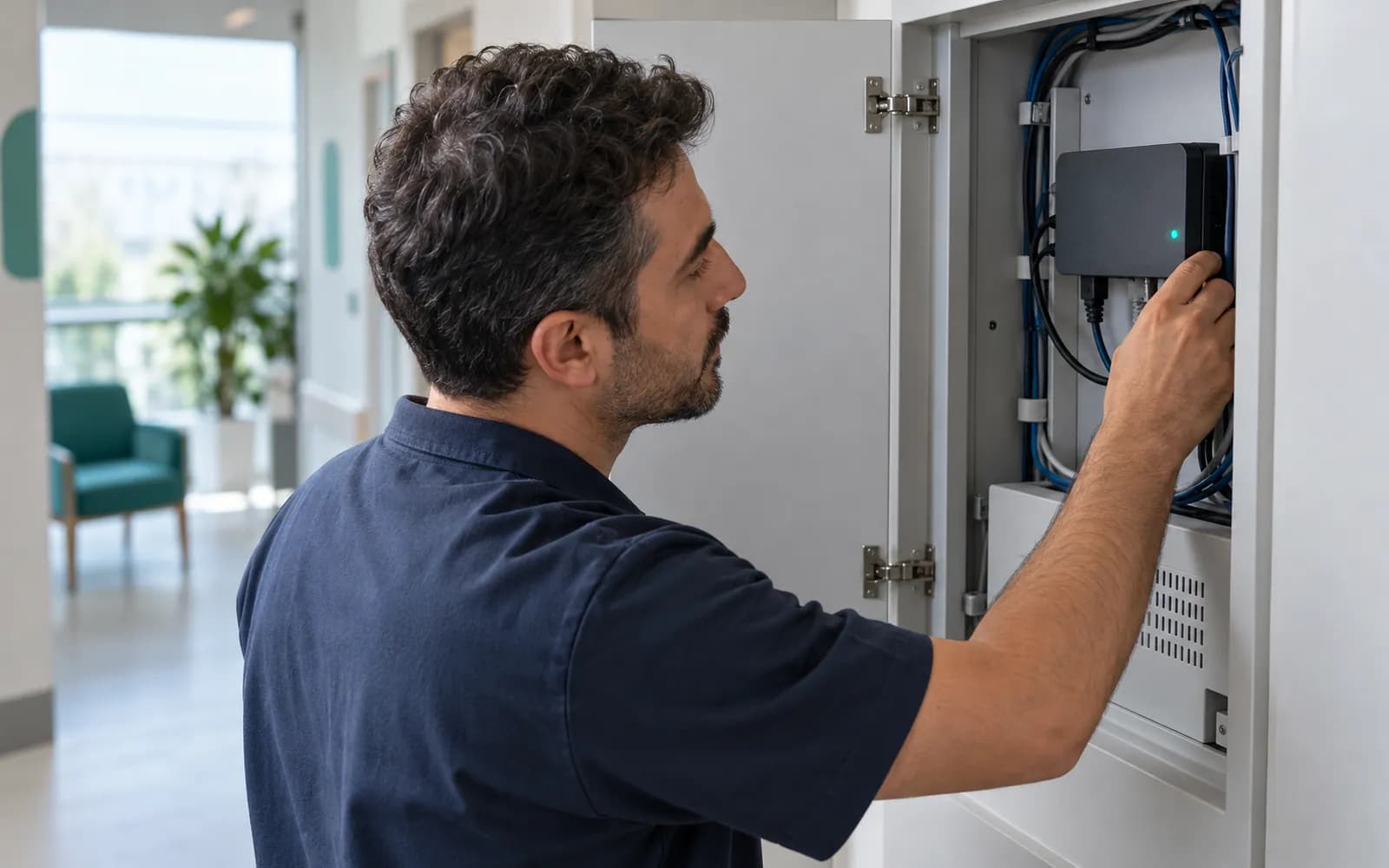
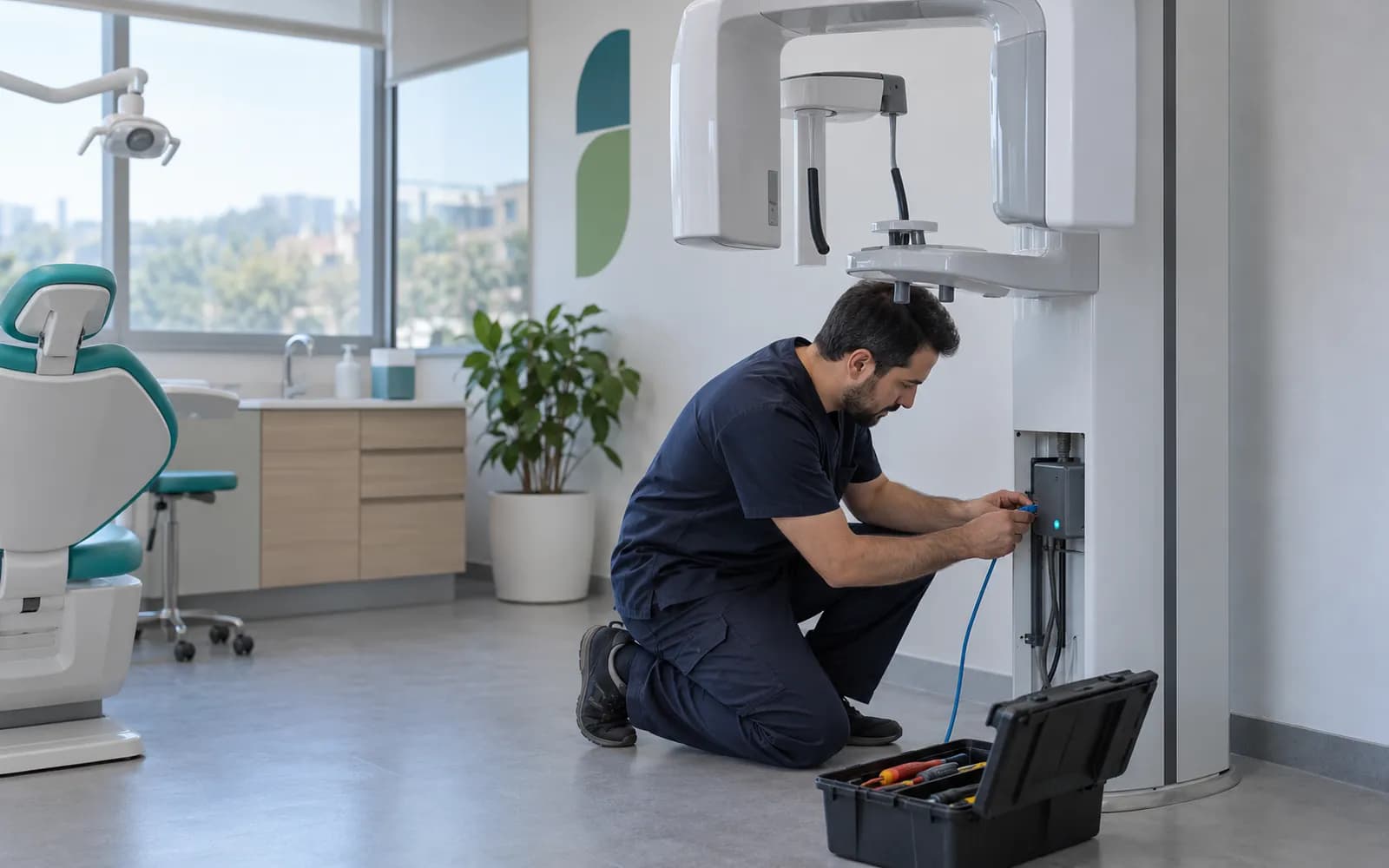
Installation is done at the branch with a wizard
The setup wizard runs on a computer at the branch and the branch identity is selected. The connector is paired to the branch with the approval of an authorized user of the organization, so it cannot send data to another branch or organization.
After pairing, the link between device and archive is tested with C-ECHO. When setup finishes, clock drift, certificate expiry, disk usage and network outages are monitored, and a warning appears on the clinic screen when one of them nears its limit.
On the device side, DICOM, DICOMweb, HL7 and approved device adapters are used. Which device counts as integrated depends on evidence by manufacturer, model, protocol and version.
A bridge that works without opening the clinic network
Eight capabilities get data from a device into the cloud record securely and completely.
- Connection without opening ports
- No connection comes in from the internet to the clinic; only an outbound, encrypted and mutually authenticated connection is made.
- Device protocols
- DICOM, DICOMweb, HL7 and approved device adapters all pass through the same bridge.
- Separate identity and certificate
- The branch, the connector and the device each have their own identity. Certificates are renewed before they expire, and a connection can be revoked.
- Quarantine
- A patient, order, specimen or result that does not match is quarantined and attached to the right record after human review.
- Local queue during outages
- When the internet goes down, data waits in an encrypted local queue. Disk quota and backpressure are monitored and alarms are raised.
- Lossless, duplicate-free delivery
- Sequence numbers and checksums make resending safe, and no duplicate record is created.
- Signed updates
- Automatic updates are signed. There is controlled rollback and a version inventory, and a message interrupted during an update is not lost.
- Raw data stays out of general logs
- Raw message and image data are not copied into application logs or support tools.
The route from device to clinic screen
A result or image sent by a device can be followed through every step from installation to the clinic screen.
Linked to orders, imaging, and results
Appears on the clinic screen and patient timeline.
- The process is complete here.
All steps
- 01 Pairing (Edge Connector) The connector is paired with the branch identity.
- 02 Connection test (Device / PACS / LIS) Verification between device and archive (C-ECHO).
- 03 Device message (Device / PACS / LIS) The device sends a result or image.
- 04 Local encrypted queue (Edge Connector) The message is stored encrypted locally.
- 05 Outbound connection (Edge Connector) Outbound-only, encrypted, authenticated delivery.
- 06 Cloud acceptance (Cloud) Duplicate check, sequence, and checksum are verified.
- 07 Linked to orders, imaging, and results (Clinic screen) Appears on the clinic screen and patient timeline.
Alternative path from 05 Outbound connection; it returns to the main flow at 06 Cloud acceptance.
- 05a Internet down (Edge Connector) Data waits in the local queue; disk quota is monitored and alarms are raised.
- 05b Connection restored (Edge Connector) The queue replays in order and duplicate records are blocked.
Alternative path from 06 Cloud acceptance; it returns to the main flow at 07 Linked to orders, imaging, and results.
- 06a Unmatched identity (Cloud) Patient, order, or result did not match.
- 06b Quarantine (Cloud) Linked to the right record after human review.
Alternative path from 01 Pairing; it returns to the main flow at 05 Outbound connection.
- 01a Certificate expiring (Edge Connector) An alert is raised.
- 01b Certificate rotation (Edge Connector) The identity is renewed before expiry and the connection continues.
07 Linked to orders, imaging, and results
What happens when the internet drops?
While the connection is up, a device message is received, held locally for a short time and accepted in the cloud. When the connection drops, a clear warning on the clinic screen says what to do. Devices keep working on the local network and data builds up in the encrypted local queue.
An alarm is raised before the disk quota fills. If the quota is exceeded, backpressure applies and data is never silently deleted. When the connection returns, the queue is resent in order and the same message is never recorded twice.
Cloud commands are limited by an allowlist and signed. Remote support opens only with the time-limited approval of the organization's administrator and additional verification.
Frequently asked questions about the Edge Connector
Do I need to change the firewall to install the connector?
No port is opened for inbound connections. It is enough to allow outbound connections.
What if I have several branches?
Each branch uses its own connector, identity and certificate. A connector sends data only to the organization and branch it belongs to.
Can a result be lost if the internet drops?
No. Data waits in the encrypted local queue and is sent without loss or duplication when the connection returns. Disk quota has alarms and backpressure.
Can another branch's connector be copied?
Each connector carries a branch-specific identity. An attempt to copy it to another branch is rejected, and the certificate can be revoked.
Which devices are supported?
Combinations tested and approved by manufacturer, model, protocol and version are listed as integrated. Files from other devices are imported manually and labeled as not integrated. See the integrations page for details.
How are connector updates handled?
Automatic updates are signed. There is controlled rollback and a version inventory, installed versions can be managed, and messages interrupted during an update are not lost.
How does remote support work?
Remote support opens only with the time-limited approval of the organization's administrator and additional verification. Cloud commands are limited by an allowlist and signed.
What does a user see when the connector is off?
The clinic screen shows a clear warning that says what to do; failure is never silent.
Keep reading
Related pages
Features
Specialties
Integrations
Company and support
Guides
- The Benefits, Risks and Selection Criteria of Cloud-Based Healthcare SoftwareWhat do you gain and what should you question when moving from desktop software to a cloud-based clinic system? A checklist on data location, backup, outages and device connectivity.
- What Are DICOM and PACS? An Introduction to Clinic Imaging WorkflowDICOM is the standard for images and their information; PACS is the archive system. The flow from imaging order to report, device connection and the relationship with clinic software.