
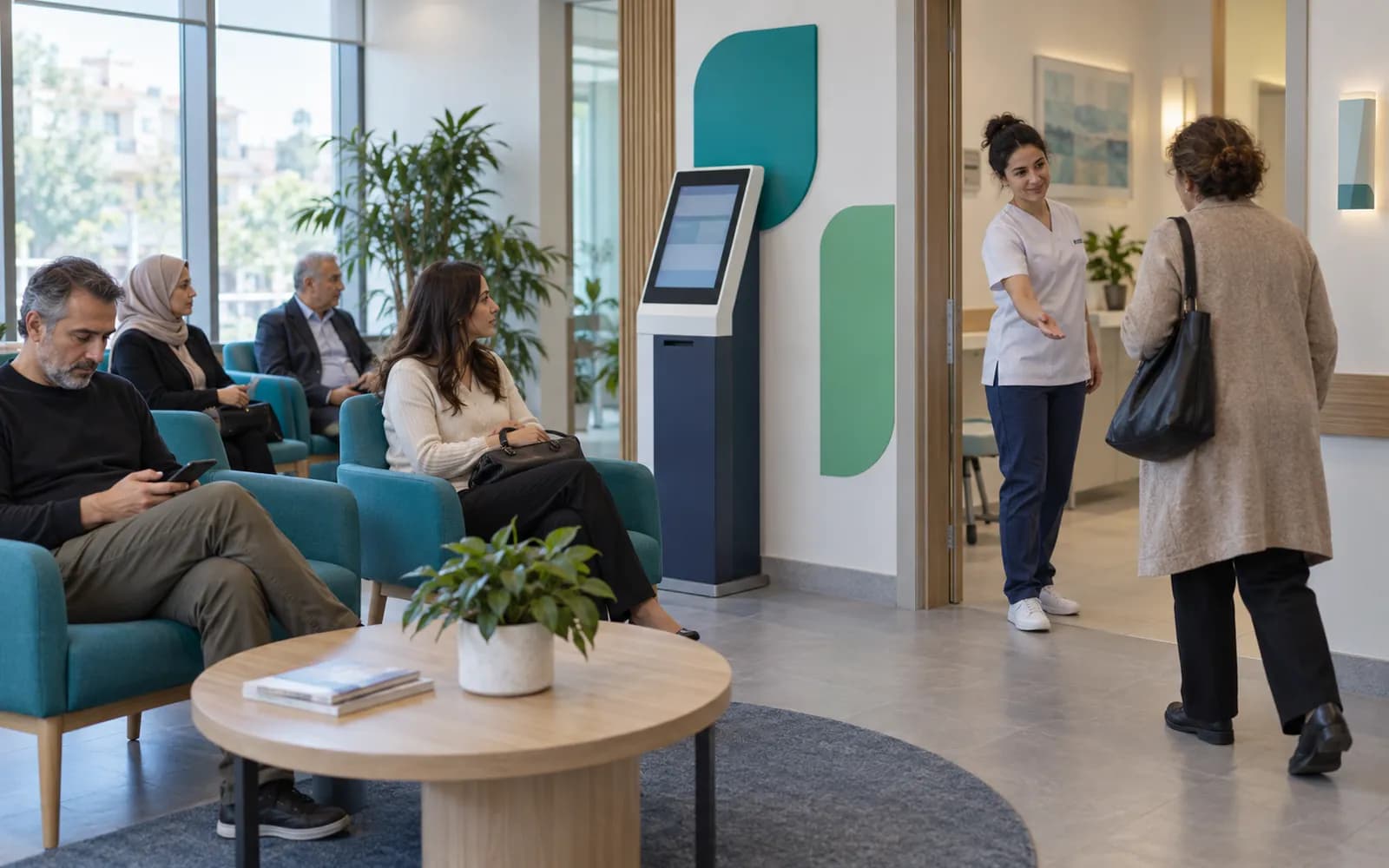
Front desk, check-in and waiting room
From the moment a patient walks in until they leave the room, where they are is always known. The patient reports their arrival by QR code or kiosk, their place shows on the waiting room display, and the status updates when the physician calls them. The front desk no longer has to search for who is where between the phone and the crowd at the door.
Patients report their own arrival
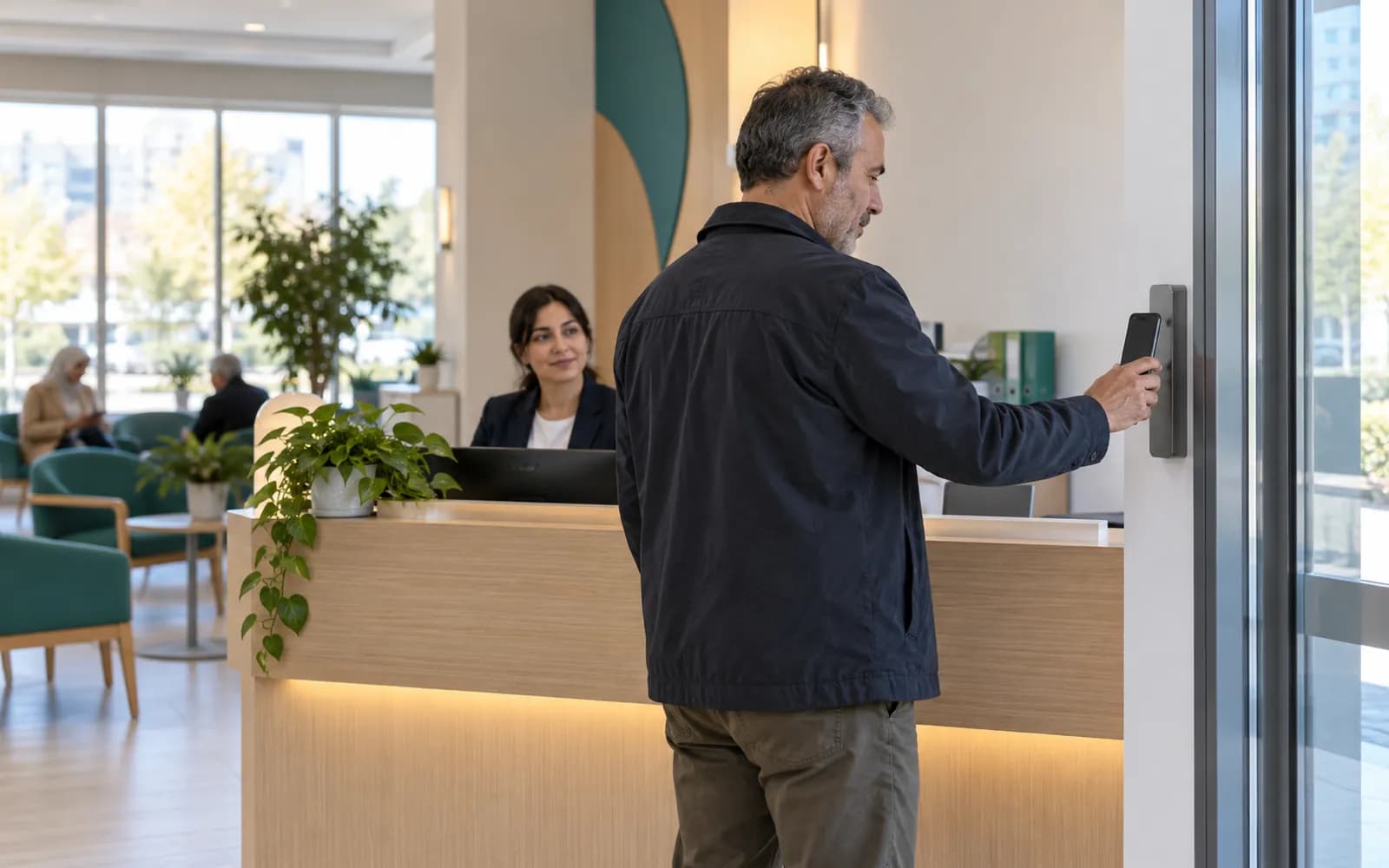
A patient reports their arrival by scanning the QR code with their own phone or at a kiosk, and the front desk sees it and updates the status.
The phone rings just as someone walks in, a physician keeps a patient waiting and an appointment is cancelled. In those moments the front desk follows who has arrived, who is waiting, who is in the room and which slot has freed up from the same view.
QR and kiosk are additional ways to report arrival, and the front desk can also mark a patient as arrived by hand. Your organization chooses the kiosk device. A patient without an appointment is registered as a walk-in and placed straight into the queue when a suitable resource is free.
Arrival, waiting, the room and checkout
A day at the clinic has a few steps from the patient's point of view. HekimBis keeps each step as a status, so the front desk, the physician and the patient all see the same information. The statuses are checked in, waiting, called, in the room, in progress and completed, and cancellation and no-show are statuses of their own.
Departure
The patient stops at the front desk; charges and collection proceed in the finance module and the next appointment is booked.
- The process is complete here.
| Service | Date | Status |
|---|---|---|
| Follow-up | Synthetic date | Scheduled |
The names, times and records on the screen are examples.
All steps
- 01 Arrival (Patient) The patient arrives; the confirmed appointment is waiting in the system.
- 02 QR or kiosk (Patient) The patient reports arrival by QR on their phone or at a kiosk; the status becomes checked in.
- 03 Waiting (Front desk) The patient enters the waiting-room view; the estimated delay is visible to the front desk and on the board.
- 04 Called (Physician and clinic) The physician or nurse calls the patient; the board and front desk update the status.
- 05 In room (Physician and clinic) The patient enters the room; the examination starts and, if there is a procedure, the status moves to in procedure.
- 06 Completed (Physician and clinic) The examination is completed; a recall task is opened if a follow-up or repeat visit is needed.
- 07 Departure (Front desk) The patient stops at the front desk; charges and collection proceed in the finance module and the next appointment is booked.
Alternative path from 01 Arrival; it returns to the main flow at 03 Waiting.
- 01a Walk-in arrival (Front desk) A patient without a booking is registered at the desk; if a suitable resource is free they go straight to waiting.
Alternative path from 03 Waiting; it returns to the main flow at 04 Called.
- 03a Delay notice (Front desk) The previous examination runs long; the estimated delay is updated and the front desk informs the patient or moves a follow-up.
Alternative path from 01 Arrival; the process ends on this path.
- 01a No-show (Front desk) The patient does not arrive by the appointment time; the reason is recorded, the deposit policy is applied, the slot opens to the waiting list and a recall task is created.
07 Departure
Delays become visible and callers hear where there is room

Estimated delays and the waiting room
A visit that runs long creates a chain of delays through the day. HekimBis shows the difference between the appointment time and the actual status, and carries the estimated delay to the front desk and the waiting room display. The front desk tells the patient how long to expect, and moves a check-up to another time if needed. The physician sees a summary of who has arrived and who is waiting.

A cross-branch view for the call center
In multi-branch organizations the call center team follows the calendar and availability of the branches it is authorized for in a secure view. A caller can be told which branch has room and when, and the view carries availability information only.
Multi-branch
No-shows are recorded and repeat less often
A patient who does not show up leaves more than an empty slot; it is unpaid work, and it can happen again. HekimBis records the reason for every cancellation and no-show.
- Cancellation and no-show reasons
- Every cancellation and no-show is recorded with a reason, and the reasons are followed in reports.
- Deposit policy
- If your organization has set a deposit policy, it is applied when the appointment is booked, and the amount collected shows on the patient's account.
- Confirmation and reminders
- Confirmation and reminder messages go out according to the patient's channel consent and quiet-hours preference.
- Recall
- After an appointment is completed, a recall task is opened for any needed check-up or repeat visit, so the patient is not lost.
Frequently asked questions
Can patients check in on their own?
Yes. Patients can report their arrival by QR code on their own phone or at a kiosk, and the front desk sees the notice and updates the status. The front desk can also mark a patient as arrived by hand.
How is a patient without an appointment handled?
The patient is registered as a walk-in and placed straight into the queue when a suitable resource is free. If the patient is already on record, the existing card opens; if not, a new card is created after a duplicate check.
How are patients told about a delay?
The estimated delay shows at the front desk and in the waiting room view, and the front desk informs the patient or moves the check-up. Confirmation and reminder messages follow the patient's channel consent and quiet-hours preference.
How does the deposit work?
A deposit is a policy your organization defines. It is applied when the appointment is booked, the amount collected appears on the patient's account, and refunds and offsets follow the rules of the finance module.
Is it suitable for the front desk of a clinic with many physicians?
Yes. Physician, room and device resources are managed on the same calendar, and the front desk sees the arrival and waiting status of every physician on the same screen. The Pro plan fits a clinic or polyclinic with several physicians.
How does the physician see that a patient has arrived?
The physician sees a summary of arrived, waiting and in-room patients for their own appointments. When a call is made the status updates and shows in the waiting room view.
What information does a front desk employee see?
The front desk role sees the patient's identity and contact details, appointment and payment status. Access to clinical notes depends on separate permission, branch membership and a care relationship, and roles are configured to fit the organization.
Can we work without a QR code or kiosk?
Yes. The front desk can mark a patient as arrived by hand. QR and kiosk are additional ways to report arrival, and your organization decides which to use.
What does the waiting room display show?
The waiting room view shows who has arrived, who is waiting and who is in a room, along with the estimated delay. When the physician calls a patient, the status updates and appears on the display.
What is a recall task and when is it opened?
A recall is a follow-up task opened after a completed appointment for any needed check-up or repeat visit, so the patient's follow-up is not forgotten.
What information does the call center see?
A call center role sees the calendar and availability of the branches it is authorized for and can tell a caller which branch has room and when. This view carries availability information only.
Keep reading
Related pages
Features
- Appointments and calendarPhysician, room, and device calendars with a waitlist and double-booking checks.
- Patient communicationSMS, email, and WhatsApp reminders with consent, İYS, and quiet-hour checks.
- Patient portalA clinic portal where patients follow appointments, forms, consent, results and payments.
Specialties
Software guides
Integrations
Guides
- How Small Moments in the Patient Experience Shape Clinic SuccessPatient experience is not a survey question; it is an operational chain from booking to follow-up. A practical framework for managing waiting, communication and trust.
- Appointment Management for Fewer No-Shows and Winning Back the Empty SlotA patient who does not show up is capacity a clinic cannot recover. Reduce no-shows with reminders, confirmation, waitlists, deposits and calendar design.