
Online payment
Online payment and payment links
The patient pays from their own phone on a secure page hosted by the payment provider. Once the result is verified, the patient's account is updated automatically. Card details never enter the HekimBis system.
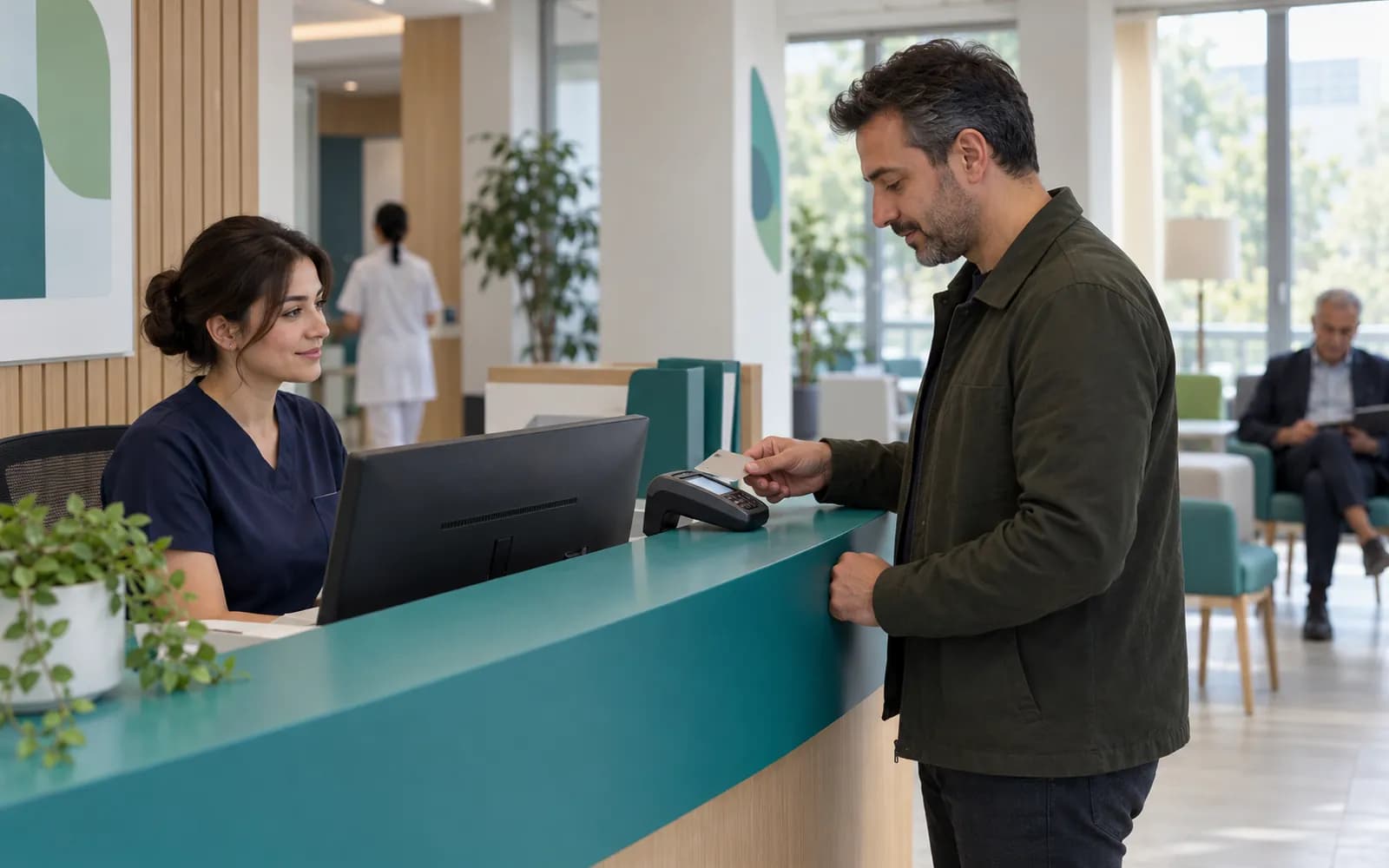

Card details are entered only on the payment page
The card number, expiry date and security code are entered only on the page hosted by the payment provider. HekimBis sees the amount, the charge reference, the payment result and its status.
A payment result is processed only after it is verified that the notification really came from the payment provider and the amount matches the charge. Notifying the same payment twice does not create a duplicate record.
The clinic's patient payments and the payment for a HekimBis subscription are separate flows; their accounts and records do not mix.
From the payment link to the patient account
The clinic creates a charge or deposit, the patient pays through the link, the result is verified and the account is closed.
Receipt and record
The clinic sees the receipt and payment history.
- The process is complete here.
- If a refund is requested06a Refund request
All steps
- 01 Charge (Clinic) The clinic creates a charge or deposit.
- 02 Payment link (HekimBis) A single-use link is created and sent to the patient.
- 03 Hosted page (Payment page) The patient enters card details only on the payment page.
- 04 Result verification (HekimBis) The notice source is verified and the amount matches the charge.
- 05 Account updated (HekimBis) A payment record is created and the balance closes.
- 06 Receipt and record (Clinic) The clinic sees the receipt and payment history.
Alternative path from 03 Hosted page; it returns to the main flow at 02 Payment link.
- 03a Payment failed (Payment page) The card was declined or the payment abandoned.
- 03b New link (HekimBis) The charge stays open and a new link can be sent to the patient.
Alternative path from 04 Result verification; it returns to the main flow at 05 Account updated.
- 04a Duplicate notice (HekimBis) If the same payment is reported twice, no new record is created.
Alternative path from 06 Receipt and record; the process ends on this path.
- 06a Refund request (Clinic) A recorded refund is opened with a reason and approver.
- 06b Refund result (HekimBis) The outcome is reflected on the account.
06 Receipt and record
Deposits, installments and refunds
Deposits
A deposit link is sent for an appointment or treatment plan. The clinic decides whether an appointment is confirmed before the deposit is paid.
Installments and partial payments
Partial or installment collection against treatment plan items is tracked, and the remaining balance appears on the patient account.
Refunds
A refund request is opened as a recorded transaction, its reason and approver are tracked, and the result is reflected in the patient account.
How does a payment affect the financial record?
Online payment is a part of the clinic's internal financial record.
- Charges and patient account
- Quotes, treatment plans and charges are tracked on the patient account, and a payment closes that account.
- Deposits, partial and installment payments
- Deposits, partial or installment payments and refunds are supported, and the remaining balance appears on the patient account.
- Discounts and authority
- For a discount, the reason, the authority limit and, where needed, a second approval are recorded.
- Package and session balances
- Package, credit and session balances are tracked together with their usage history.
- Cash desk
- Cash desk opening and closing, cash differences and authorized corrections are on record.
- Debt follow-up
- Open balances are followed through debt aging, collection tasks and reminders.
- Effect on physician earnings
- Physician earnings are calculated by a versioned rule, and the effect of cancellations and refunds appears in the account statement.
Frequently asked questions about online payment
Is the patient's card information stored with you?
No. Card details are entered only on the page hosted by the payment provider; they do not enter the HekimBis system and are not stored.
What if a payment fails?
The charge stays open, a new link can be sent to the patient, and the attempt is on record.
How is a refund made?
A refund is a recorded transaction; the reason and approver are tracked, and the result is reflected in the patient account.
Can I collect in foreign currency?
In health tourism flows, quotes and deposits in foreign currency are recorded with the exchange rate source and time. See the health tourism page for details.
Does this also apply to the HekimBis subscription?
Subscription payment is a separate flow and is described on the payment security page.
Can the patient also pay on the portal?
Yes. The patient portal includes balance, payment plan, receipt and online payment through the payment provider; card details still never enter HekimBis.
Should an appointment be confirmed without a deposit?
That is the clinic's rule. HekimBis ties the deposit policy to the appointment and the charge; the clinic sets the rule.
Keep reading
Related pages
Features
Specialties
Solutions and process
Integrations
Company and support